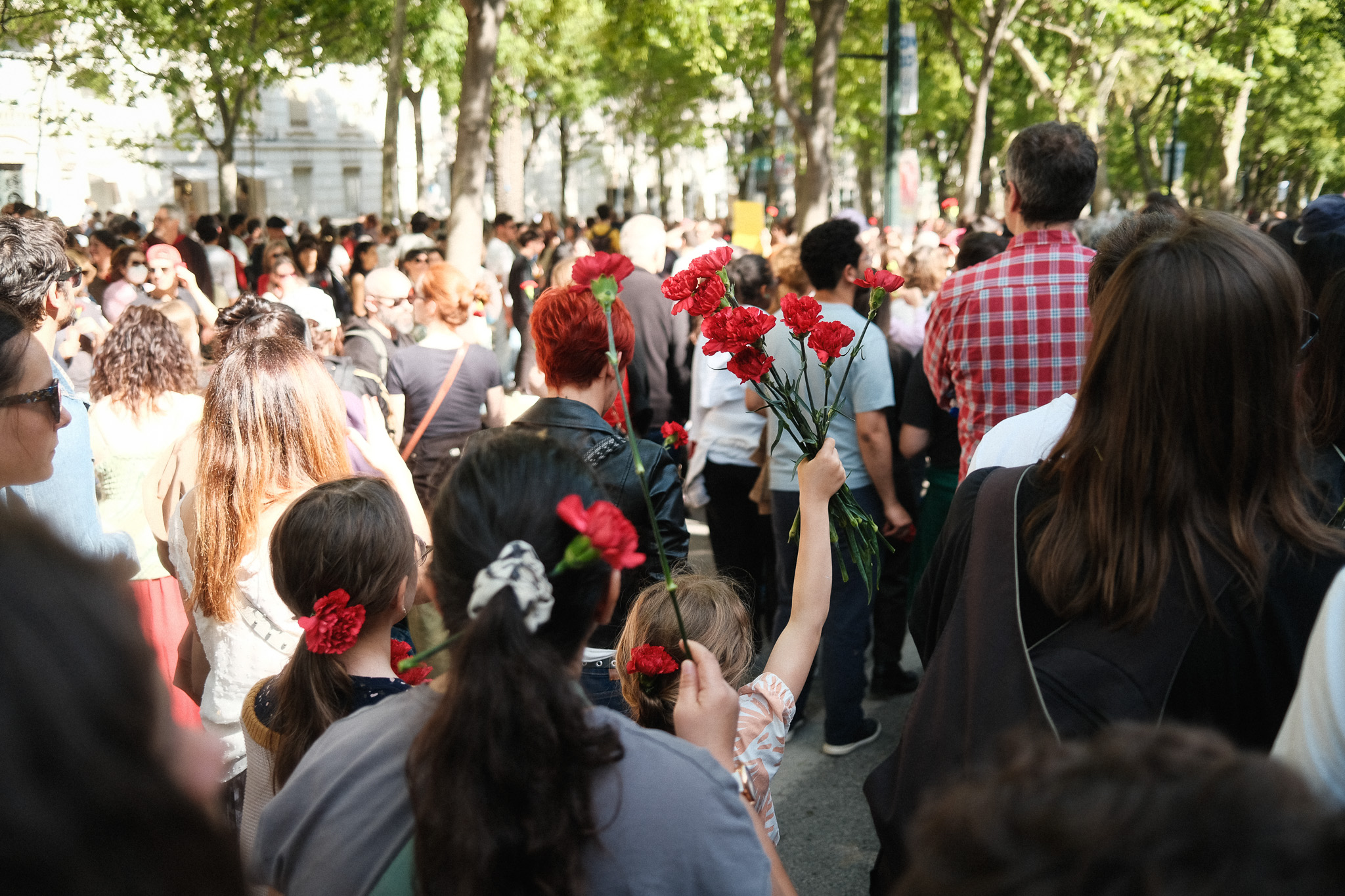
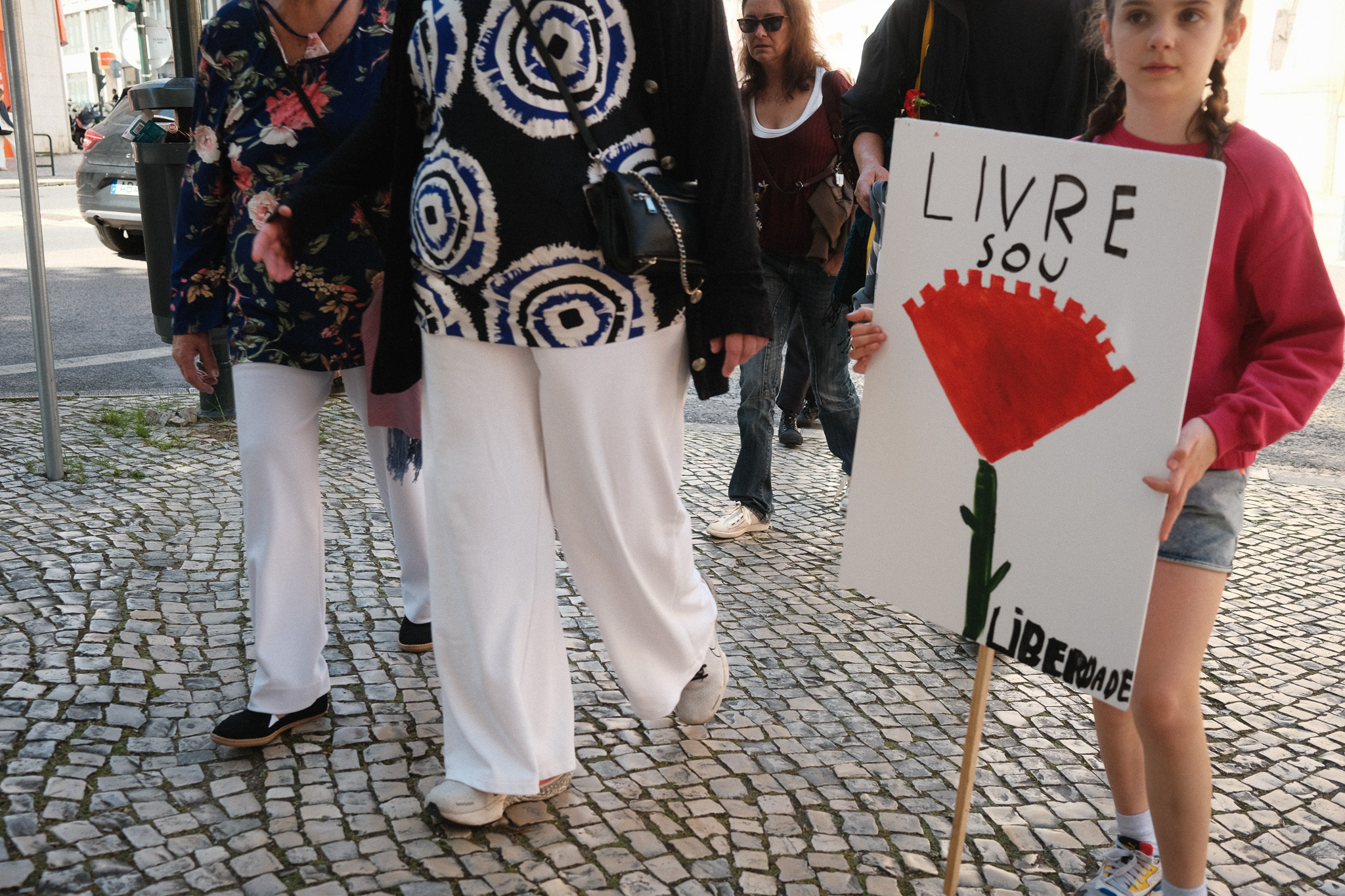
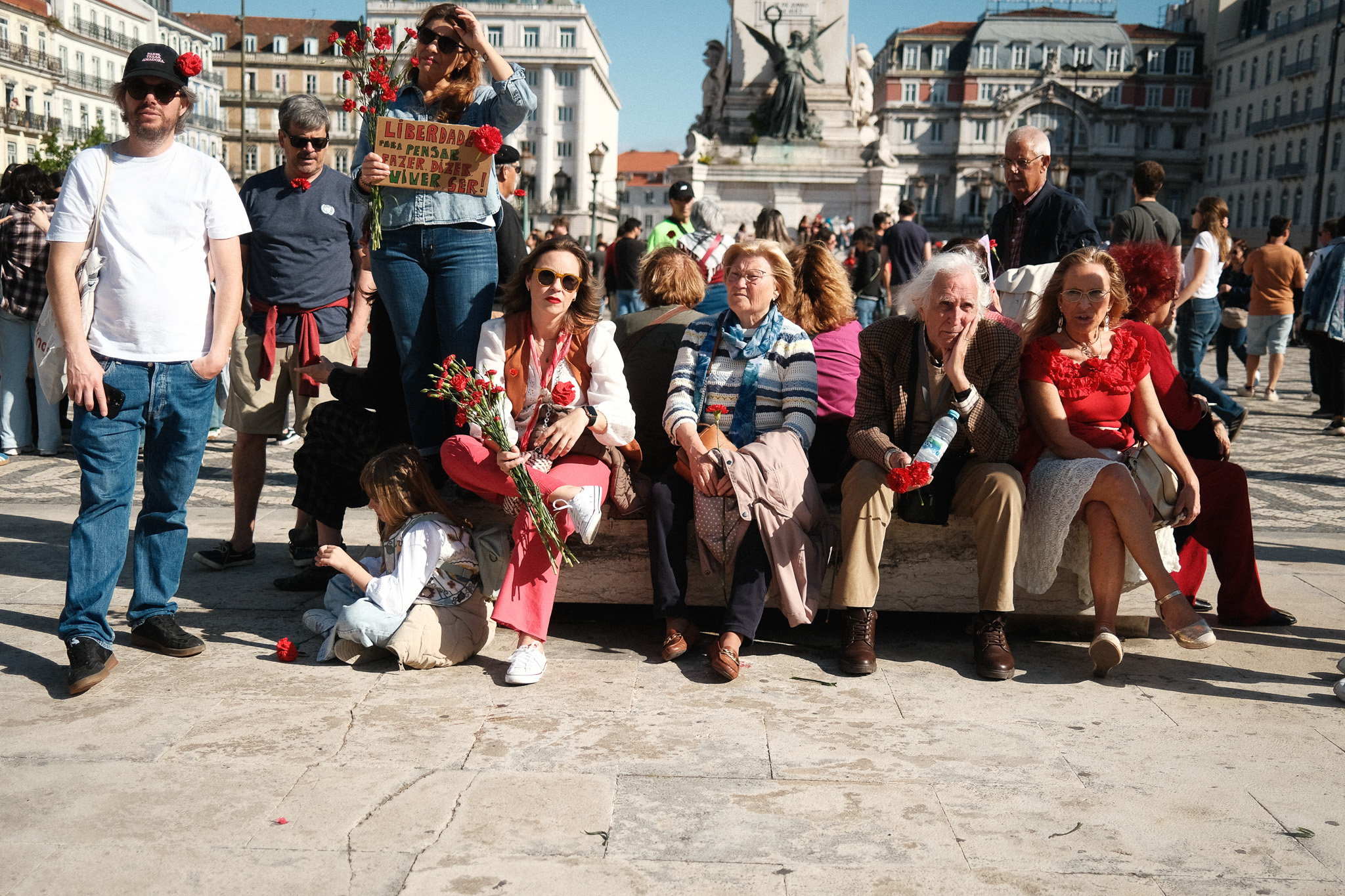
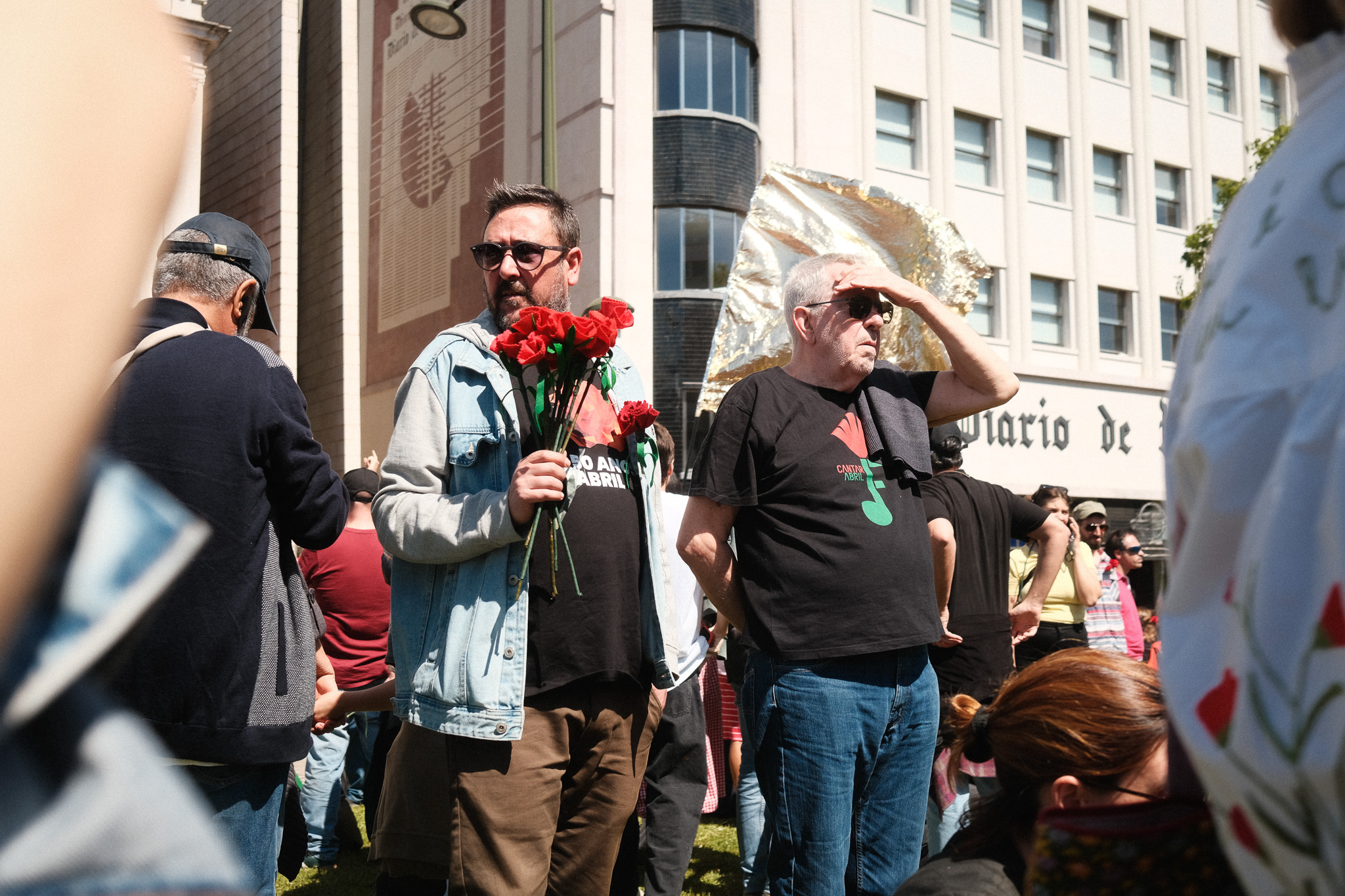
Yesterday was the 51st anniversary of the “carnation revolution” in Portugal, which brought down almost 5 decades of dictatorship. In these dark times we live in, it’s never been more urgent for decent people to show up and stand up for freedom.
Those of you who read my “Favorite Fujifilm film simulation recipes” article know that for quite some time I’ve stuck with one single recipe for color and another for B&W. That worked out great and looking back I really enjoy the consistency I got during that period, but eventually it got a little boring – especially in Covid times – so I started experimenting again with other Fuji recipes just to keep things interesting. I’ve posted some of those images on Social Media and got asked quite a lot which recipe it was, so I figured it’s about time I’d share with you guys what I’ve been using lately.
I tried a bunch of stuff from Fuji X Weekly and some other online resources, but ultimately the ones that found a permanent space on my X-pro3 custom settings slots were all variations of my own recipes (with the exception of one that I will talk about soon).
Disclaimer: I absolutely SUCK at coming up with cool names, so I apologize in advance for the very bland and uninspired recipe titles.
Classic Neg Fade
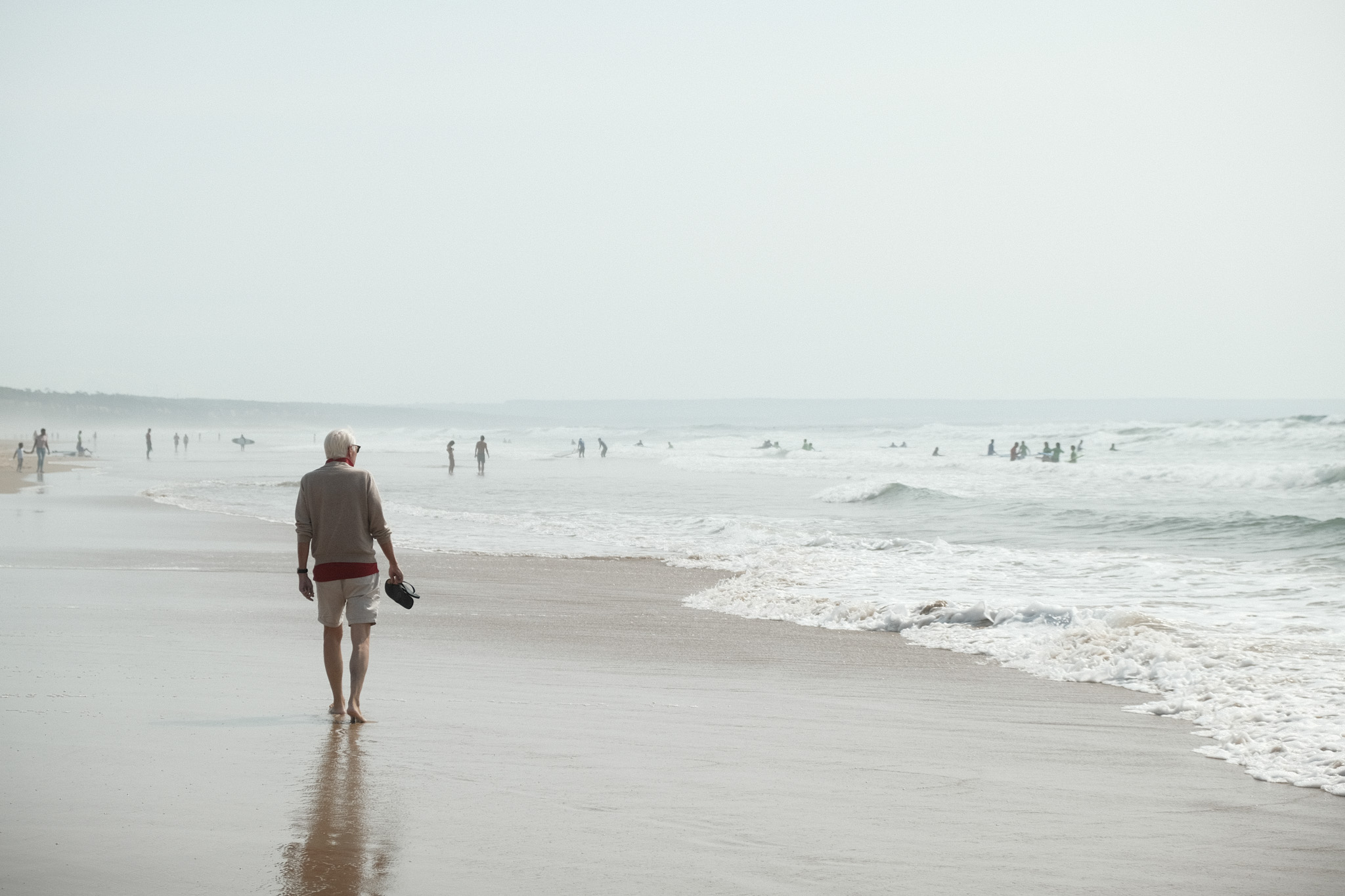
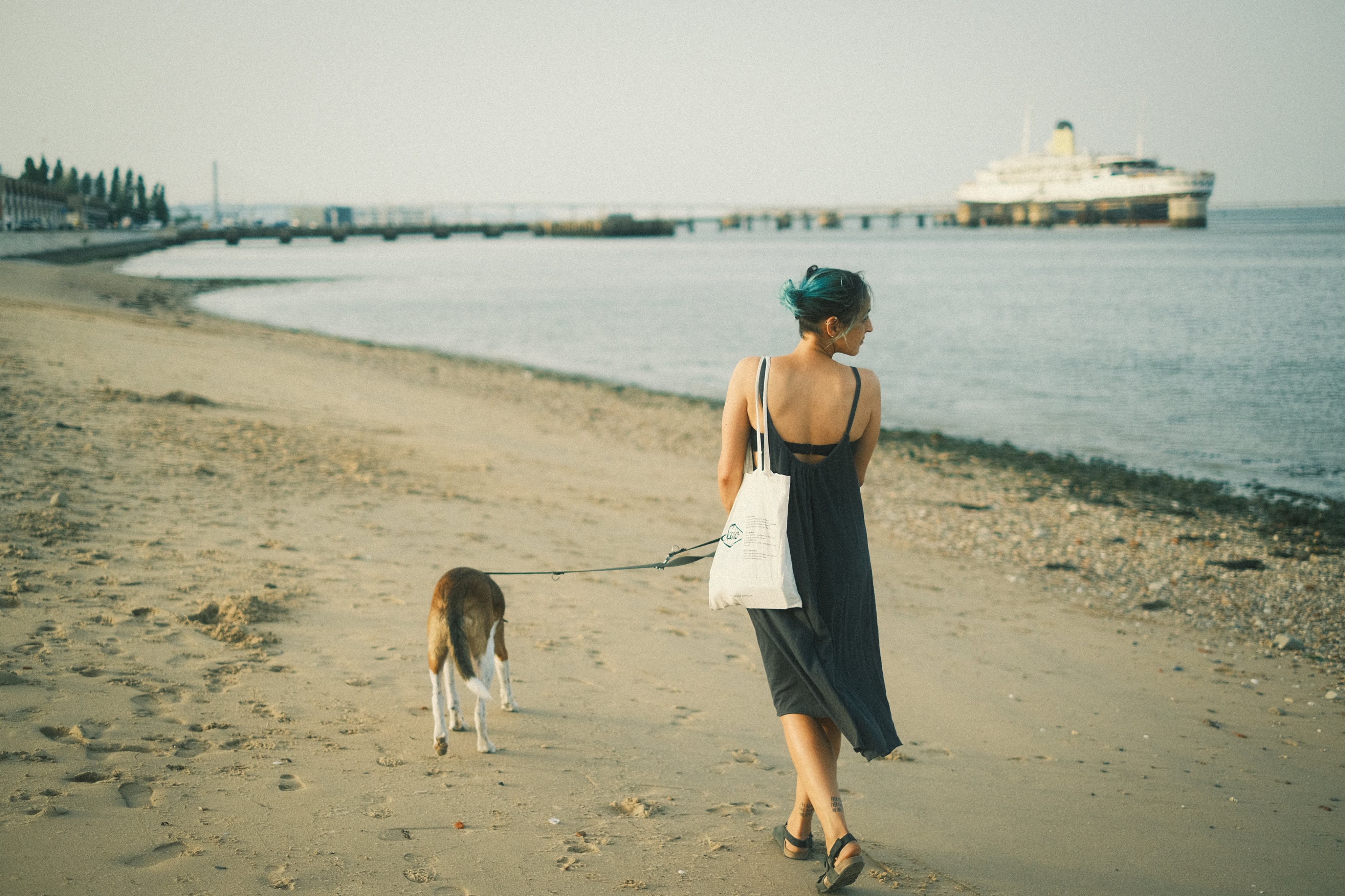
The first recipe on my camera right now is a toned down version of my original Classic Negative recipe and it’s the one I’ve been using more often for the past year. The original version can be too overpowering at times, so I began looking for something a bit more subtle that would mimic the look of real film more accurately.
This has become my default go-to film simulation for documenting everyday life, thanks to its warm colors and (slightly) faded look. As with most of my recipes, it works best on sunny days but also handles other lighting conditions (including night and interiors) much better than my original Classic Negative recipe.
Film simulation: Classic Negative
Dynamic Range: DR400
White Balance: Auto
WB Shift: +2 Red, -5 Blue
Highlights: -1
Shadows: -1
Color: -1
Noise reduction: -4
Clarity: 0
Sharpening: -4
Grain effect: Strong
Grain size: Small
Color chrome Effect:Strong
Color chrome FX blue: Weak
Exposure compensation: usually between +2/3 and +1, adjust as necessary
C1 Classic Neg
I’m a big fan of happy accidents and this was one of those cases. I imported a bunch of jpgs (taken with the Classic Neg Fade recipe above) along with the original raw files into Capture One, and the software automatically applied it’s version of Classic Negative to the raws. However, Capture One renders them quite differently compared to the camera jpgs: it doesn’t take into consideration any of the customized in-camera settings (highlights, shadows, color, etc), except for the White Balance shift which it tries to replicate by adjusting the Kelvin and Tint values.
The result is generally punchier and warmer than the camera jpgs which in some images actually works better, so I set out to replicate that look with a new recipe. To be honest I didn’t get very close, but the result was nonetheless pretty interesting so I’ve been using it since. Ironically, I think it resembles Slide film much more than Negative film!
Film simulation: Classic Negative
Dynamic Range: DR400
White Balance: Auto
WB Shift: +3 Red, -8 Blue
Highlights: -1
Shadows: -2
Color: -2
Noise reduction: -4
Clarity: 0
Sharpening: -4
Grain effect: Weak
Grain size: Small
Color chrome Effect:Strong
Color chrome FX blue: Weak
Exposure compensation: usually between +1/3 and +2/3, adjust as necessary
Soft Chrome
After getting the X-pro3 with Classic Negative, I was so in love with that simulation that I didn’t use anything else for at least half a year. However, one thing I realized early on was that it wasn’t as versatile as some of the other film simulations: it works beautifully with the right light, but on certain situations it can produce some weird color casts.
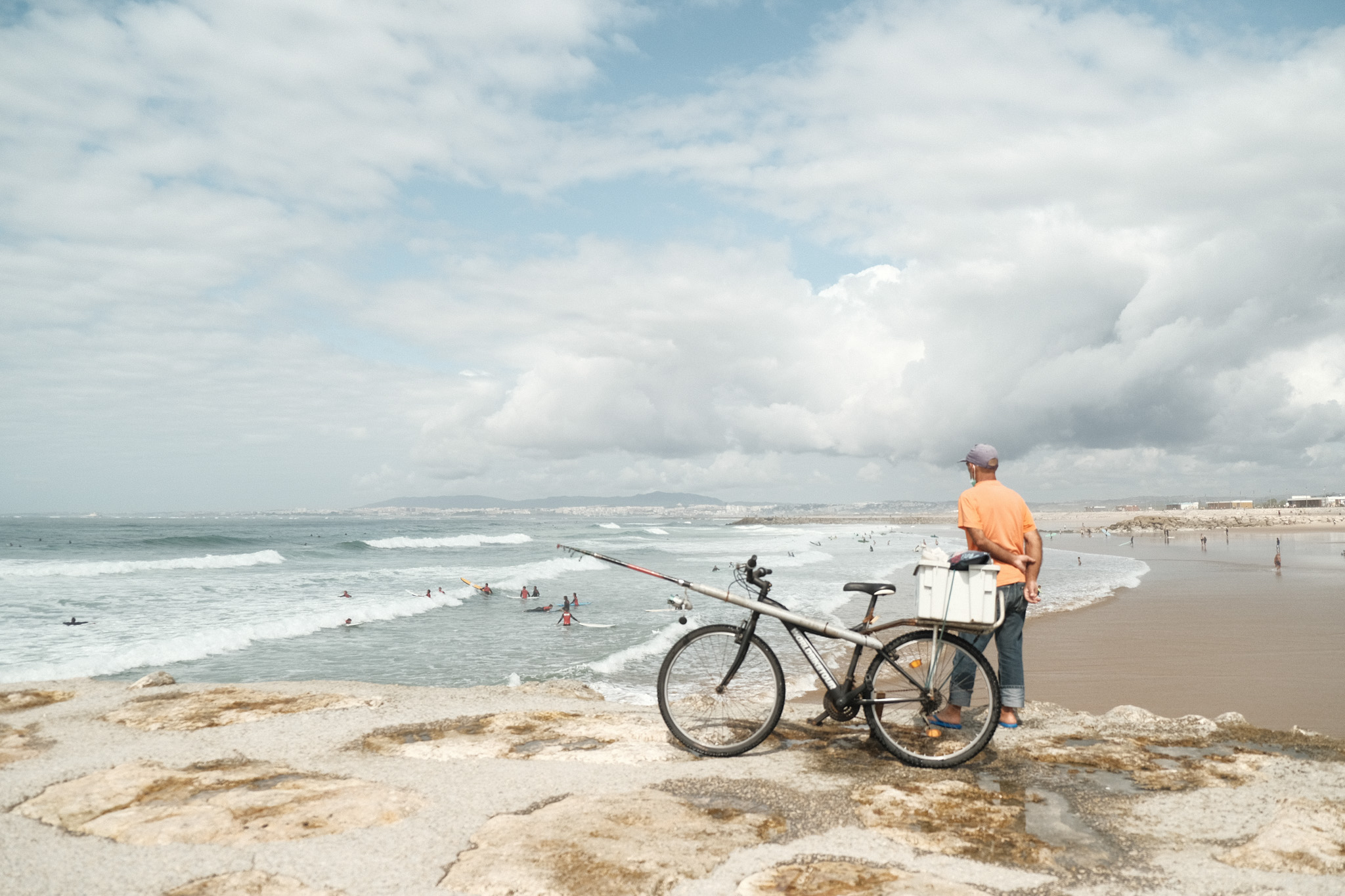
Eventually I went back to my old Classic Chrome recipe, but that one felt too warm and punchy for my current tastes so I tweaked it to make it more neutral and with softer contrast. I think this a great all-around recipe that seems to work well in many different scenarios and – to my eyes, at least – it looks very filmic when overexposed.
Film simulation: Classic Chrome
Dynamic Range: DR200
White Balance: Auto
WB Shift: +1 Red, -4 Blue
Highlights: +2
Shadows: 0
Color: 0
Noise reduction: -4
Clarity: -2
Sharpening: 0
Grain effect: Weak
Grain size: Small
Color chrome Effect:Weak
Color chrome FX blue: Weak
Exposure compensation: usually between +1/3 and +1, adjust as desired
Moody Chrome
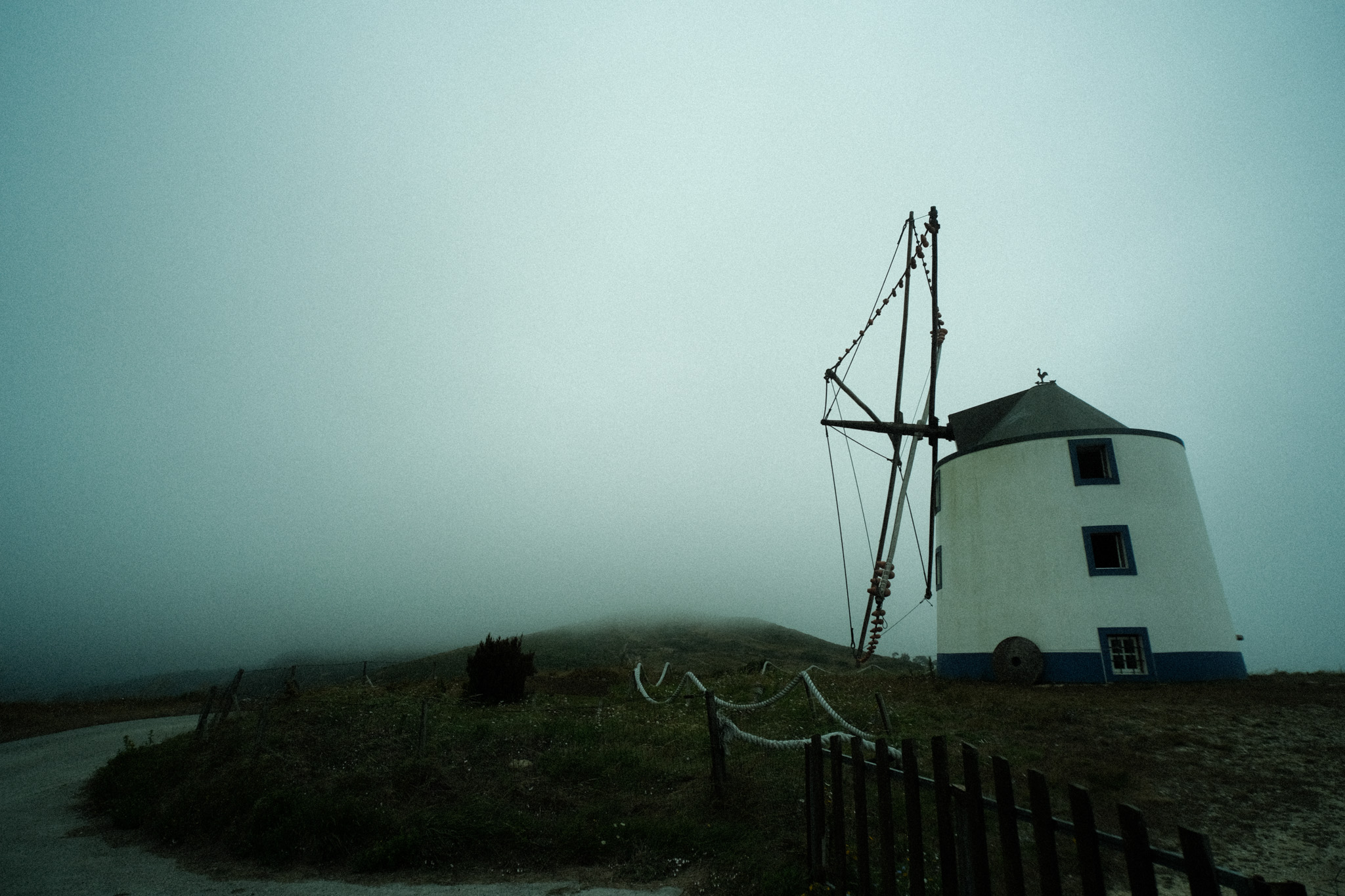
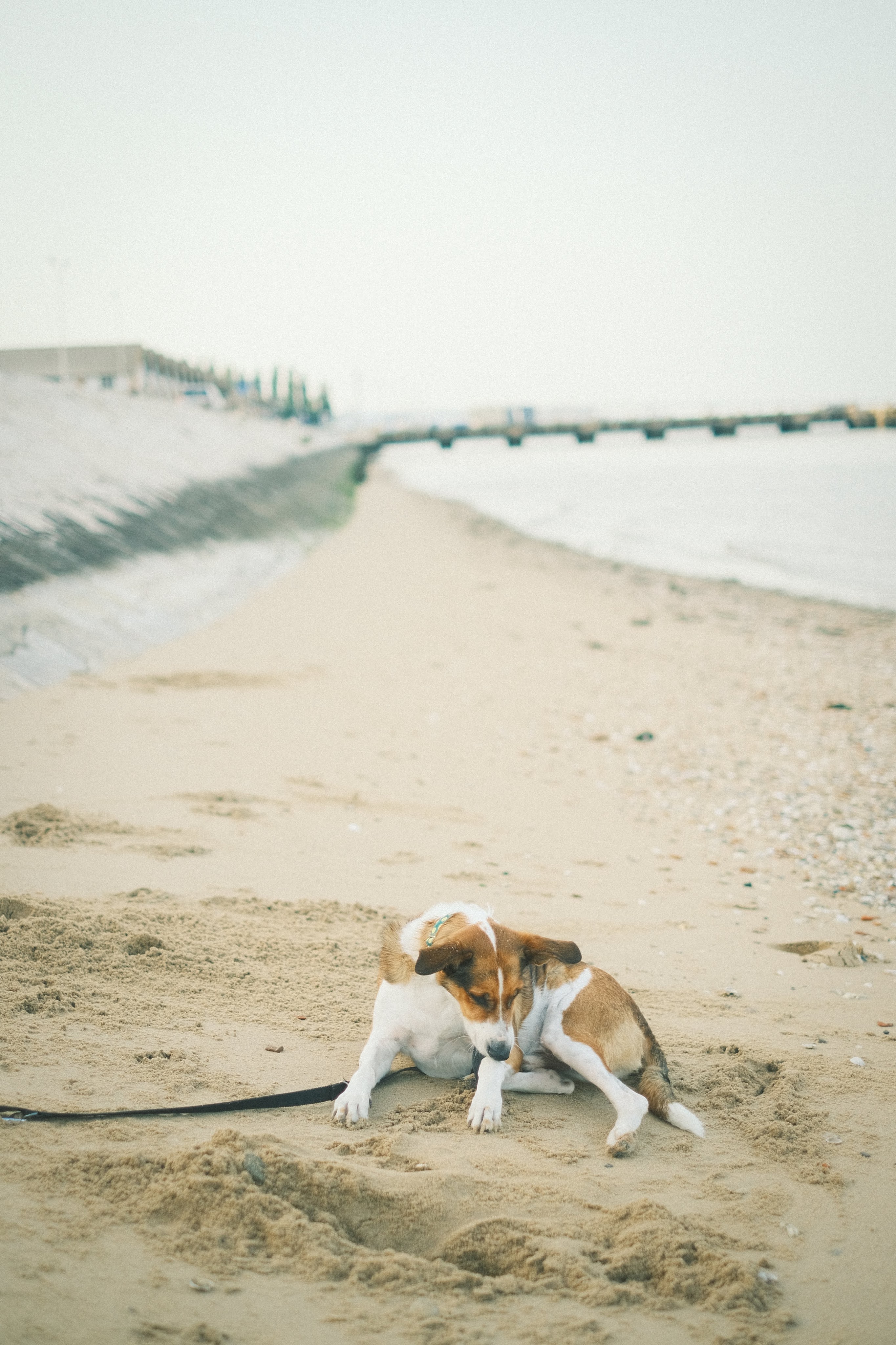
As you might have already noticed, pretty much all of my recipes are geared towards bright sunny days. Up until recently whenever I shot in bad weather I always processed the raw files using this Lightroom preset which I love for gloomy, cinematic vibes. A few weeks ago I decided to try and replicate that look using the camera settings, so I used a bunch of photos where I applied the preset as a reference and came up with something that while it’s not an exact match, I think it’s in the ballpark. It has a strong green cast that in some scenarios reminds me a bit of Cinestill 800T.
Surprisingly, it also creates a very interesting look even on sunny days, I need to try it more often in different situations.
Film simulation: Classic Chrome
Dynamic Range: DR200
White Balance: Daylight
WB Shift: -4 Red, -5 Blue
Highlights: +2
Shadows: 0
Color: +4
Noise reduction: -4
Clarity: -2
Sharpening: -2
Grain effect: Strong
Grain size: Large
Color chrome Effect:Strong
Color chrome FX blue: Off
Exposure compensation: -1/3, adjust as necessary
Big Negative
This is the only recipe on the list that is not mine. I discovered it while binge-watching photography videos on Youtube and immediately loved its filmic look, you can find the original video here.
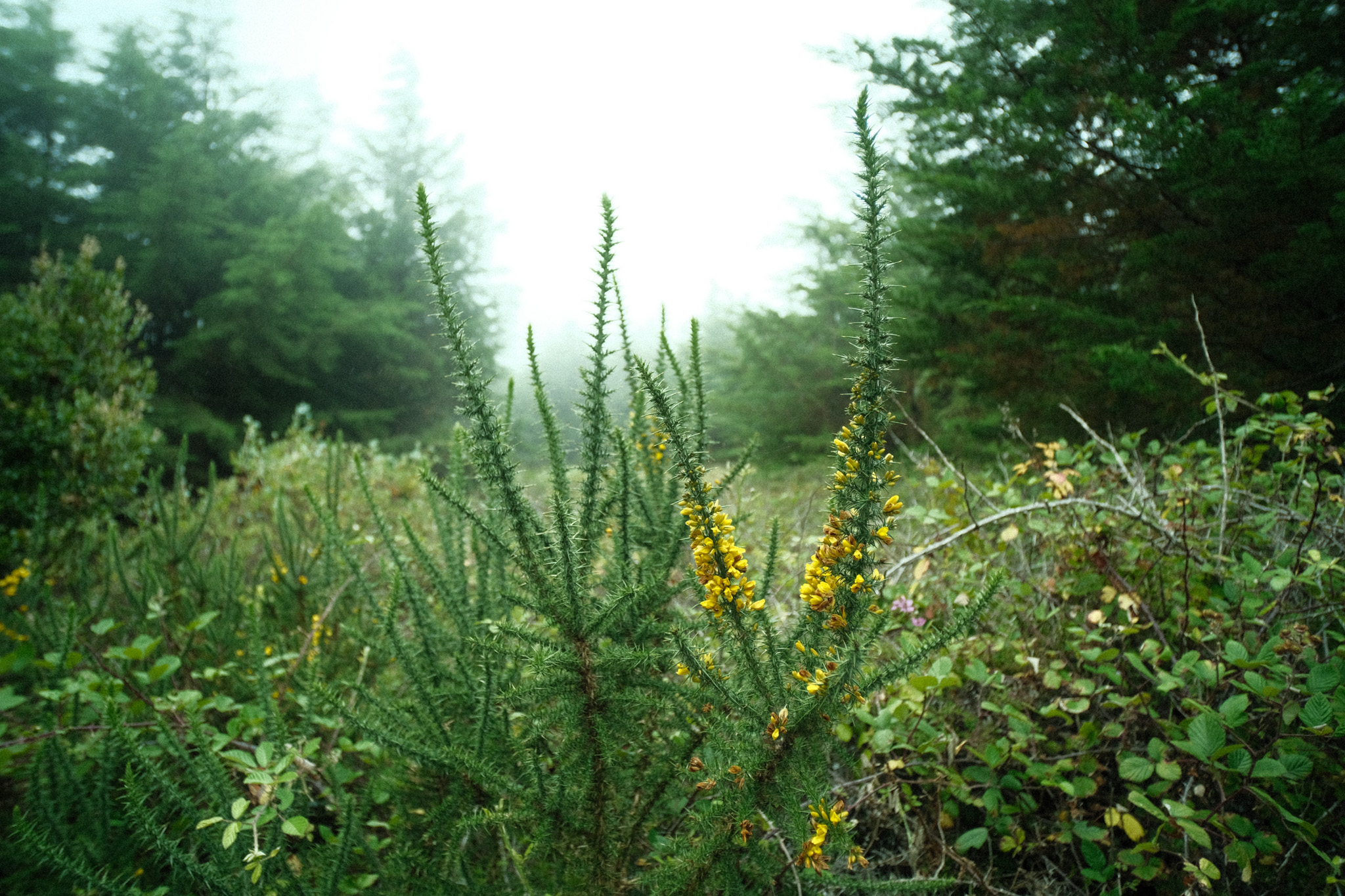
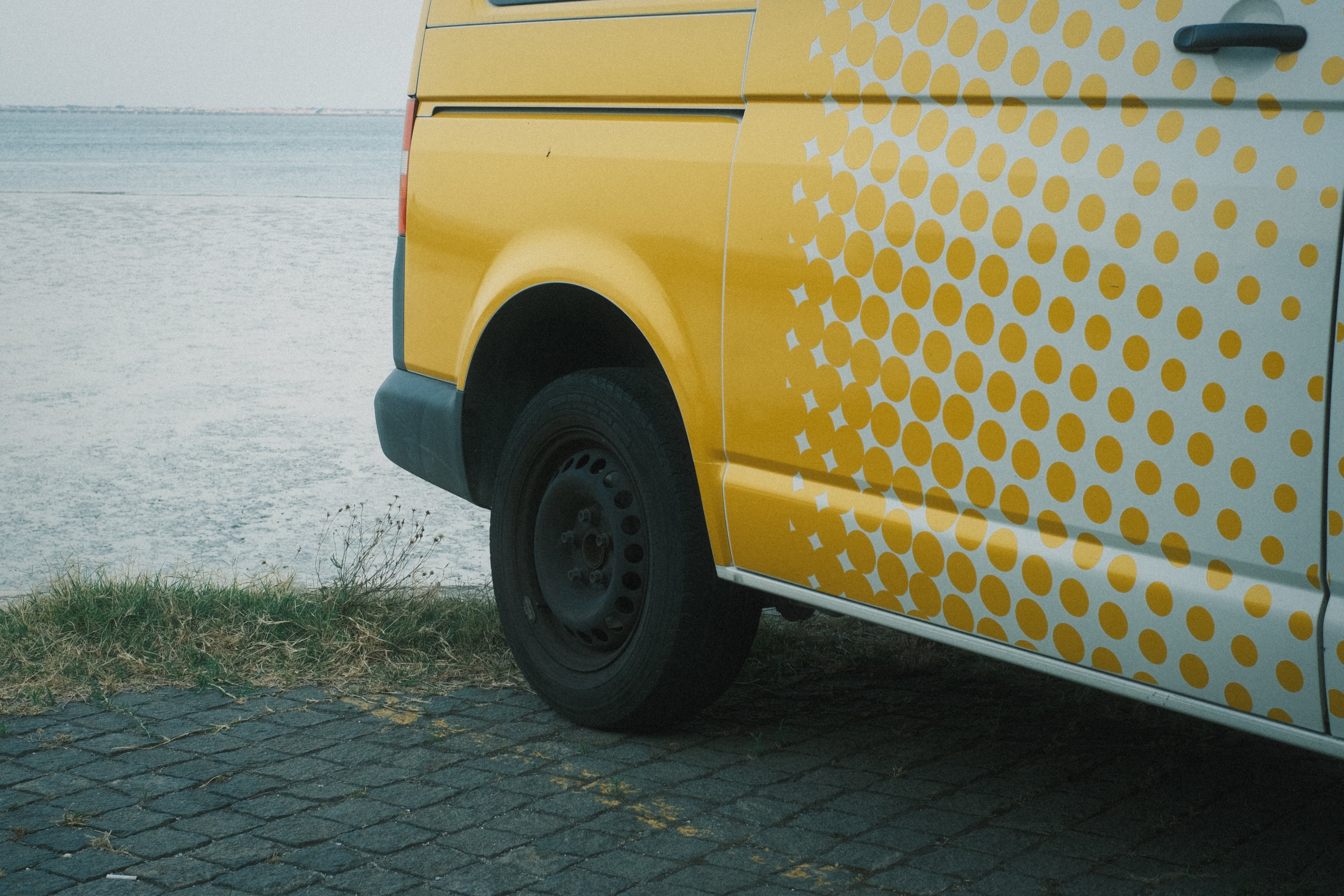
This recipe produces gorgeous pastel tones especially in soft light, with a slight shift towards the greens that’s reminiscent of some classic Fuji film stocks. I’ve tweaked it very slightly to my liking, but all the credit goes to Big Negative for coming up with this.
Film simulation: Classic Negative
Dynamic Range: DR400
White Balance: Auto
WB Shift: -2 Red, -5 Blue
Highlights: -2
Shadows: 0
Color: +3
Noise reduction: -4
Clarity: -3
Sharpening: 0
Grain effect: Strong
Grain size: Large
Color chrome Effect:Weak
Color chrome FX blue: Strong
Exposure compensation: between +1 and +1 2/3, adjust as needed to keep the image bright
Tri-X Pushed
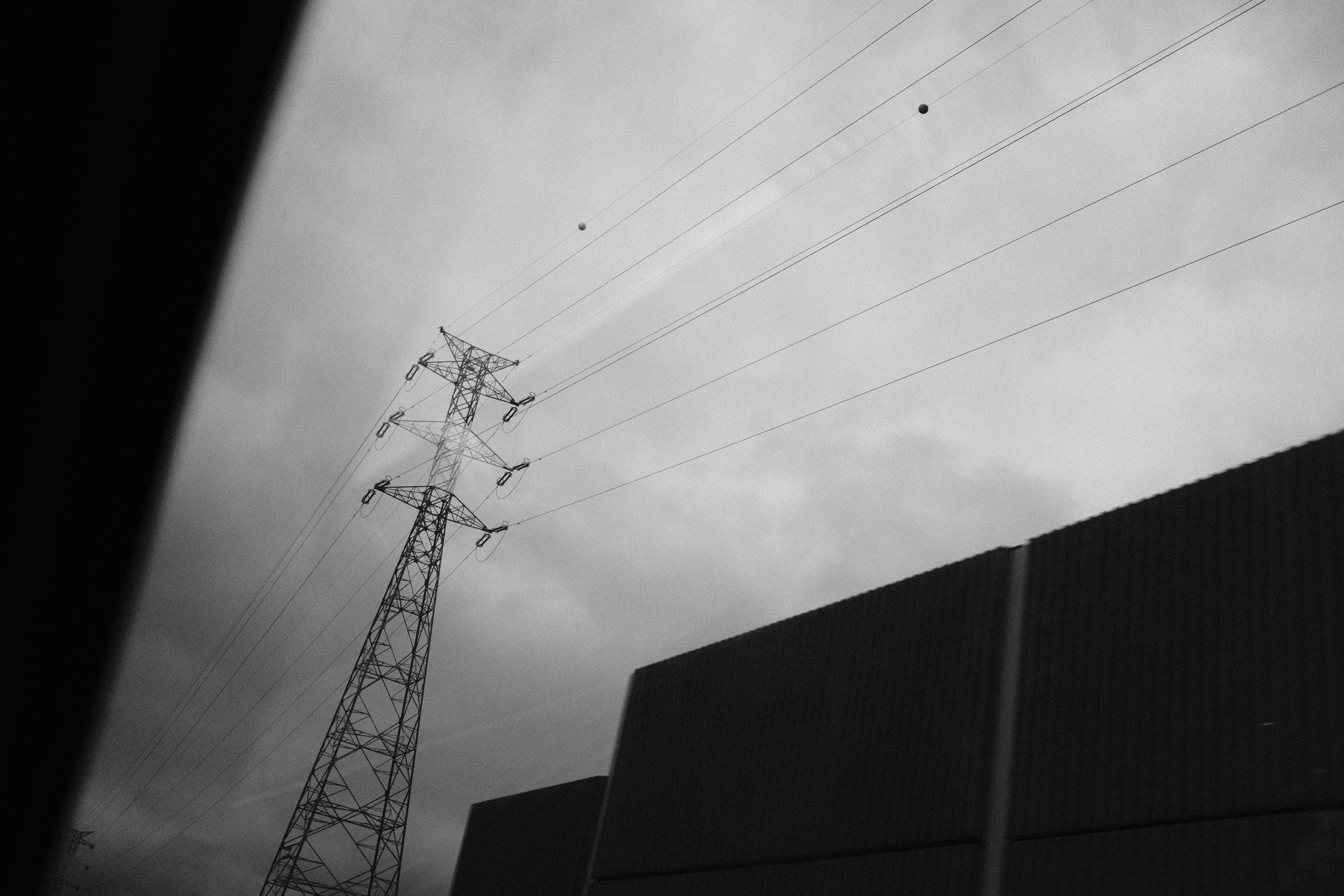
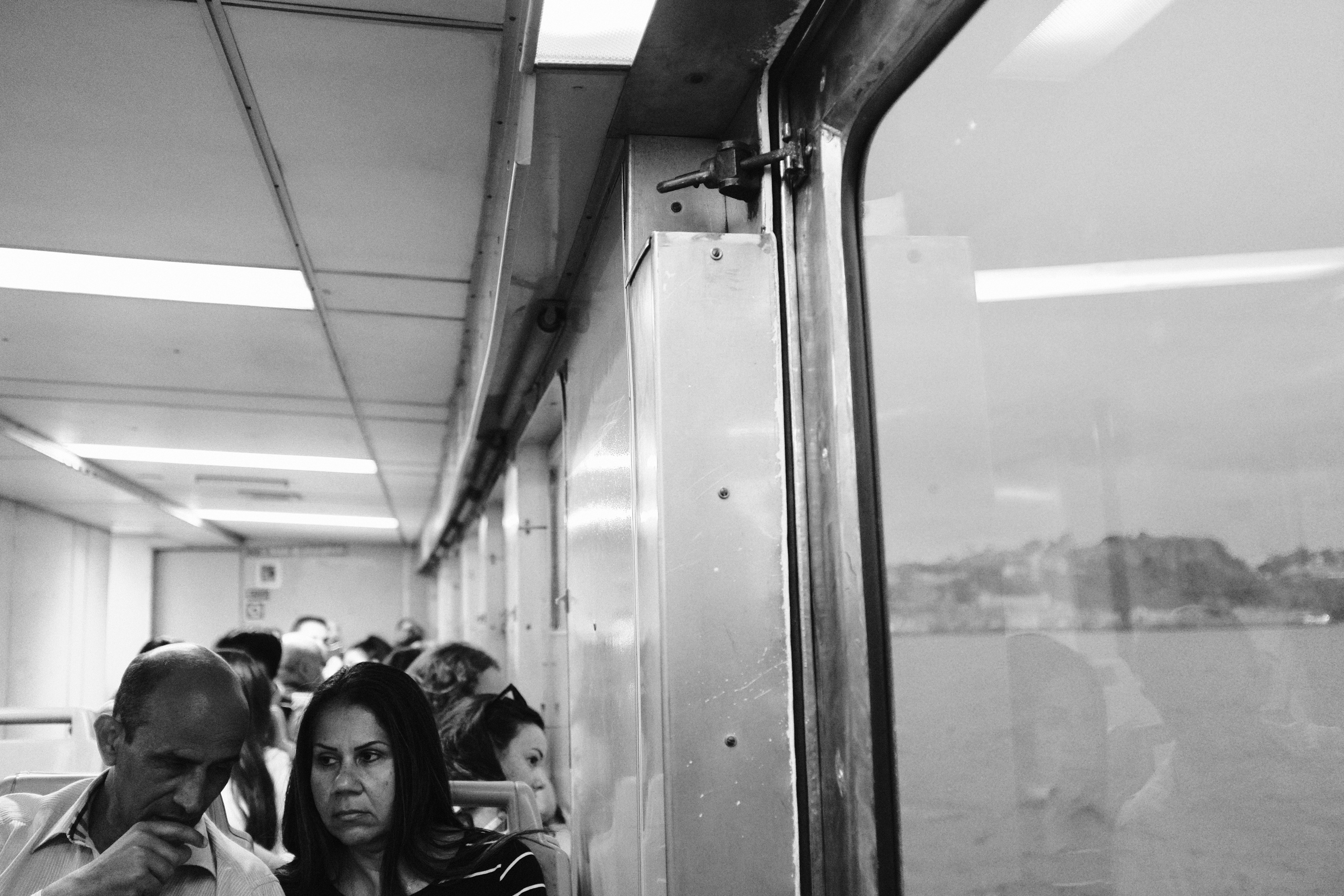
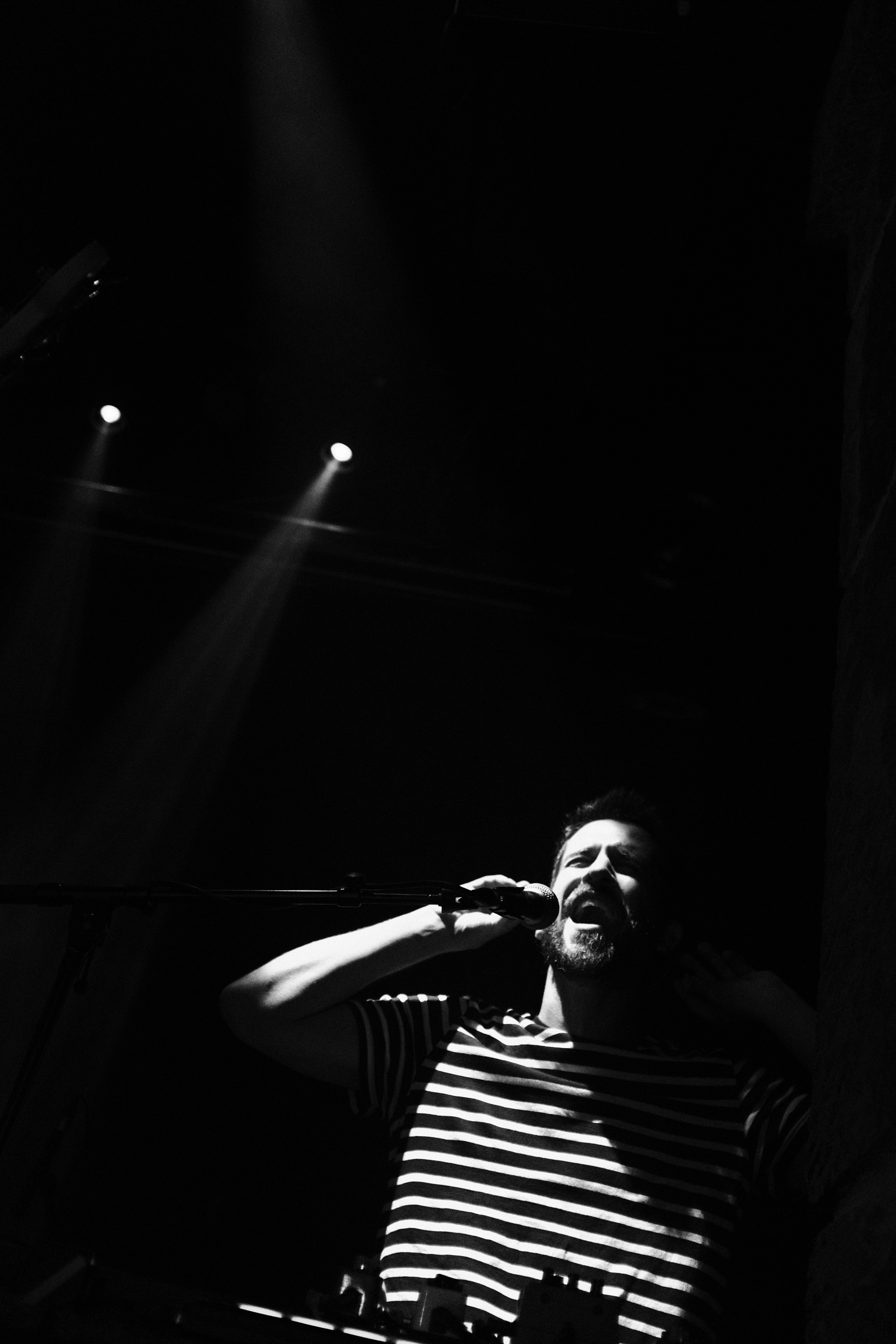
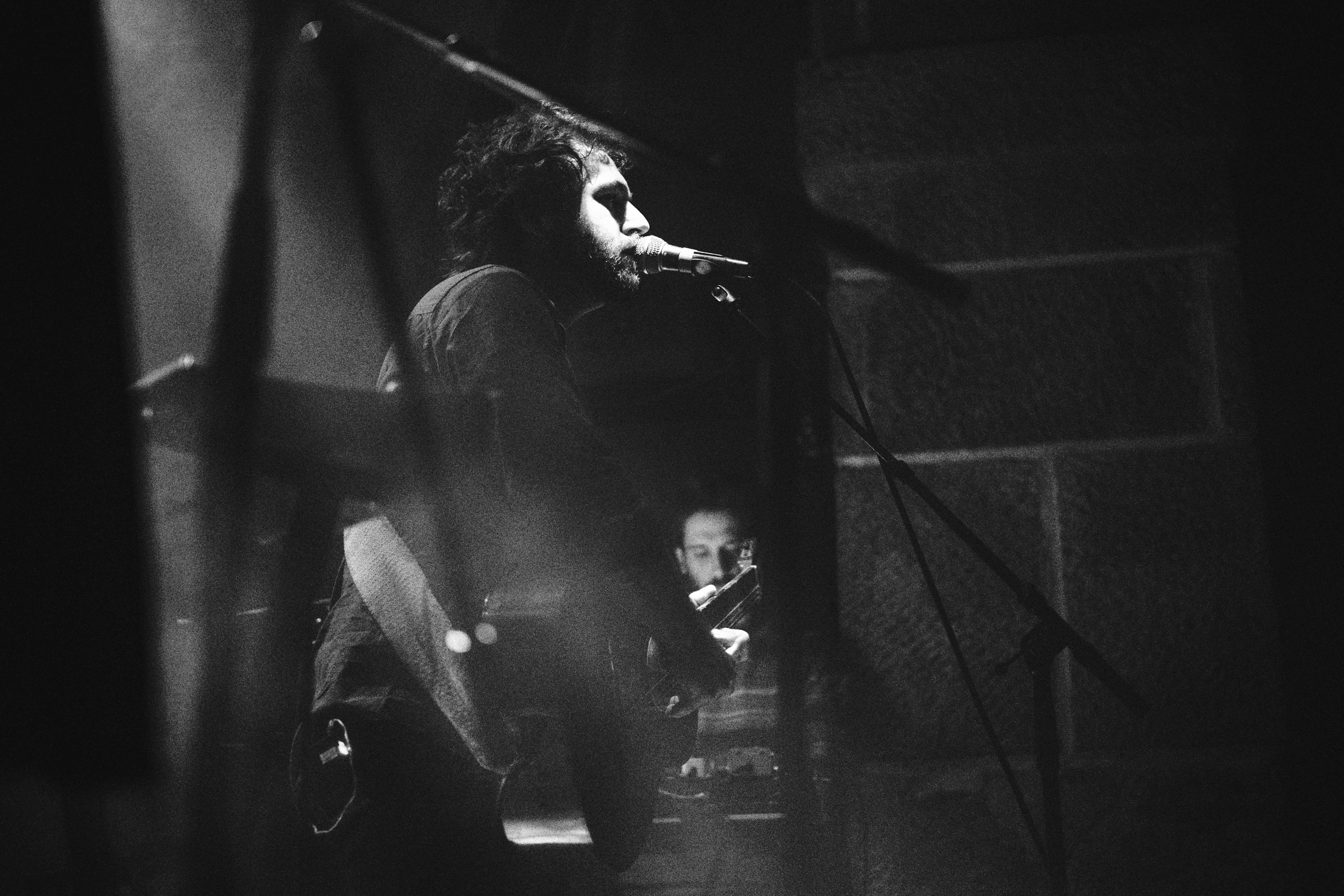
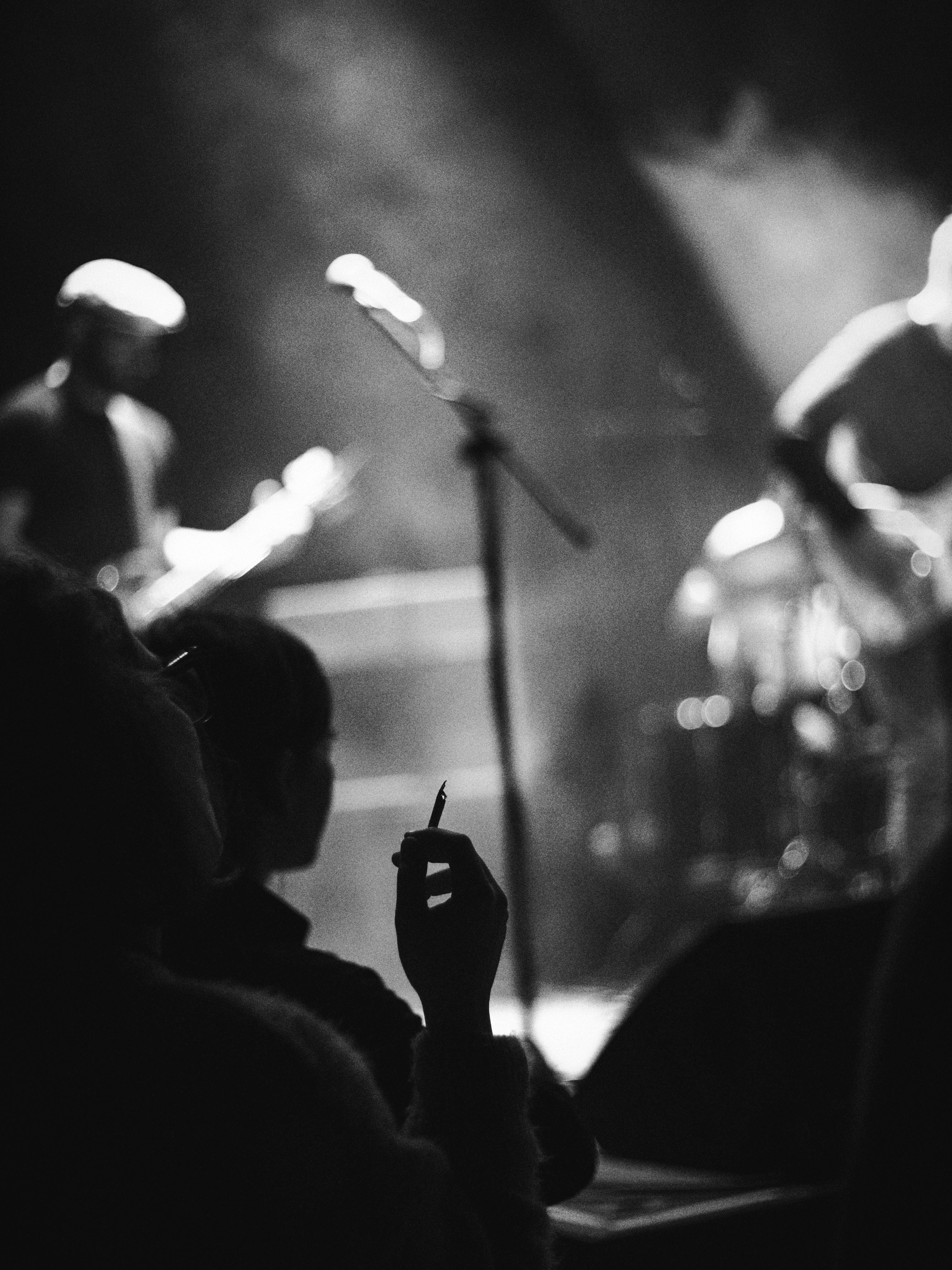
This has been my go-to Black & White recipe ever since I got my first X-trans III camera many years ago. I discovered back then that the Acros simulation in conjunction with high ISOs produces some very film-like grain, so I intentionally began to set the ISO at 12.800 by default. The result looks a lot like pushed Tri-X, where you can control the amount of “push” by playing with the ISO: lower ISOs will give you cleaner images with more detail, higher ISOs will give you more grain and less definition.
Film simulation: Acros Red
Dynamic Range: DR200
WB Shift: 0 Red, 0 Blue
Highlights: +3
Shadows: +4
Color: 0
Noise reduction: -4
Clarity: 0
Sharpening: -1
Grain effect: Off
Grain size: Off
Color chrome Effect: Off
Color chrome FX blue: Off
Exposure compensation: Between +1/3 and +2/3
ISO: 12.800 by default, adjust as needed to get the amount of grain you want
Colored B&W
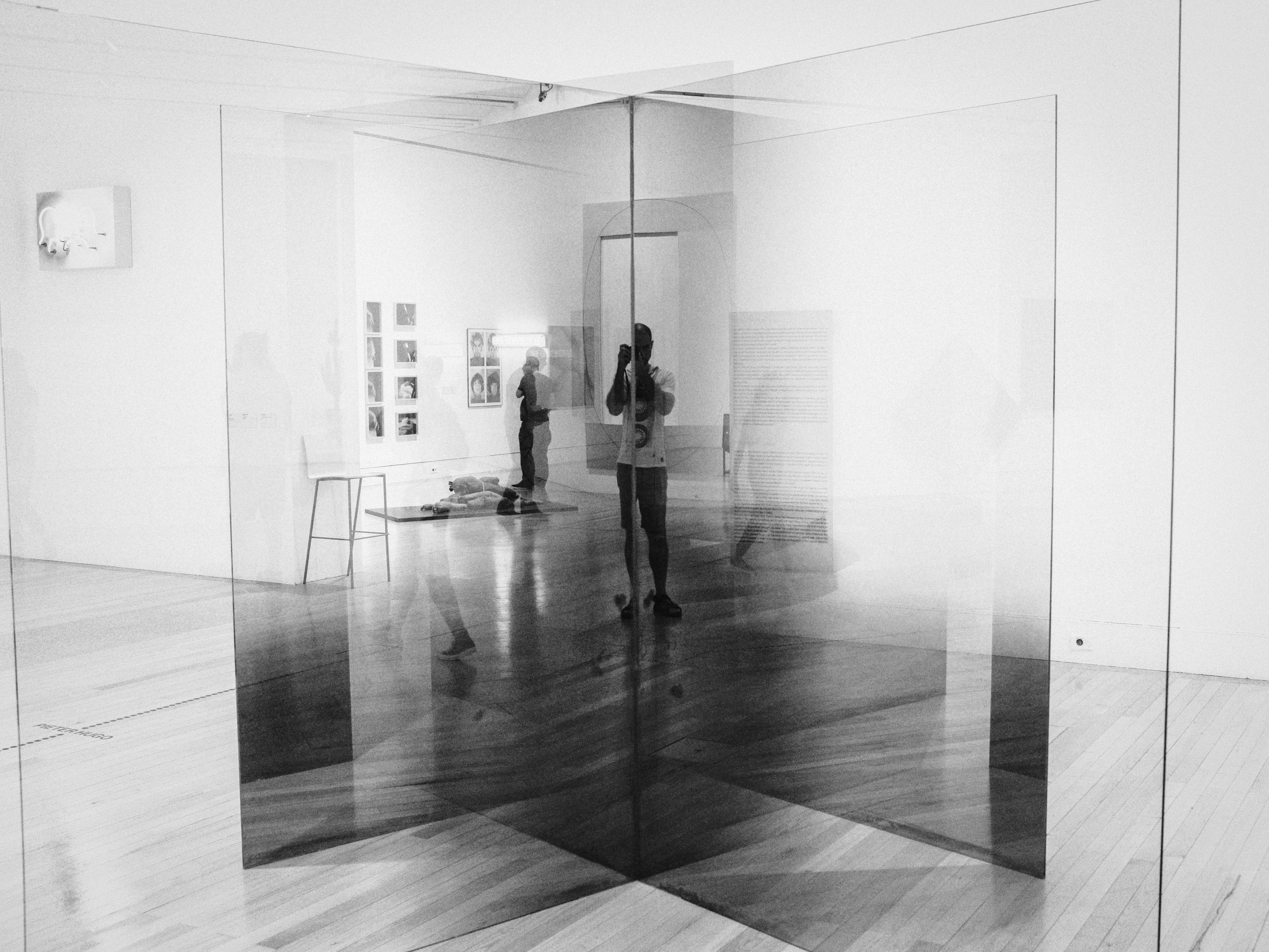
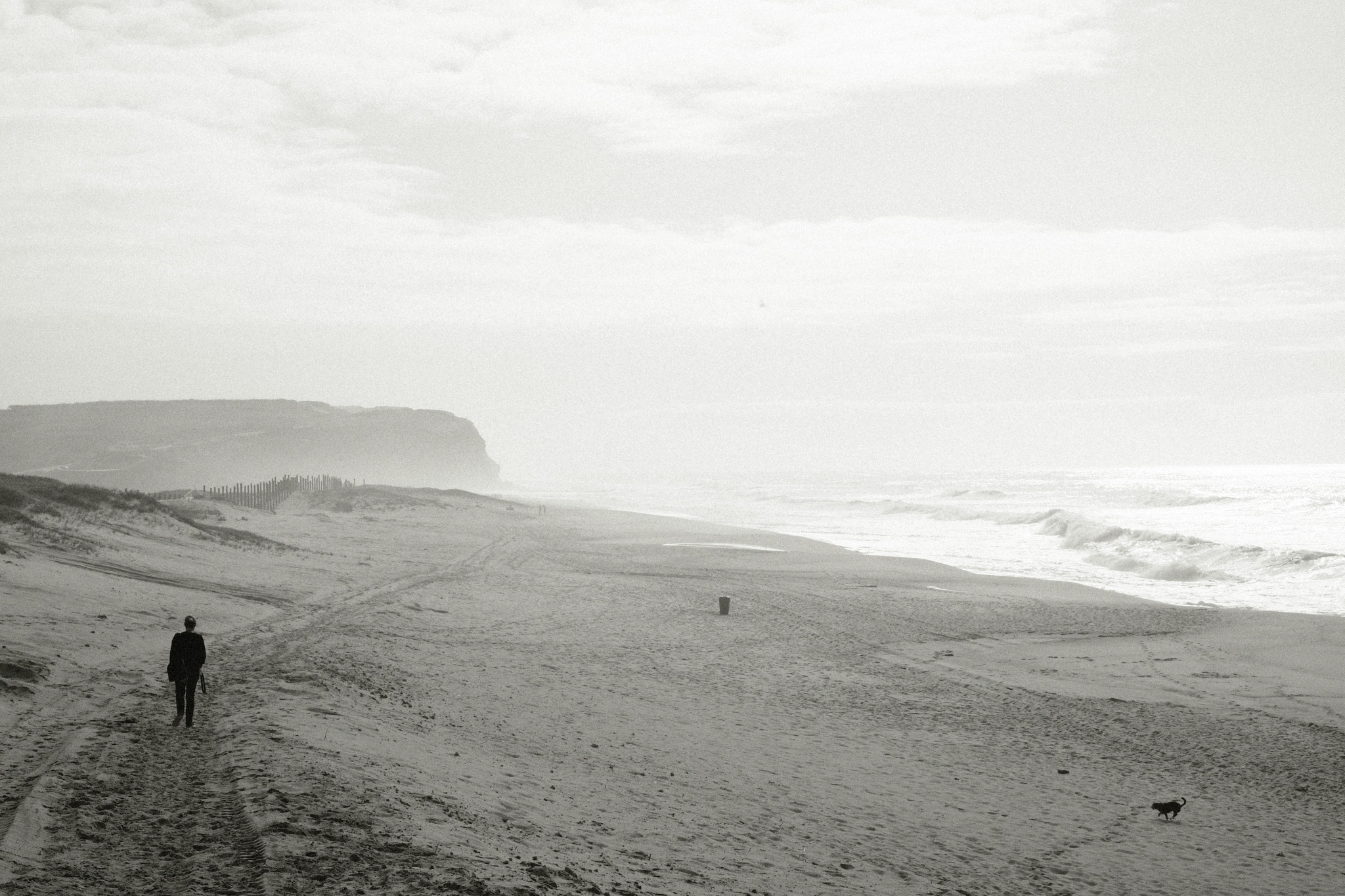
The Tri-X recipe above is great for creating high-contrast images, but occasionally I want something a bit softer that can retain more detail in the shadows. I also wanted to try out the new “Monochromatic Color” option that was introduced in recent camera models, so with those 2 things in mind I started tinkering around with the settings and came up with this recipe. It has an old B&W vibe, almost sepia-like, which I love for documenting every day scenes.
Film simulation: Acros Green
Dynamic Range: DR200
Monochromatic Color: WC +2, MG +2
WB Shift: 0 Red, 0 Blue
Highlights: +2
Shadows: +1
Color: 0
Noise reduction: -4
Clarity: +2
Sharpening: 0
Grain effect: Strong
Grain size: Large
Color chrome Effect: Strong
Color chrome FX blue: Off
Exposure compensation: +1/3 as base, adjust as necessary
How do they compare?
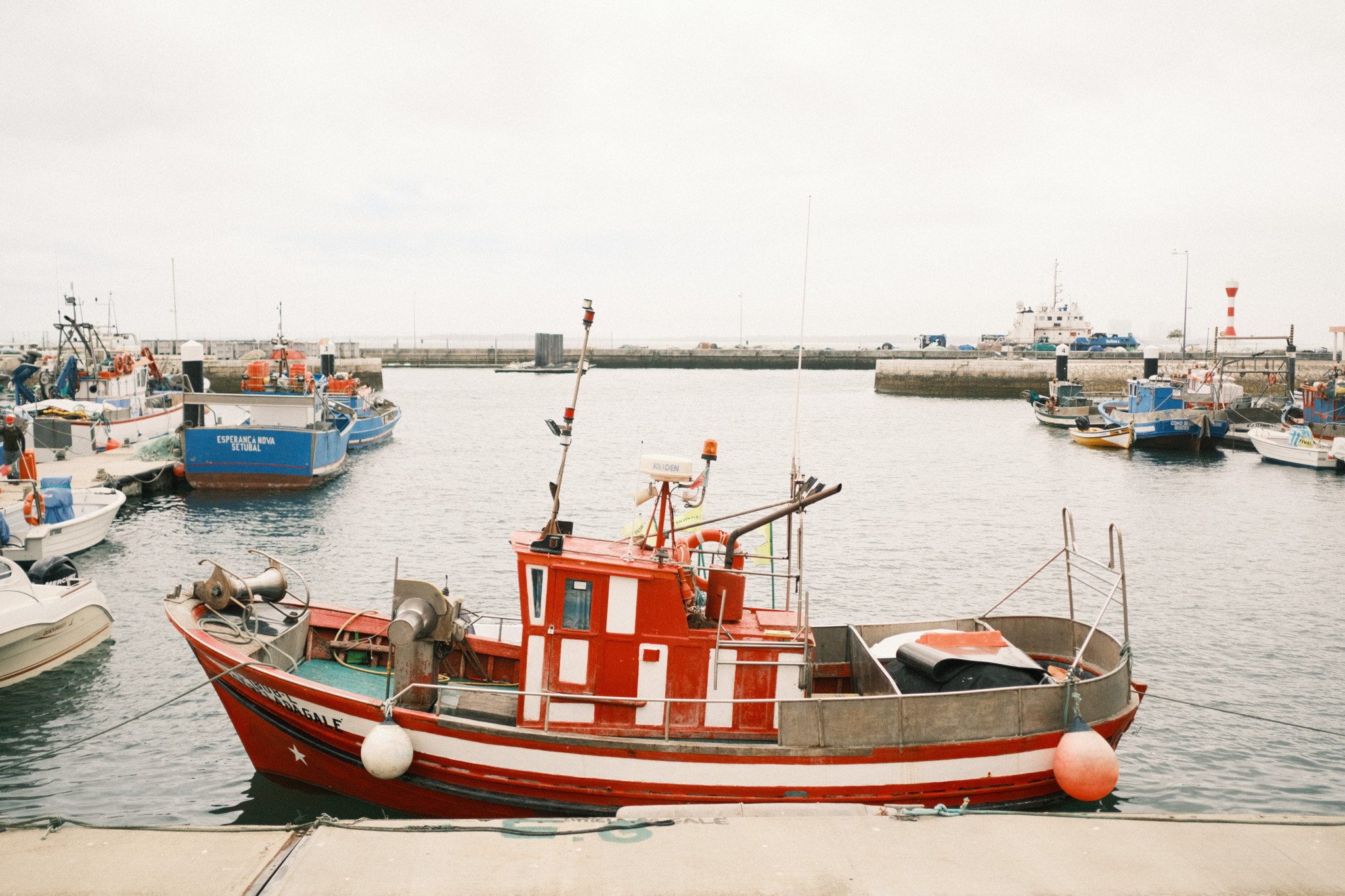
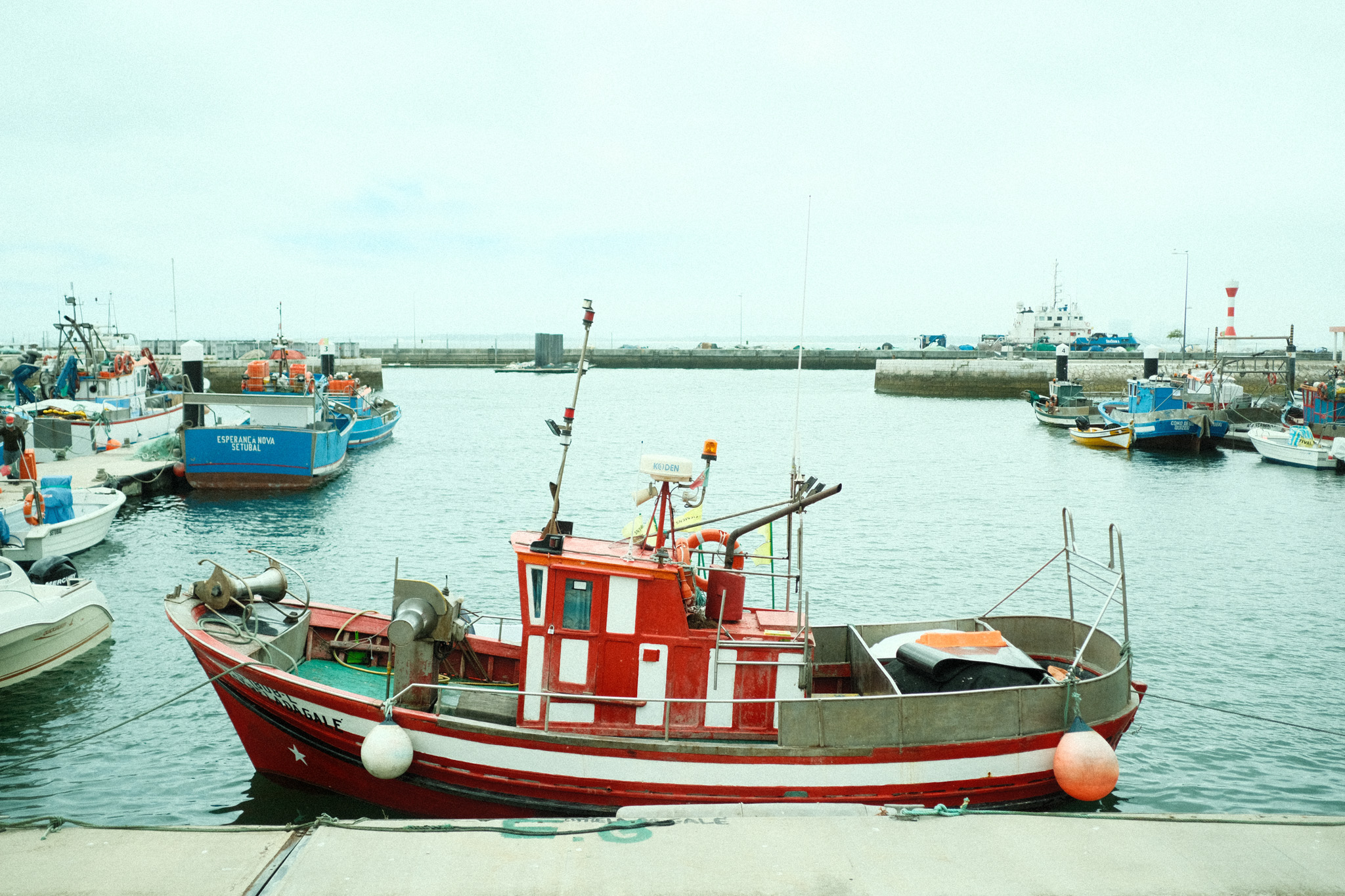
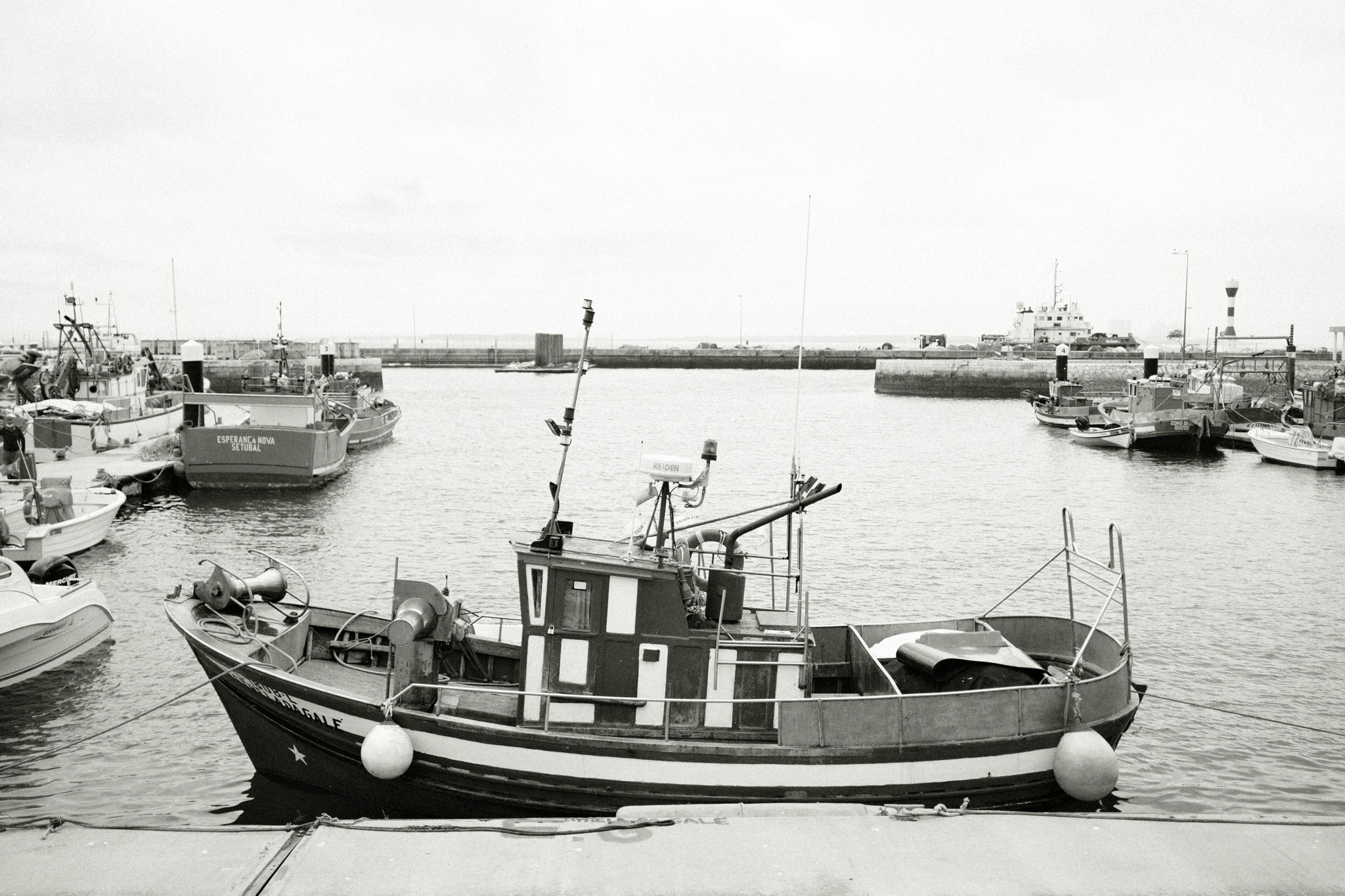
To finish this off, I’ll leave you with a direct comparison of the same image with the different recipes applied, so that you can get a better feel for how they impact the look of the final image.
To start off the year with something fresh, I’ve updated my “Favorite Fujifilm film simulation settings” article to reflect a new less-is-more approach for 2019: just one color and one black & white film simulation! You can read all about it here.















































 Life, Unintended