The Nikon ZF from a Fujifilm fan perspective

Time sure goes by fast, huh? I’ve been using the Nikon ZF for over two months and during this period I’ve received a lot of messages from Fujifilm users asking how it compares, so I figured I should share my thoughts here now that I’ve had a bit more experience with it.

Since I got the ZF back in September it’s been by far my most used camera, while my Fuji’s have mostly stayed on the shelf. I believe this is partly due to the honeymoon phase that we all go through whenever we get a shiny new toy, but there are also some specific things that make me reach for this camera more often than the others:

Build quality & design

As much as it pains me to admit, I’m a very shallow person when it comes to the looks of the equipment I own. 🤷🏻 If I don’t appreciate the design of a product I will be much less inclined to pick it up and use it, independently of its qualities.

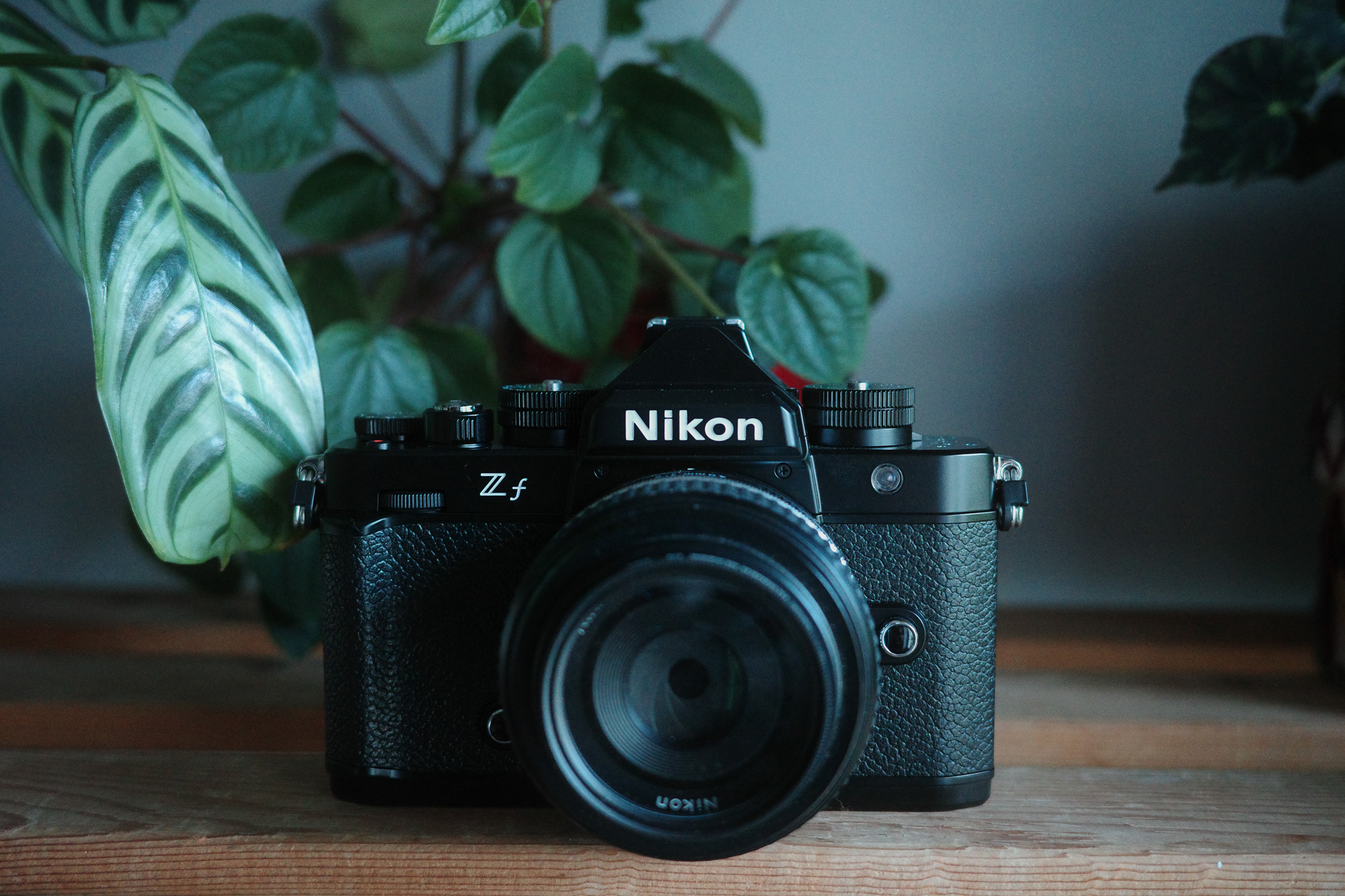
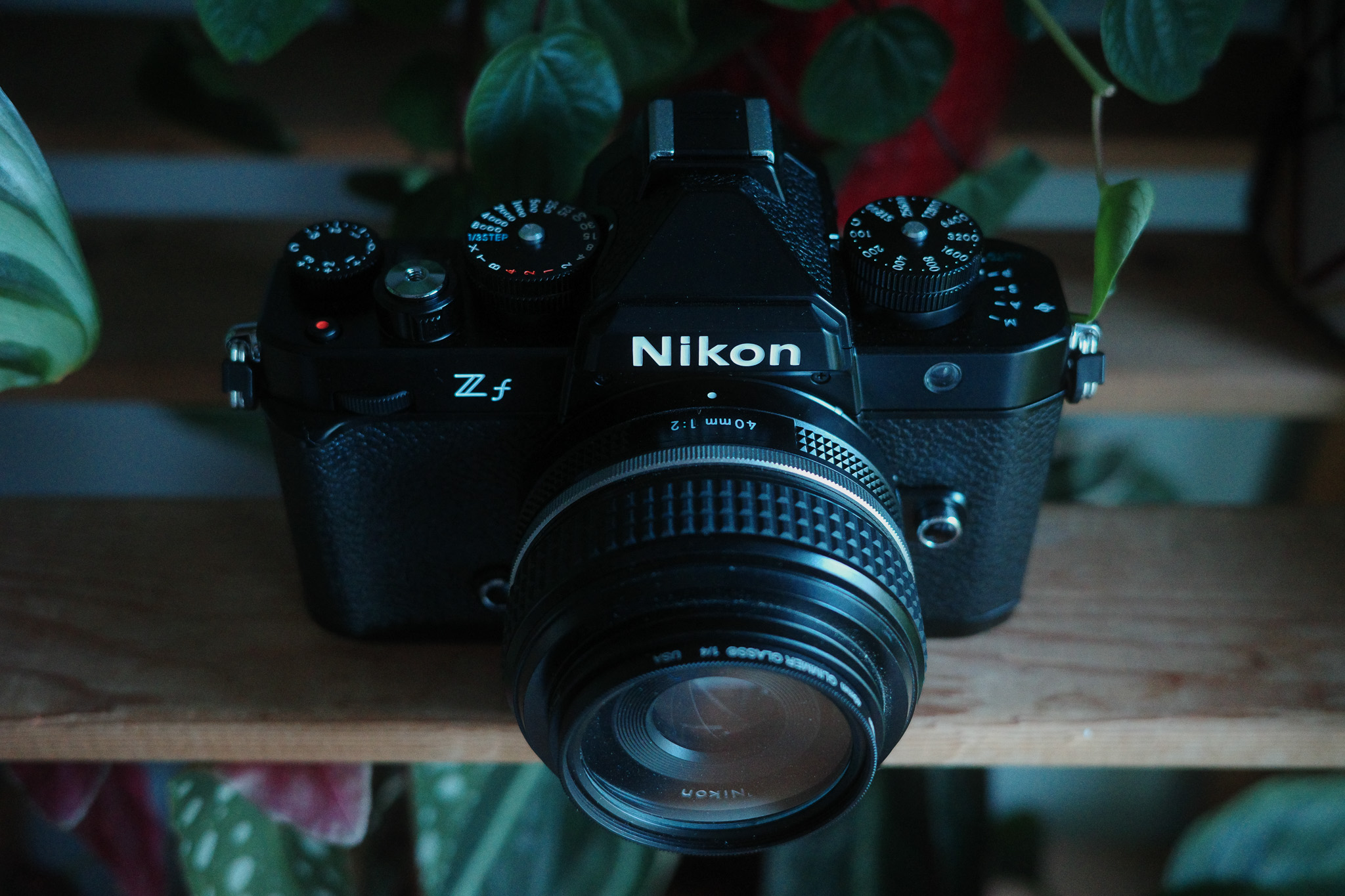
Fortunately, all the cameras I own are beautiful pieces of machinery so that in itself isn’t much of a deciding factor, but the build quality of the Nikon ZF is truly on a league of its own. It’s built like a tank, all of the dials feel extremely solid with the perfect amount of resistance, and the weight of the camera – which can also be considered a downside – actually contributes to this premium feeling. I used to own a Canon A1 film camera and the ZF is the closest I’ve experienced to the feeling of robustness that the Canon had.

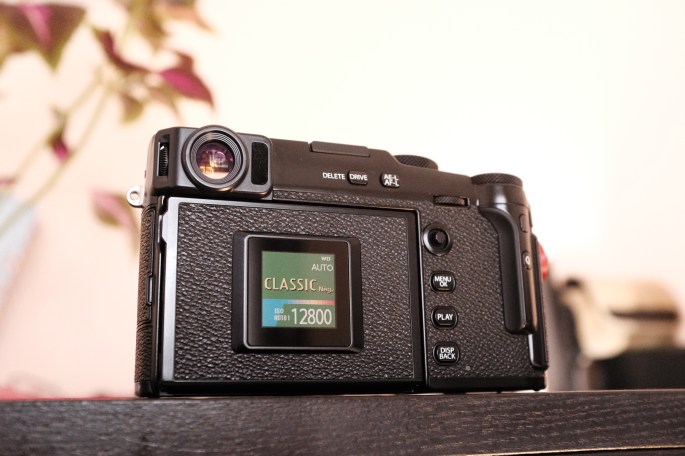
I also love the fact that you can completely close the LCD screen to make it even more rugged and retro, although I would’ve preferred a screen like the X-Pro 3 (more on that later).

The “full-frame look”

To make it very clear, I don’t think the full-frame look is better or worse than APS-C; it’s just different. From my very limited knowledge on the subject, this different look is mainly the consequence of two factors: the shallower depth of field and the higher dynamic range that you get from a physically bigger sensor. The first factor can be worked around in APS-C by using lenses with a wider aperture, but that comes at the expense of lens size: a wider aperture means bigger lenses. So, for example, in order to get the same depth of field of the compact Nikon 40mm f2 on Fujifilm, the closest option would be something like the Viltrox 27mm 1.2, which is huge.

As for the differences in dynamic range, that’s much harder to overcome… you can mitigate it to some extent in post, but you will always be limited by the information that the camera recorded.
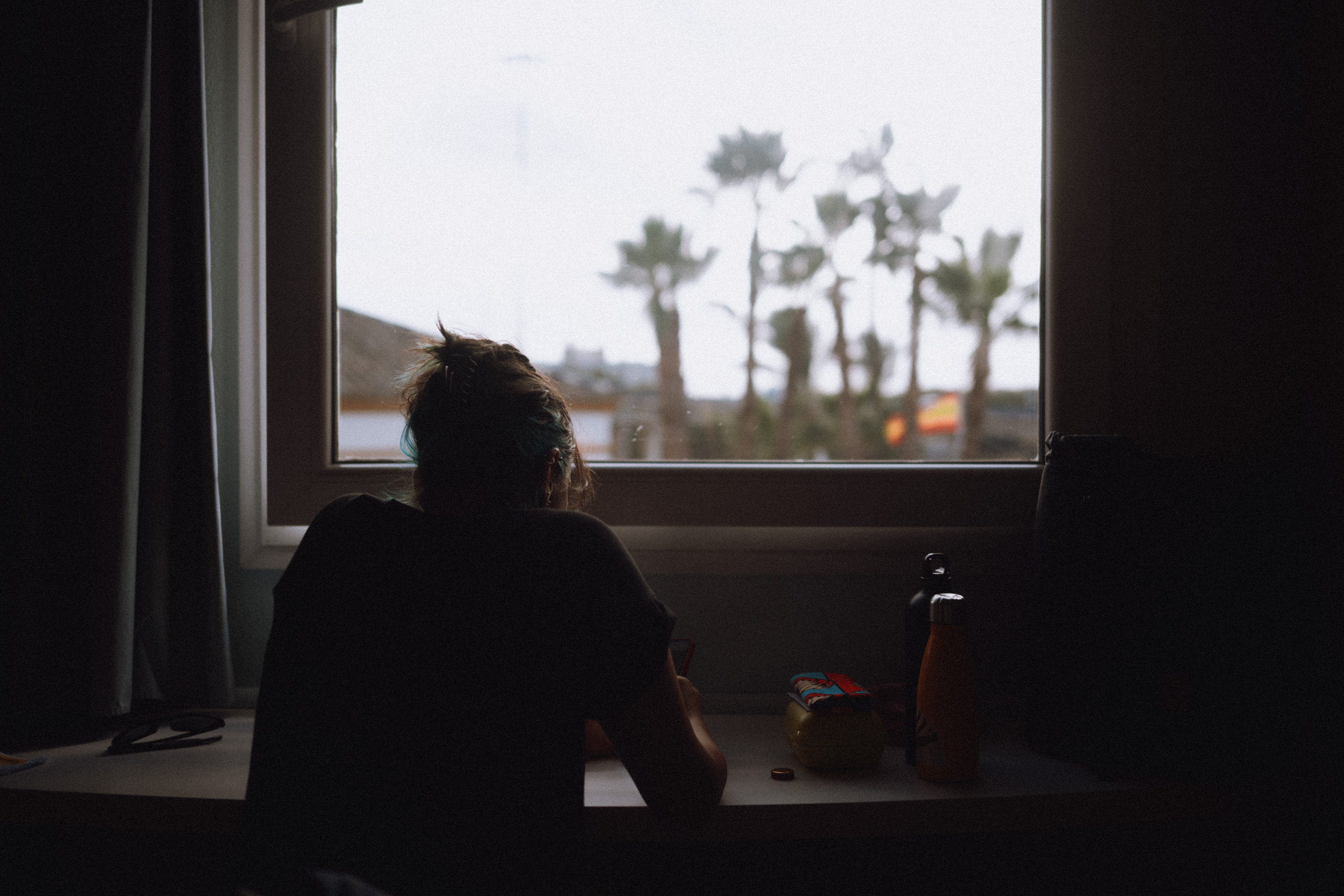
Whatever the reasons may be, the fact of the matter is that there is a different look and it’s nice to have it available as an option among the different cameras I own. I would never discard a camera just for having an APS-C sensor though, the argument that APS-C is not good enough for professional work is just bollocks and there are plenty of examples out there that prove otherwise.

That 40mm f2 lens

I have to say this has been the biggest attraction factor for picking up the ZF since I got it. I’ve gone through different phases in terms of favorite focal length over the years, alternating mostly between 35mm and 50mm, but quite often when I choose one of those I end up feeling it’s either too wide or too tight. Then last year I got a Ricoh GR IIIx with its 40mm lens equivalent and I’ve found it to be the perfect compromise for documenting everyday life and street photography.

The Nikon Z 40mm f2 SE is, in my opinion, one of the best 40mm lenses out there due to its compact size, fast performance and beautiful rendering! I’ve heard some people complain about its plastic build, but to me that’s actually a big plus: because the ZF is quite heavy, the fact that this lens is so lightweight makes it the perfect match in terms of weight, size, and look.

When it comes to performance, I couldn’t ask for anything more: the focus is lightning fast (especially compared to any of the Fuji lenses I’ve owned) and the output is outstanding: sharp but not clinically sharp and with a very pleasing bokeh. I still slightly prefer the output of the Fujifilm XF 35mm 1.4 which is my all-time favorite lens, but I would say the Nikon 40 f2 is in the same ballpark.

As a bonus, manual focusing also works surprisingly well, I’m not sure why but the focus-by-wire is much nicer than on any of the Fuji lens I’ve used and you can still use a lot of the camera’s focus aides like Subject Detection.

Performance & IMAGE quality

I guess this will be the most important topic for most photographers, but ironically it’s the one that matters the least for me. For the type of photography that I do, I’ve never felt that I was missing shots because the focus was too slow or the image quality wasn’t good enough with any of the cameras that I’ve owned. In fact, I think we’re all very spoiled on this day and age, considering that the vast majority of the classic photographers we look up to used gear infinitely more limited than what we have today.

But of course it is nice to half-press the shutter button and have the camera focus instantly and in this regard the ZF is leaps and bounds ahead of Fujifilm, no question about it. It has a ton of advanced focus modes like Subject Tracking, 3D tracking and subject detection that works with people, animals and even vehicles and planes. What’s more impressive, the subject detection and focus confirmation will work even in manual focus as long as the lens you’re using has electronic contacts: you will get the subject detected in your frame, you can punch in directly to the focus point (eye, face, etc) and the focus box will turn green when the subject is in focus! 🤯 This is pretty mind-blowing and tremendous news for vintage lenses fans, because there are already some hacks out there to use these features with any manual lens.

All that being said, I must confess I’m an old soul and rarely use these advanced modes, I stick to Single Focus AF 90% of the time and just focus and recompose.
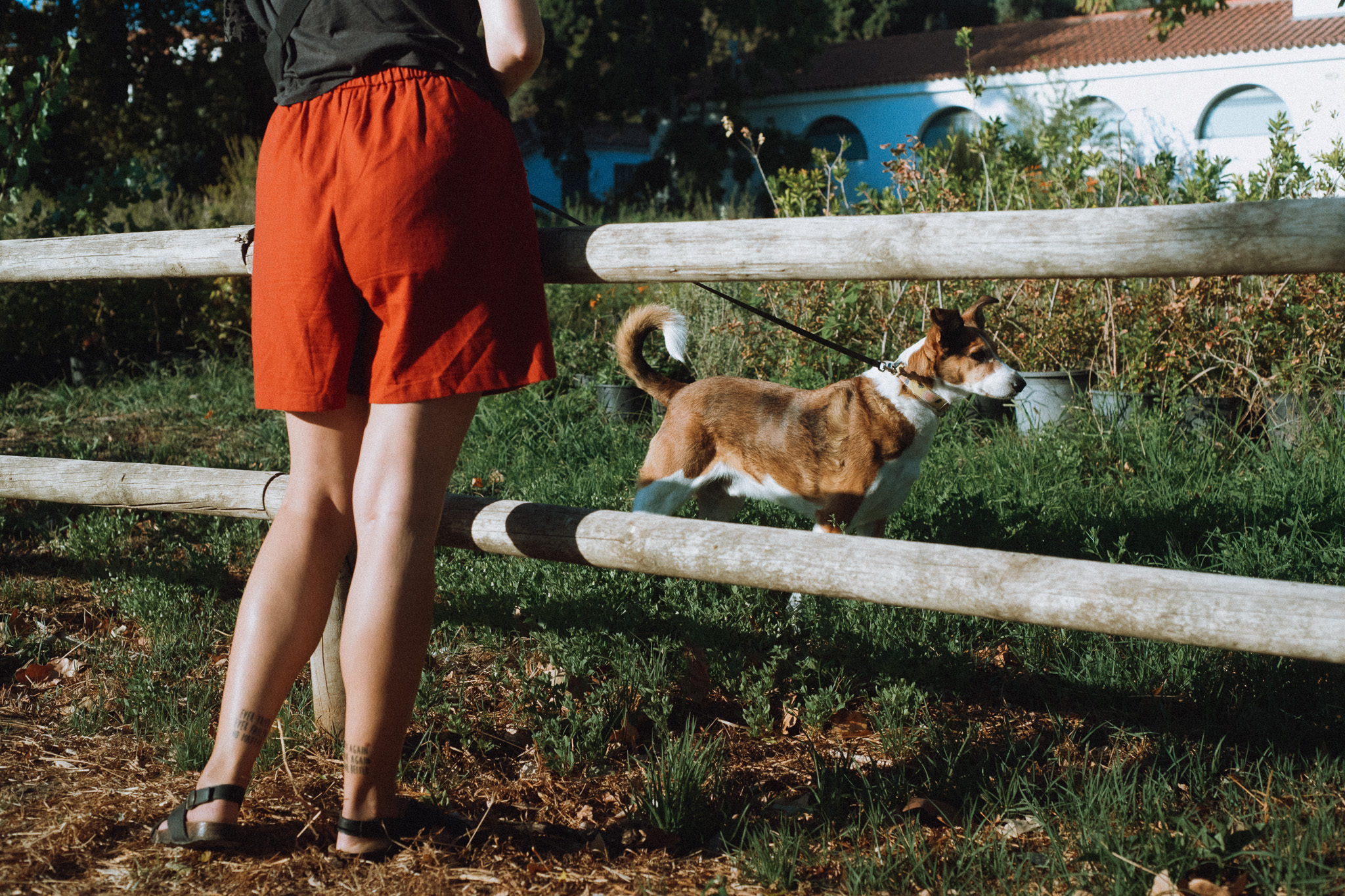
In terms of image quality and specifically comparing it to the Fujis, I would say that in broad day light there isn’t a significant difference. In fact, in some of the recent posts I made I’ve mixed Fujifilm and Nikon ZF photos (processed with the same Lightroom preset) and you’d be hard-pressed to tell which is which. The advantages of the bigger full-frame sensor only start to become apparent in high contrast situations, where the higher dynamic range of the Nikon results in more balanced images with more detail retained both in the shadows and highlights.

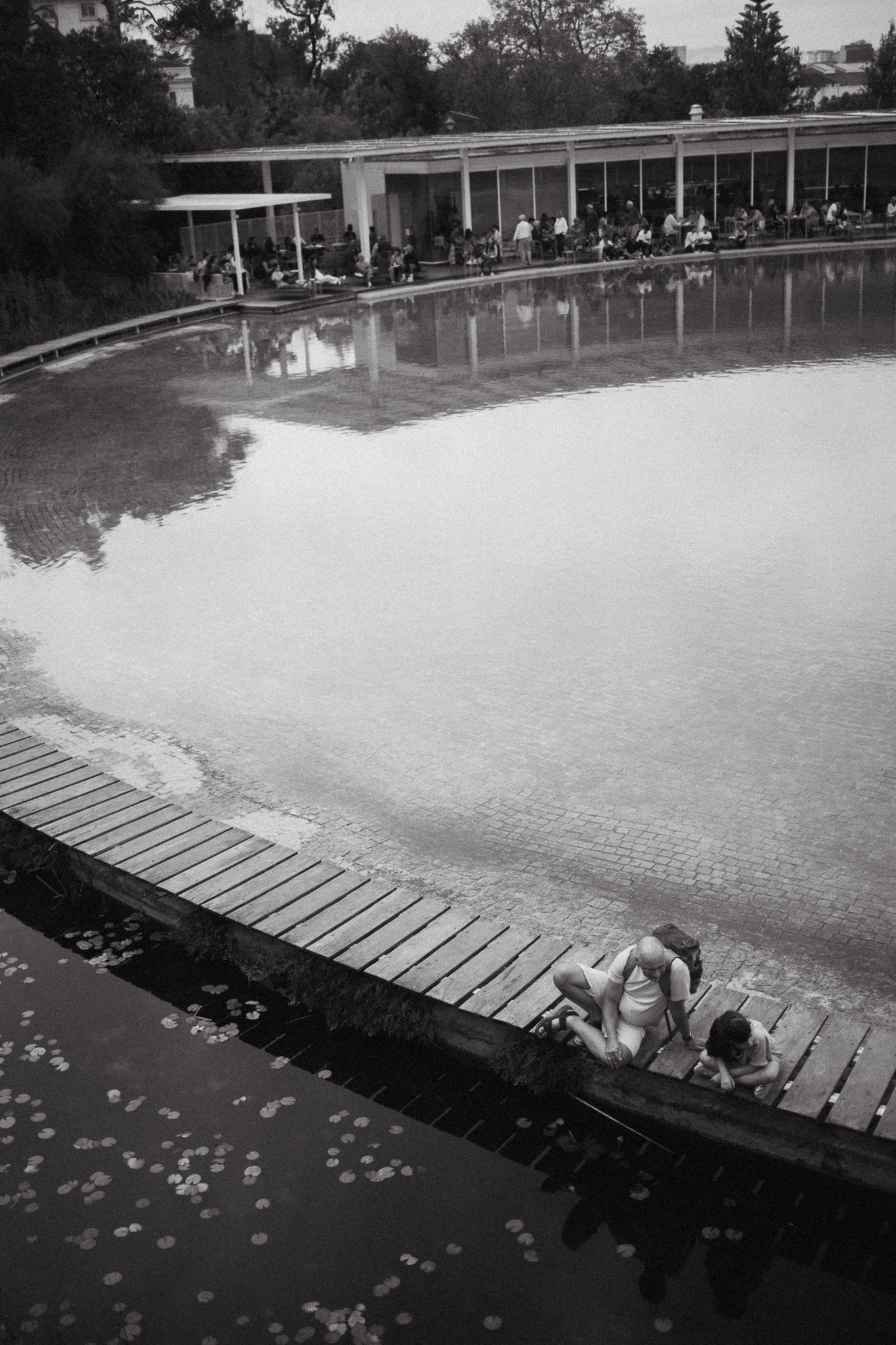
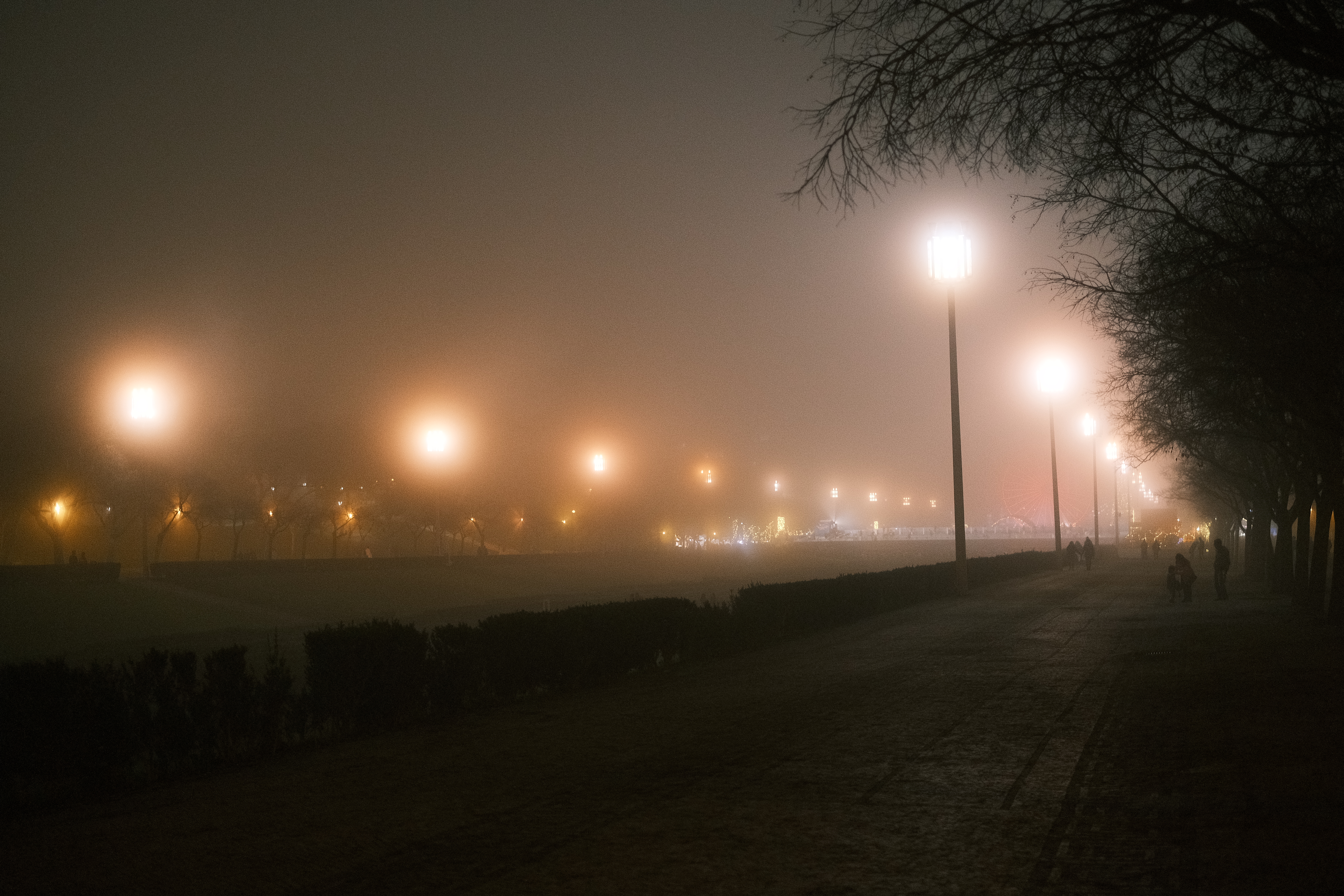
But it’s in low-light that the 24Mp full-frame sensor truly shines: the photo below was taken at ISO 25600 with no noise reduction applied and it’s still cleaner than any of my Fujifilm photos at 12800! The ZF goes up to 64000 ISO which is insane for someone coming from APS-C.
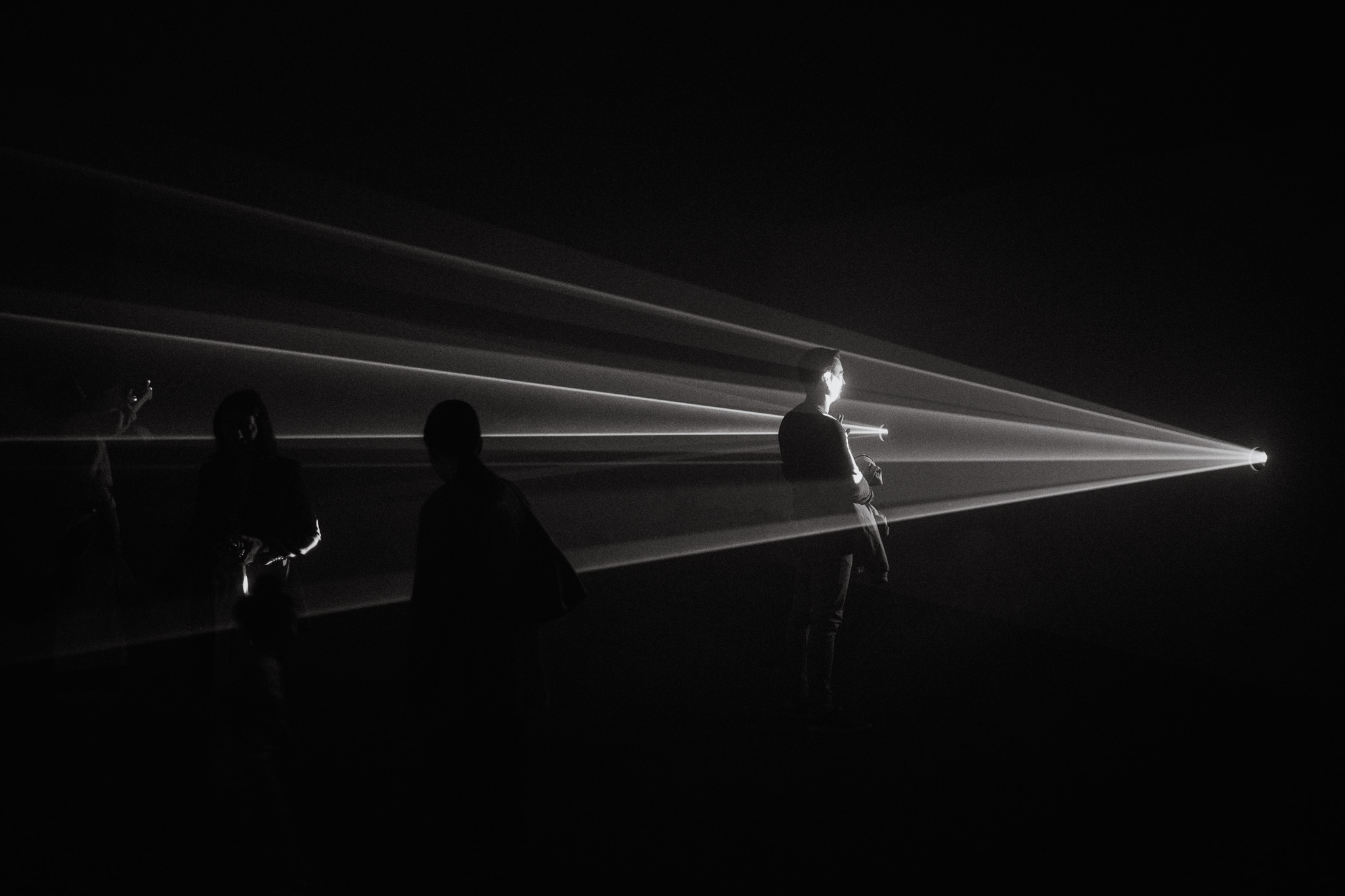
I’ve heard some people complain about it being “only” 24mp, but in my opinion that’s the perfect compromise between resolution and low-light performance and more than enough for the vast majority of situations. The only reason you might want a higher megapixel count would be to allow more extreme cropping, but I would argue if you’re relying on cropping that much you’re not thinking about composition enough.

the PASM dial and B&W Switch

After using Fujifilm cameras for so long with their intuitive “A” system, I did not expect to like using a PASM dial as much as I have! What I’ve found in real-world usage is that it’s quicker to change from one mode to another with this dial than by changing multiple dials on a Fujifilm. Case in point: I shoot mostly in P mode and normally only switch to Aperture or Shutter priority when I want either a shallow DOF or a slow shutter. On my Fuji’s, I have to rotate the Aperture ring/Shutter dial all the way from A to the other end of the scale.

With the PASM dial on the ZF, I can have my aperture already set to wide open and the shutter to a slow speed while using P mode, and then just switch the dial to whichever mode I want and voilá! It takes half a second instead of a couple of seconds with the Fuji’s.

The B&W Switch was also a big surprise in terms of how handy it really is. I thought it was a gimmick when I first read about it, but I’ve been finding myself using it more and more whenever I see a scene that I feel will work better in Black & White. Just like the PASM dial, there’s something to be said about the convenience of flicking a switch and immediately getting the result you want.

A note on Jpgs

Currently, the jpg options on the ZF are far more limited than with the Fuji’s, no doubt about it. It’s not that the Nikon Jpgs look bad, by any means, but you cannot get a stylized look straight out of camera the way that you can with a Fujifilm or even Ricoh. I do love the B&W jpgs though, I’ve been using those for the most part and just adding grain in post.

There is, however, a rumored update that would be a total game-changer for jpg shooters: the recently released Nikon Z6 III has a couple of unique features – Nikon Imaging Cloud and Flexible Color – that are rumored to be coming to the ZF in the near future, although there is no official confirmation from Nikon yet.

Nikon Imaging Cloud is an online service that allows, among other things, the possibility to share and download recipes from the cloud straight to your camera. There is already a repository of public recipes shared by Nikon “creators,” and I’m sure the library will quickly grow if more cameras are made compatible with this service.

But the real game-changer is the “Flexible Color” option available in Nikon’s NX Studio software. For context, NX Studio is a fully feature image editor (similar to Lightroom) where you can edit almost everything and save it as a preset, which can then be exported directly to the camera or to the Imaging Cloud service.

Flexible Color introduces a Color Blender and Color Grading tool, giving you granular control over the way the colors look in your image. This is much deeper than what you can do with Fujifilm cameras and it’s something I’ve wished they would add ever since I reviewed the x100F many years ago! The only problem is that if you save a preset using Flexible Color, you will only be able to upload it to a Z6 III camera. 😒 I’m really hoping Nikon will unlock this feature for ZF users, it would be a tremendous missed opportunity if they didn’t.

The “Flexible color” modules in NX Studio

Some minor grievances

To be honest I haven’t really found any serious faults on the Nikon ZF yet, just some minor grievances.

The articulated screen would be the first of them: I strongly dislike that it’s fully articulated and I don’t think it makes much sense in a camera that is so clearly photography-oriented. For example, if you want to shoot from the hip and compose with the LCD, the screen will be off-center which is kind of disconcerting for composing. If you’re using a shoulder or neck strap, more often than not it will get in the way when you’re trying to open the LCD to the side. Overall it’s just very impractical for photography, so I keep it closed most of the times and use the viewfinder instead.

Another inconvenience is that the weight of the camera combined with the poor ergonomics make holding it for long periods a bit uncomfortable. I’ve always preferred wrist straps with my cameras, but with the ZF I’ve switched to a shoulder strap because it’s much more comfortable to carry around. There’s the option of adding a grip to the camera to improve the ergonomics, but at the expense of more size and bulk.

Ultimately, the main drawback I’ve found so far is not directly related to the camera, it’s the lens selection. Nikon makes amazing glass and offer a ton of options if you consider both the native Z mount and older F mount (compatible via an adapter), but this is where the physics of full-frame take its toll: full-frame lenses are just bigger and pricier than APS-C, there’s no way around it. For example, there are no native compact “nifty fifty” lenses, and the higher up the focal length ladder you go, the bigger they get. As far as I know, the only compact lenses Nikon offers are the 26mm, 28mm and 40mm. And from those, only the last two have “Special Edition” versions that match the retro look of the ZF.

So, in this regard, I much prefer the lenses options in the Fujifilm ecosystem and I don’t plan on investing much in full-frame glass (well, maybe a few manual lenses just for fun… 😉).

Wrapping up

If you’ve made it this far, it should be quite obvious by now that I am really happy with this camera and I don’t plan on selling it anytime soon. In fact, I am instead considering selling one of my Fuji’s since they haven’t seen much usage lately. The Ricoh GRIIIx is my everyday camera because it fits easily in any pocket, but the ZF has become my primary choice when I go out specifically with the intent of taking photos.

The discussion between full-frame and APS-C, like so many things in life, comes down to deciding what is really important for you and which compromises you are willing to make. I would say if you shoot in low-light often then there is a definite advantage in full-frame, but it comes at the cost of a bigger, heavier and pricier kit. If portability is your priority and low-light photography is an afterthought, than APS-C is the more logical choice.

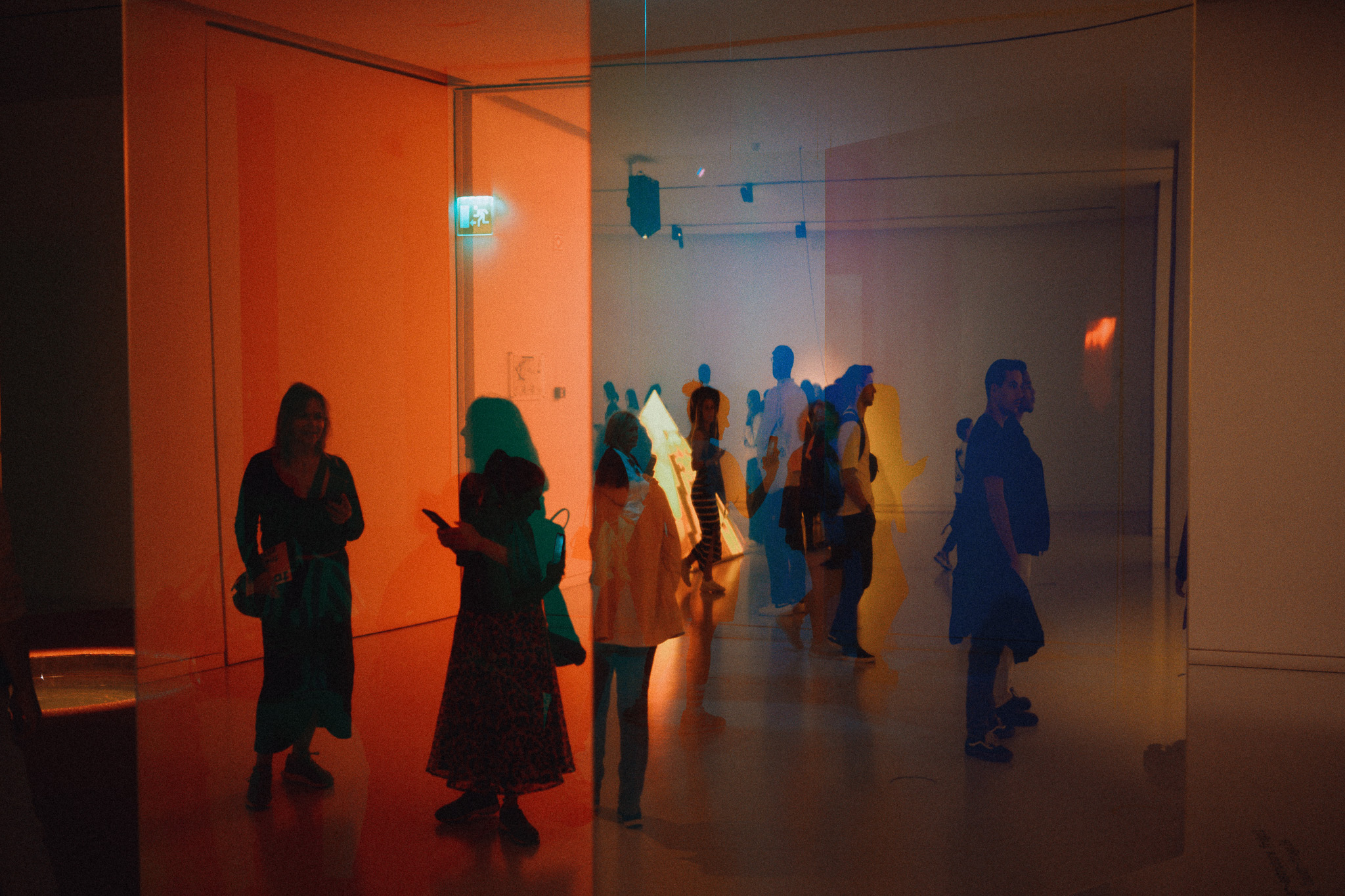
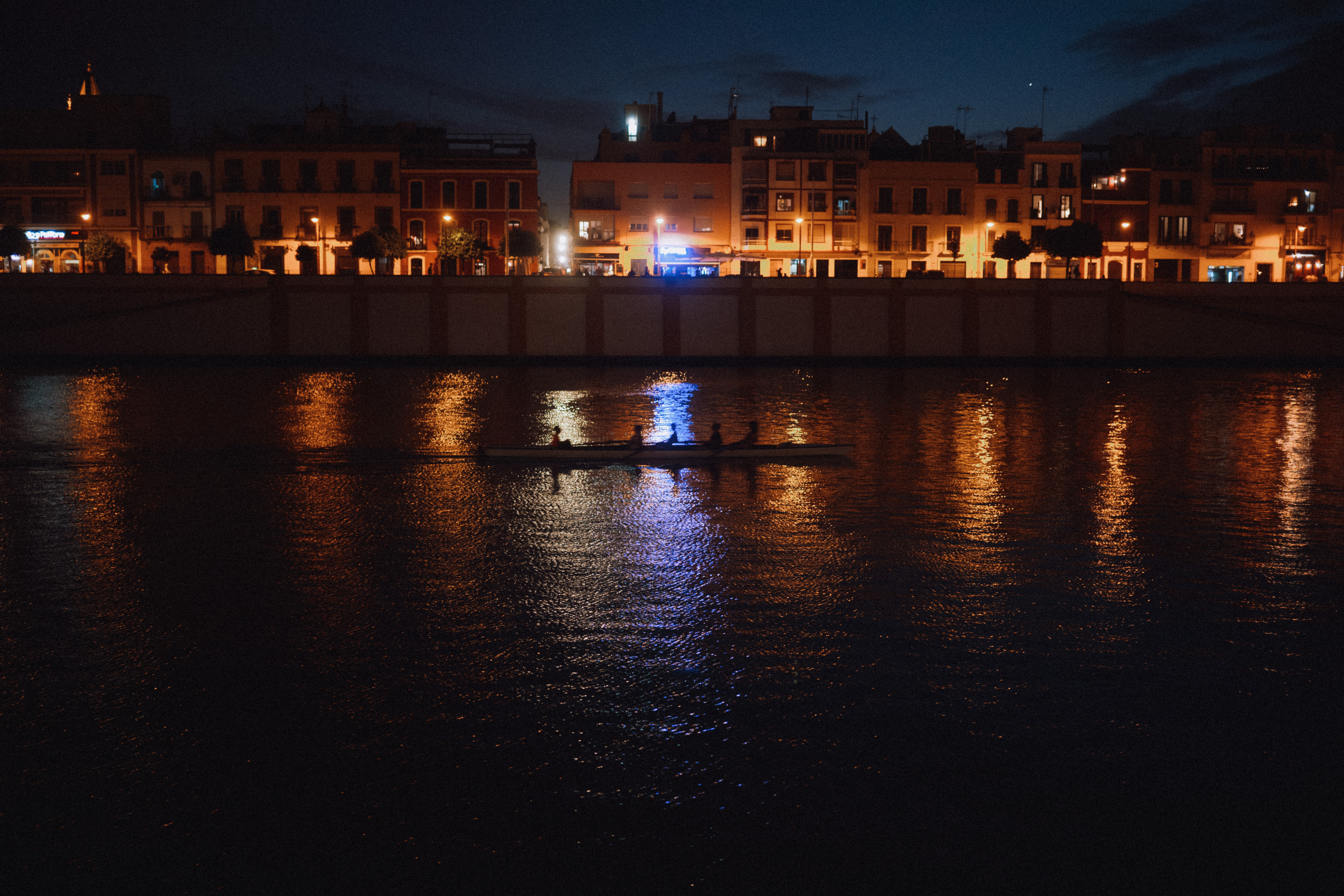
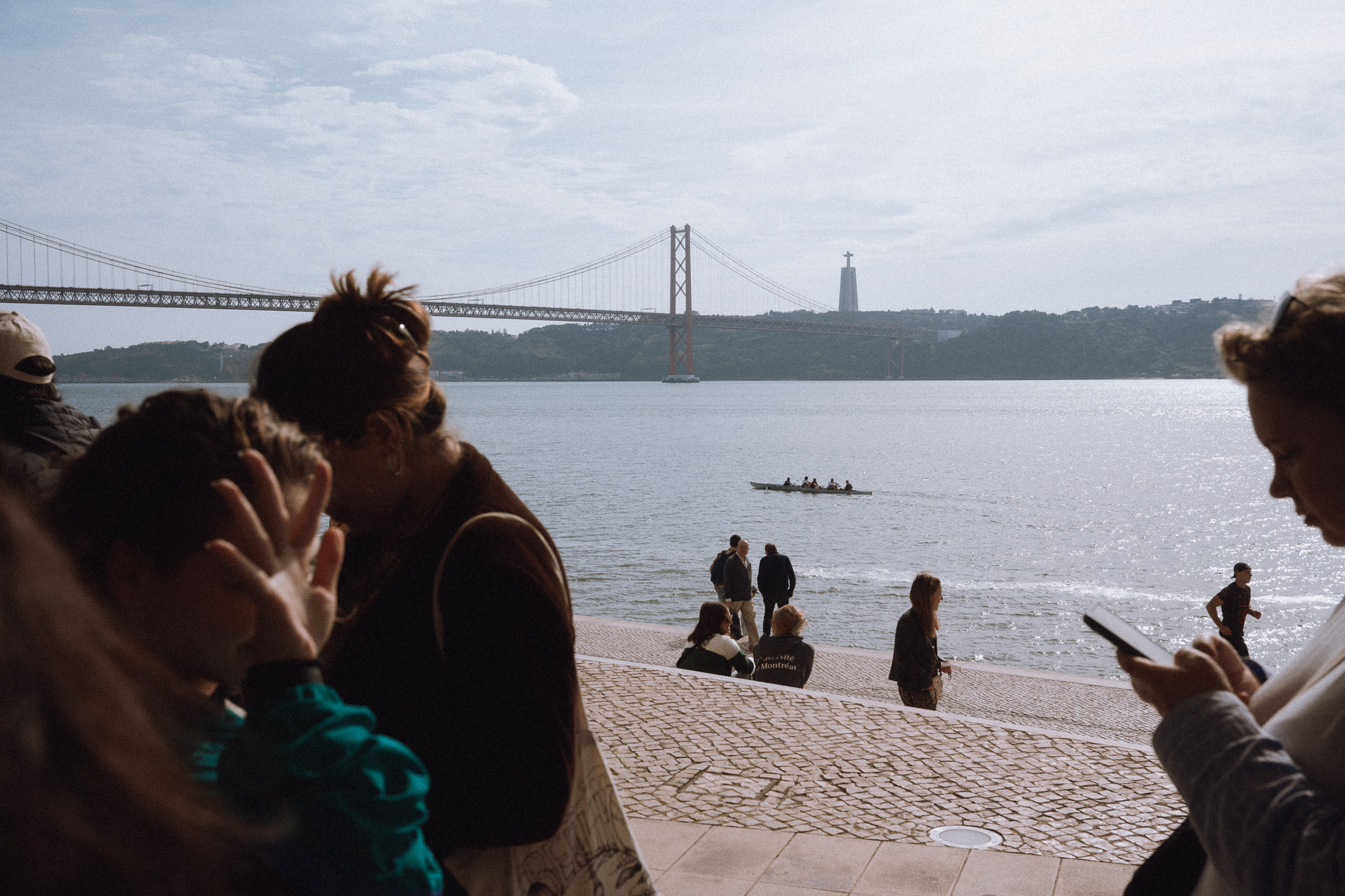
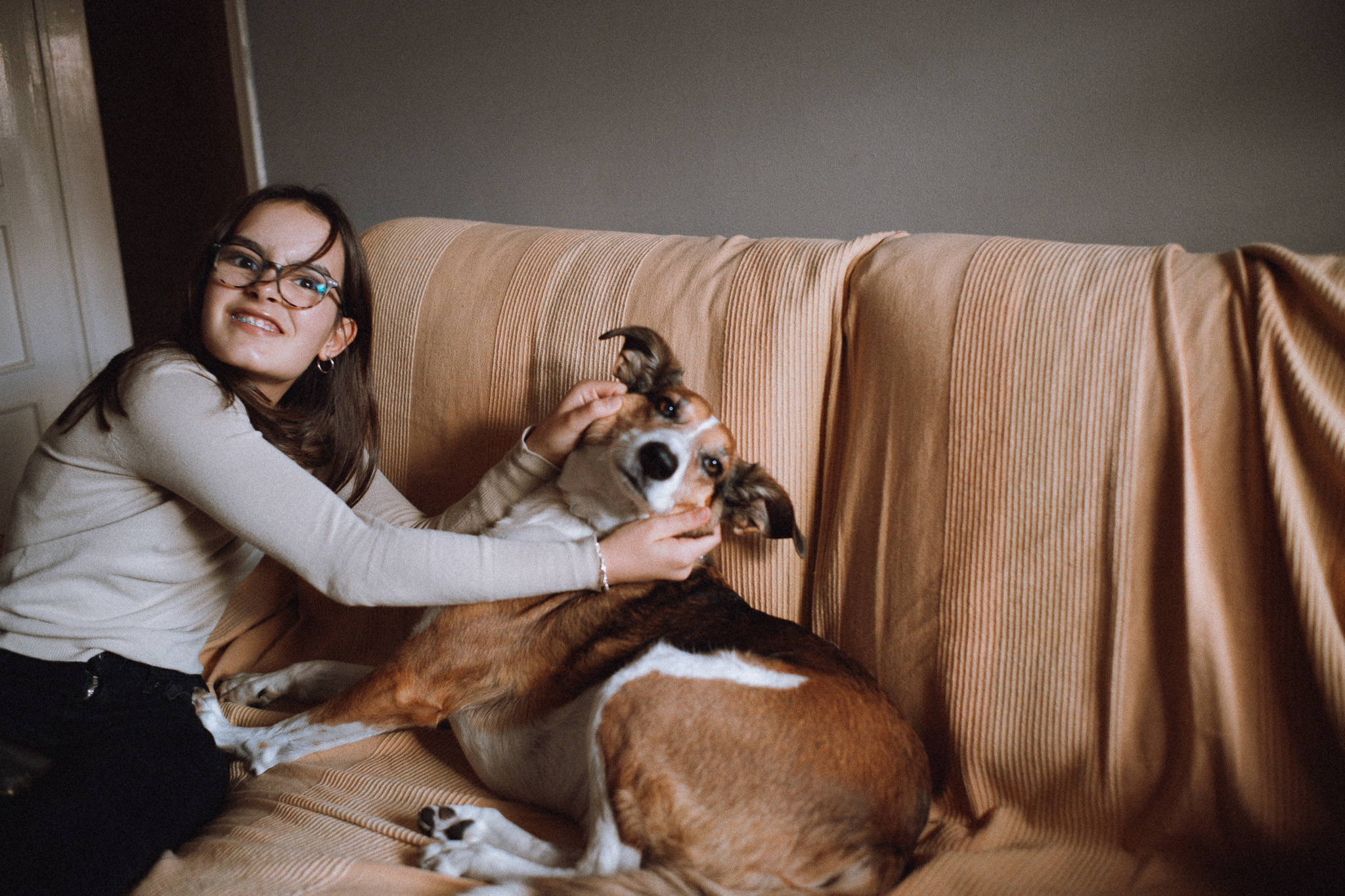
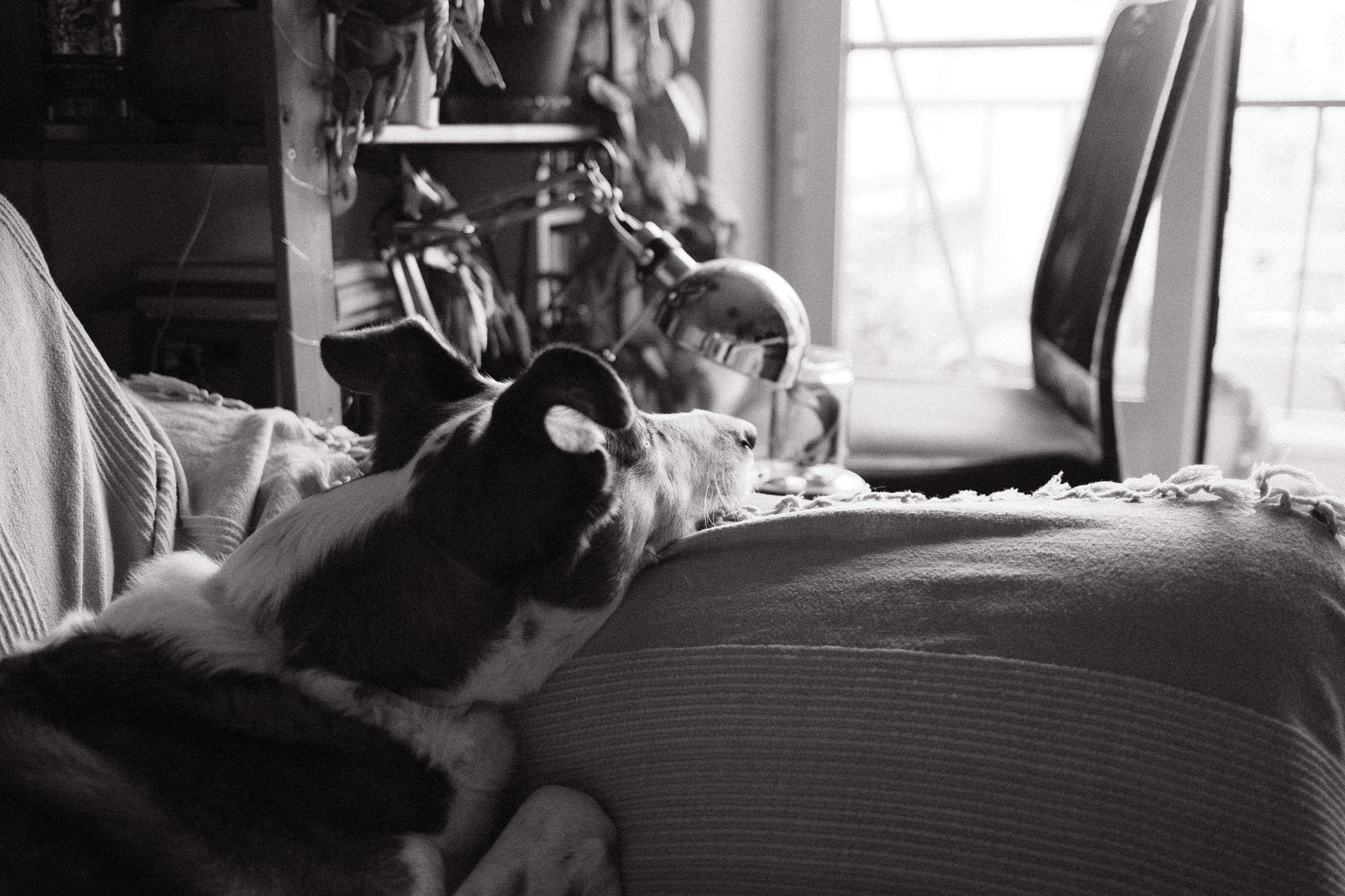
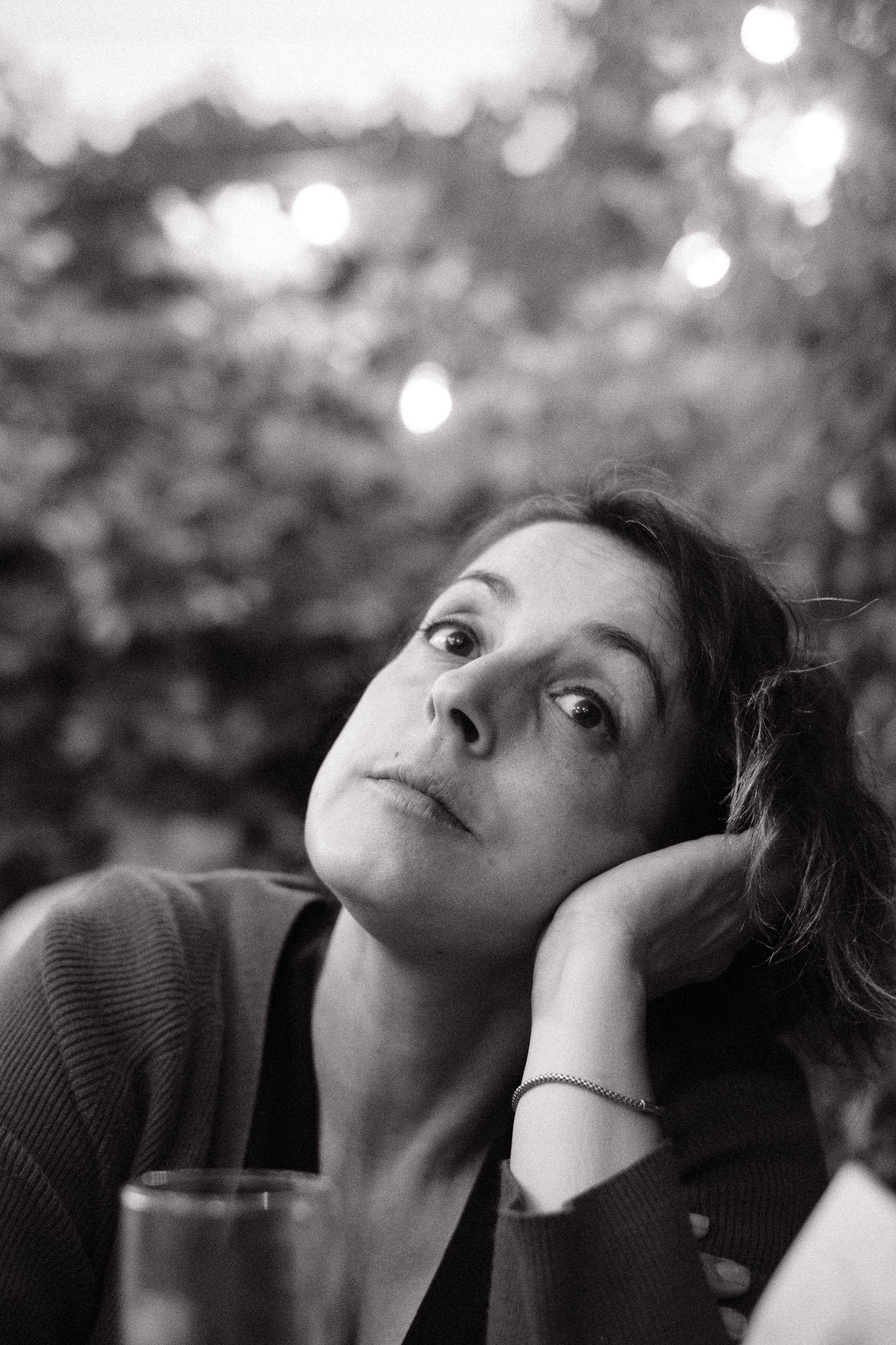
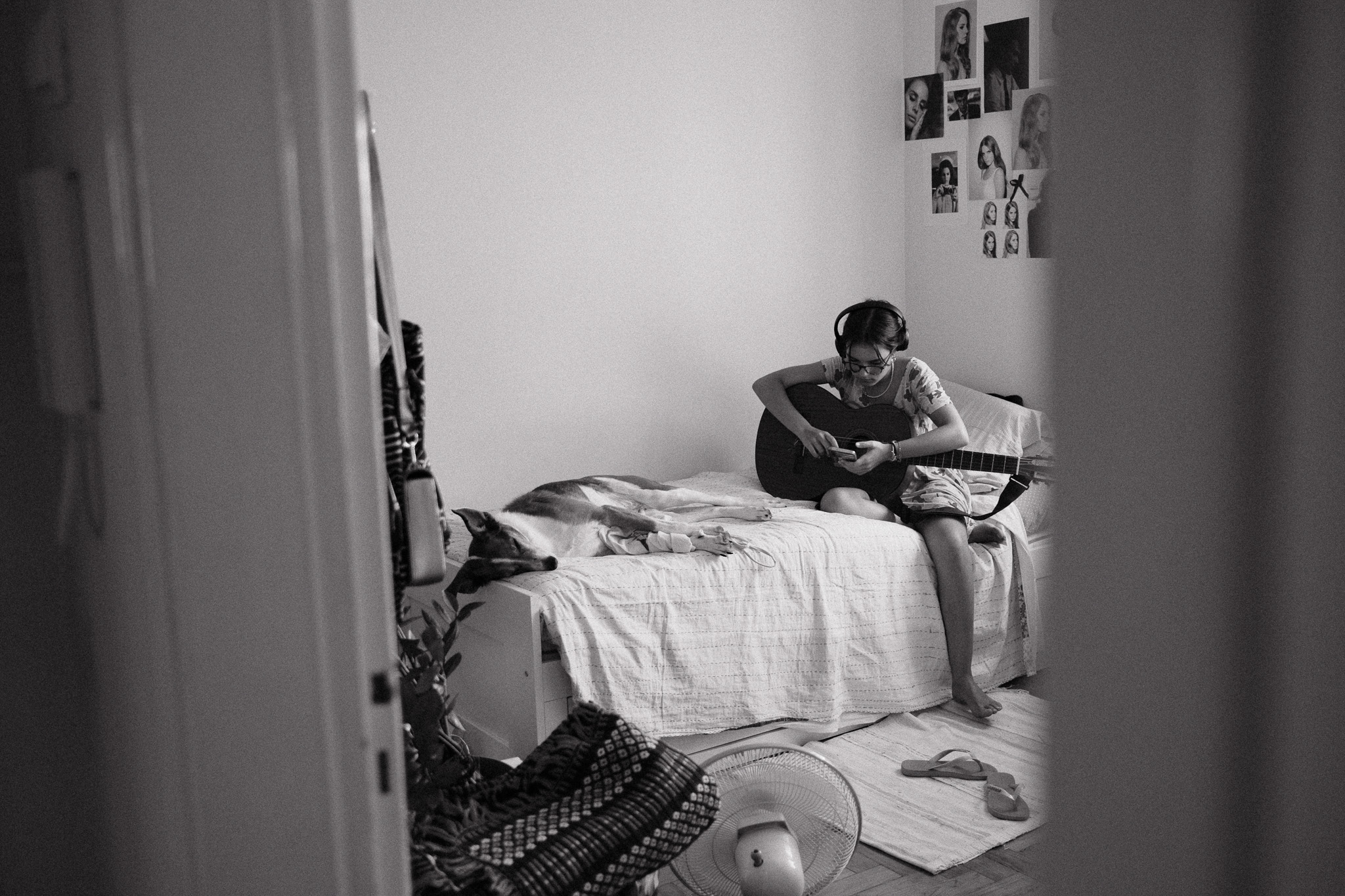
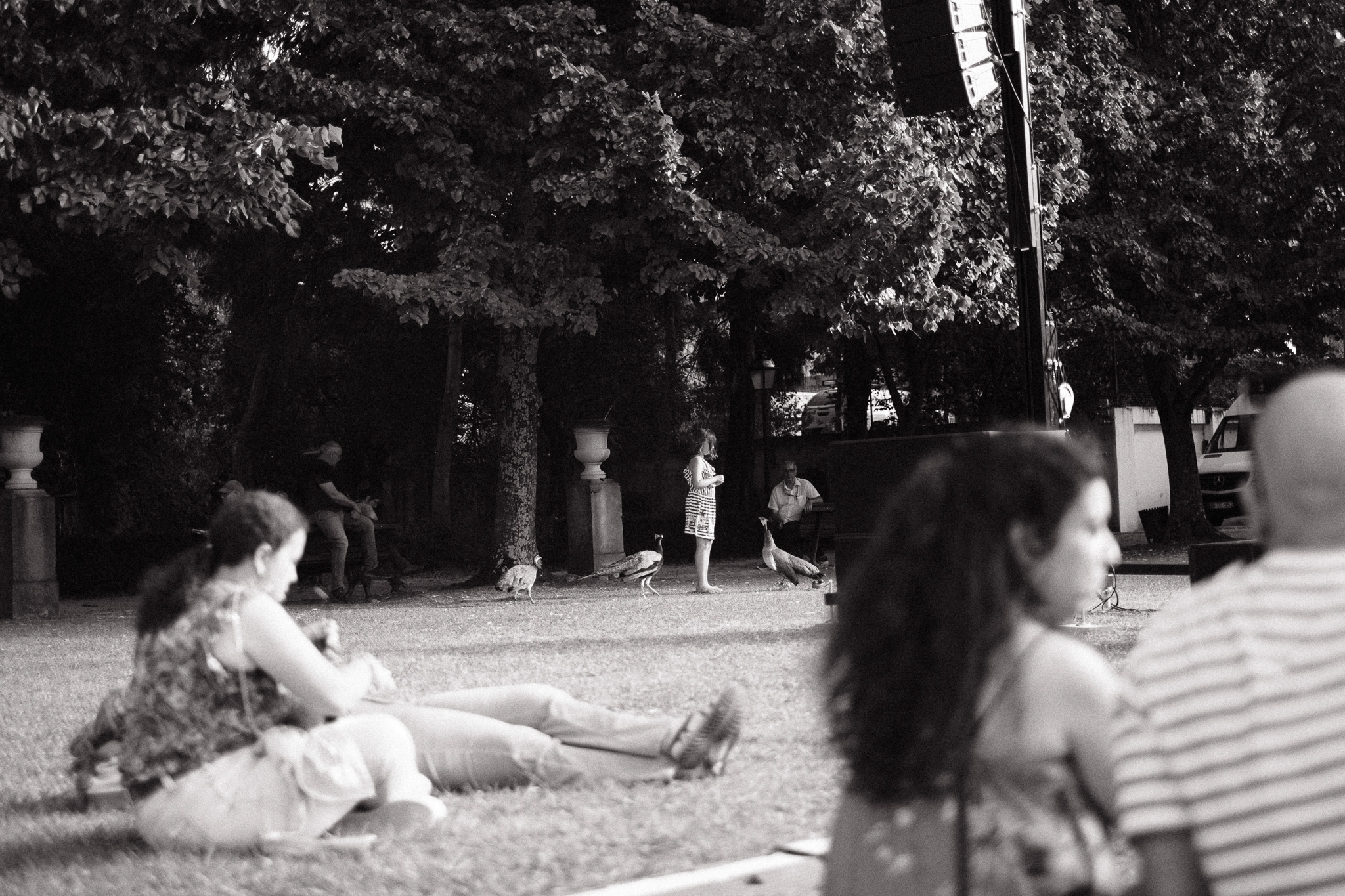
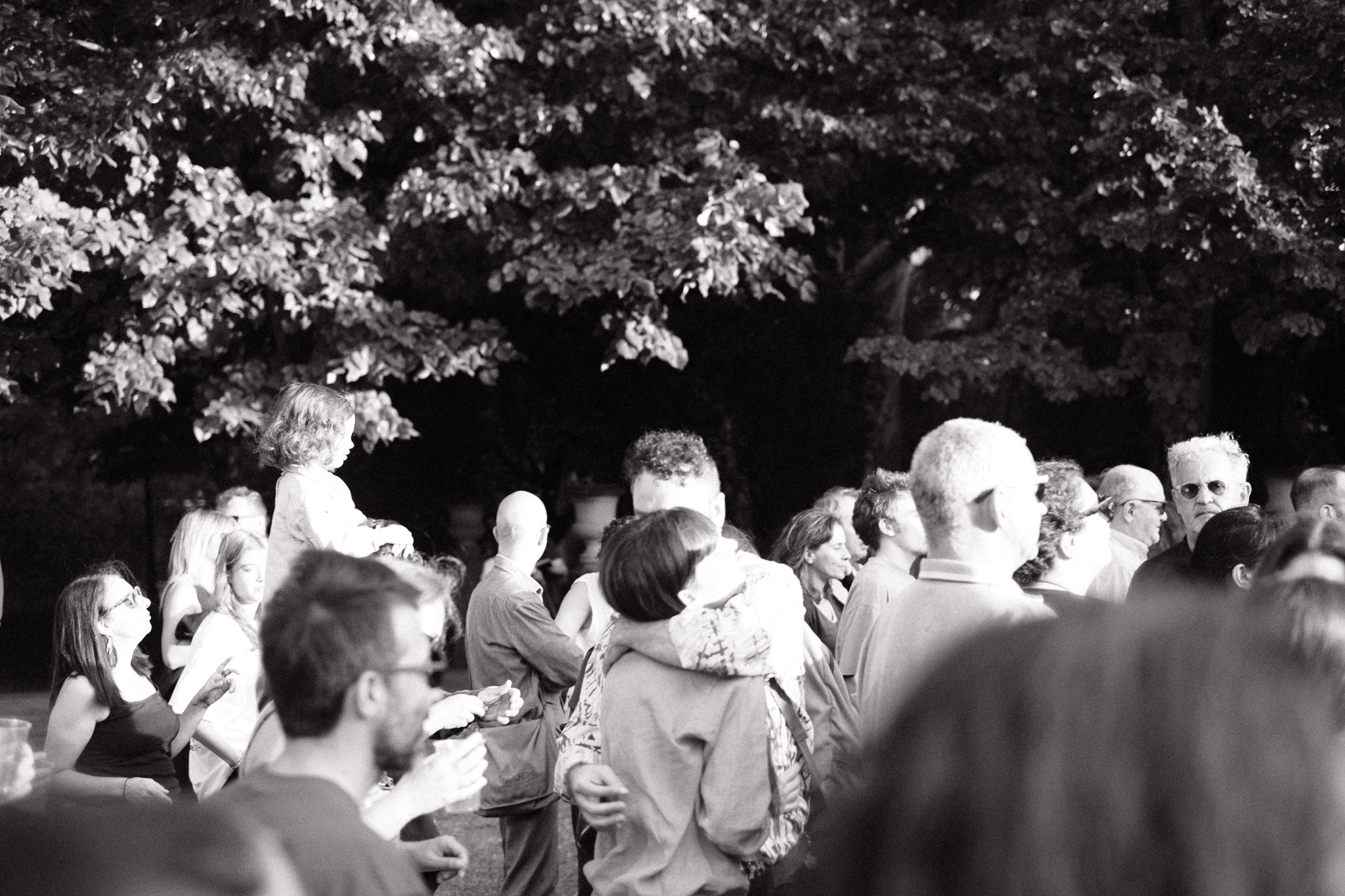
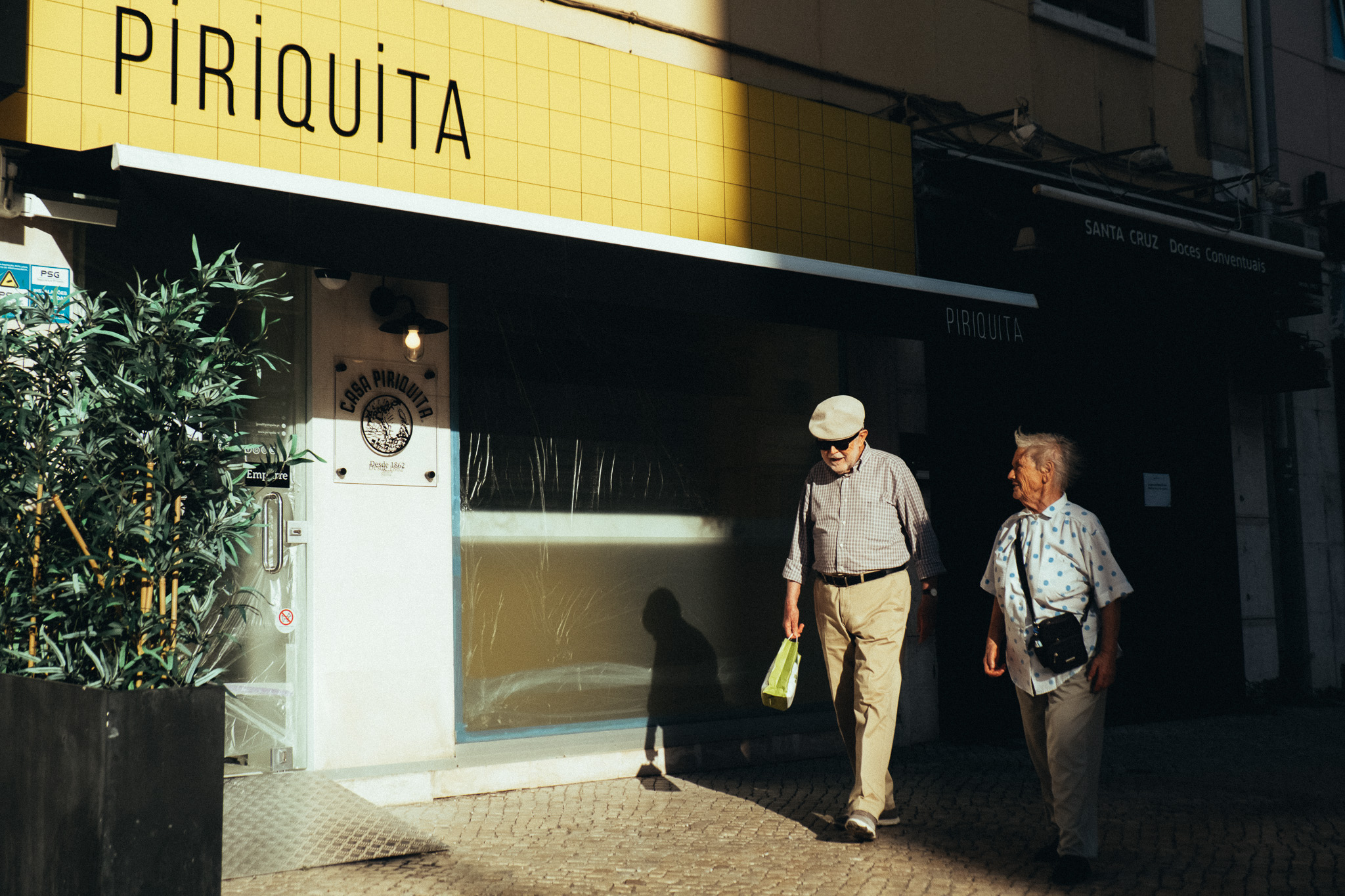
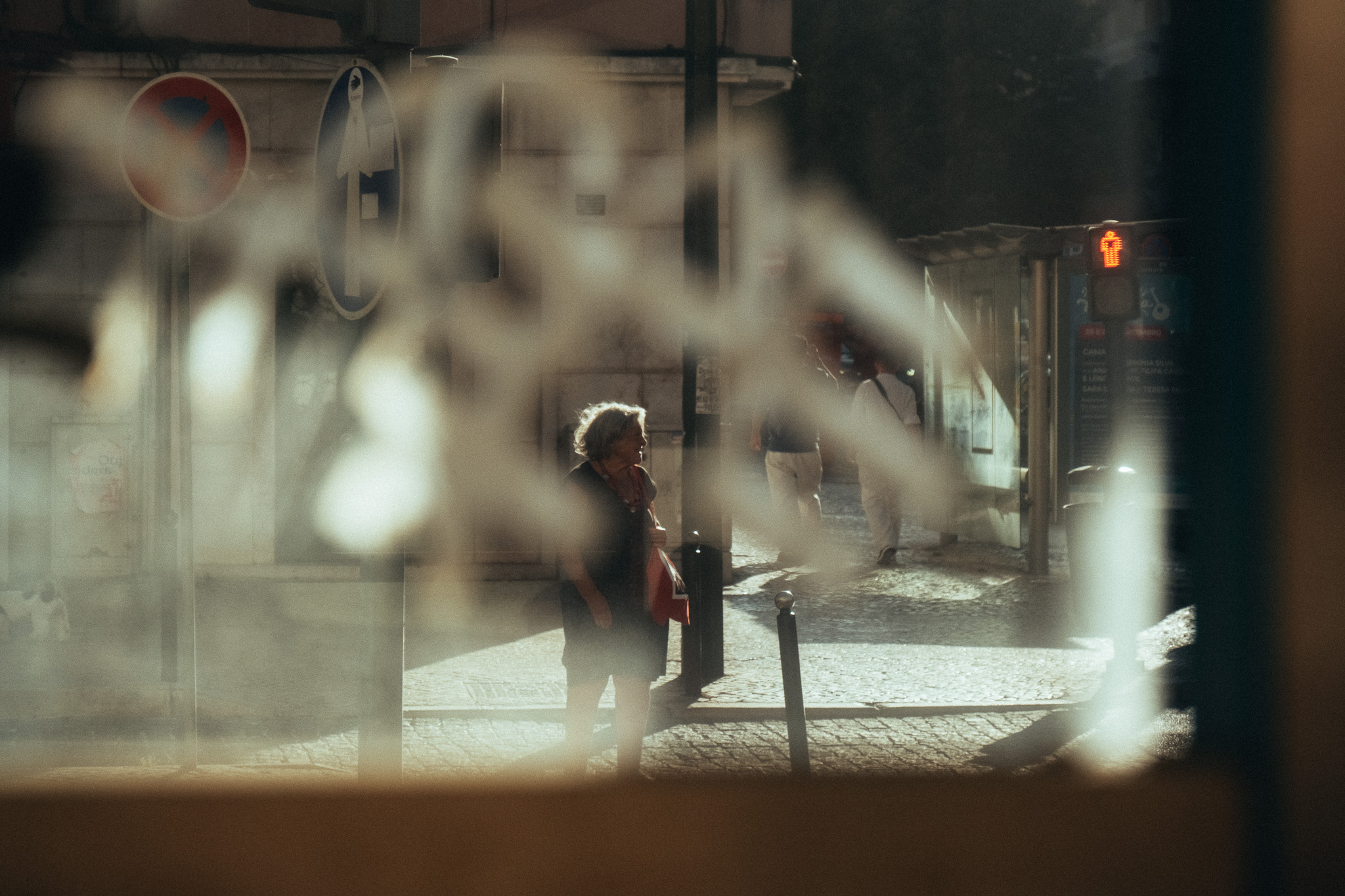
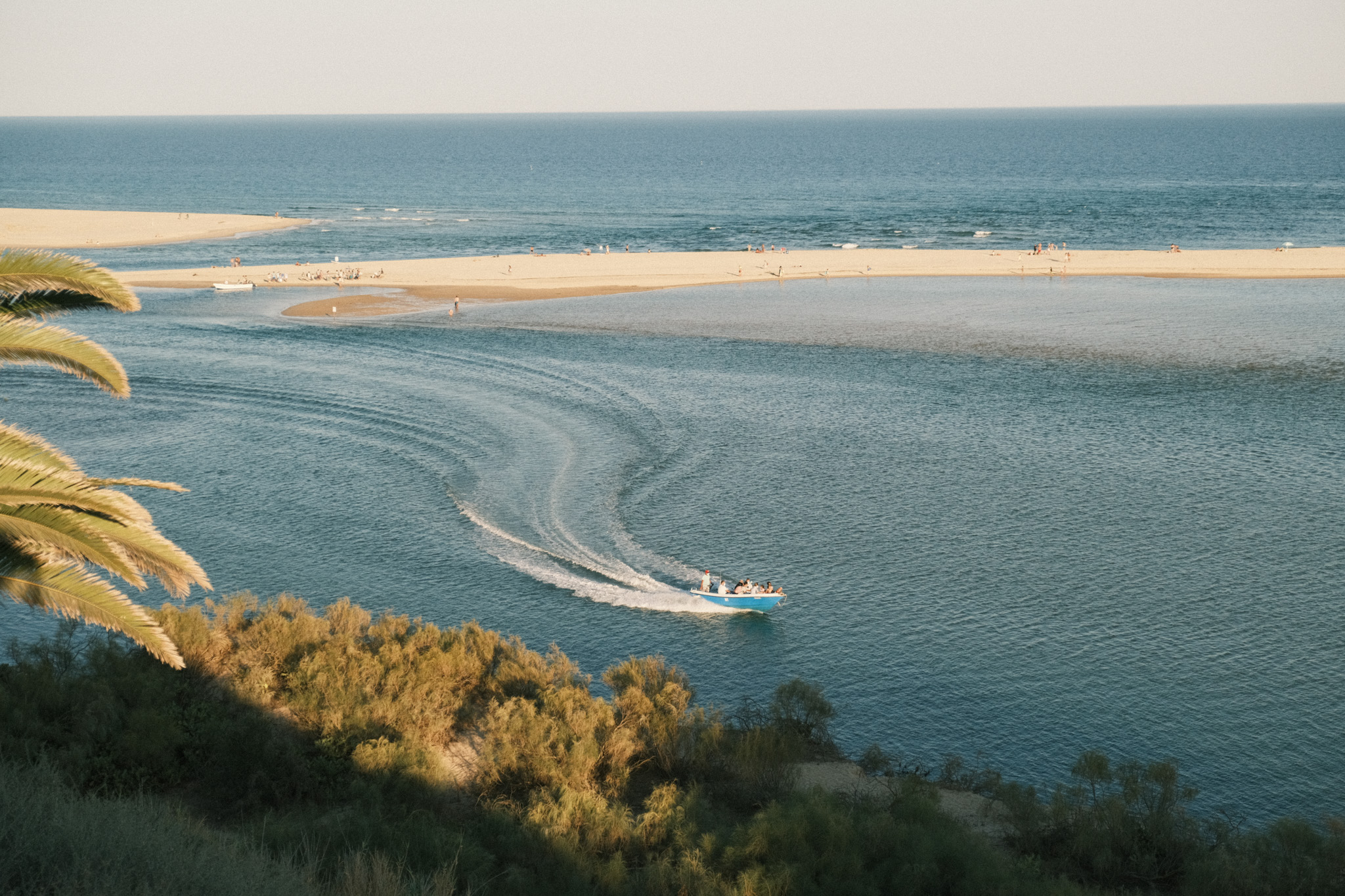
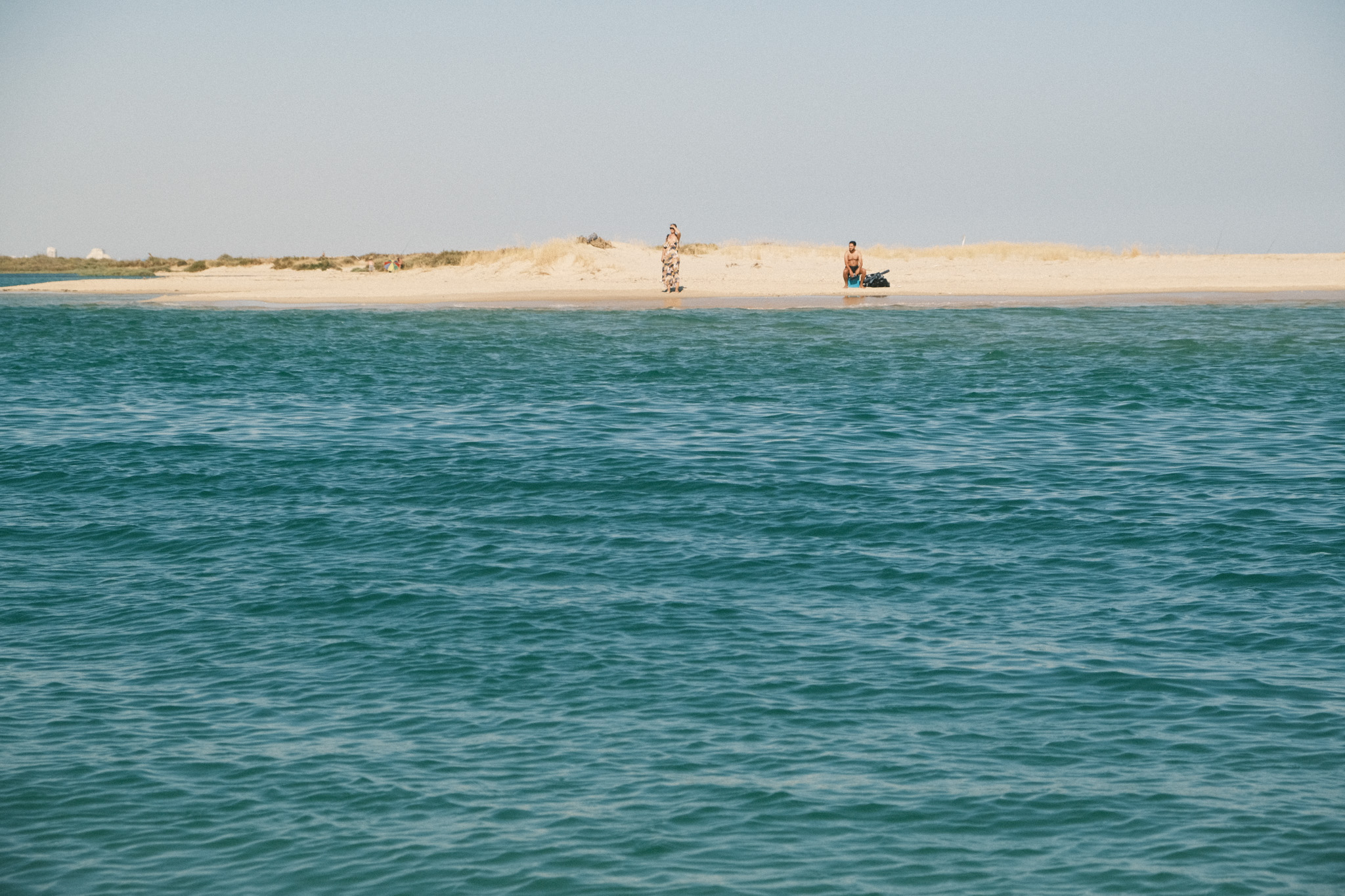
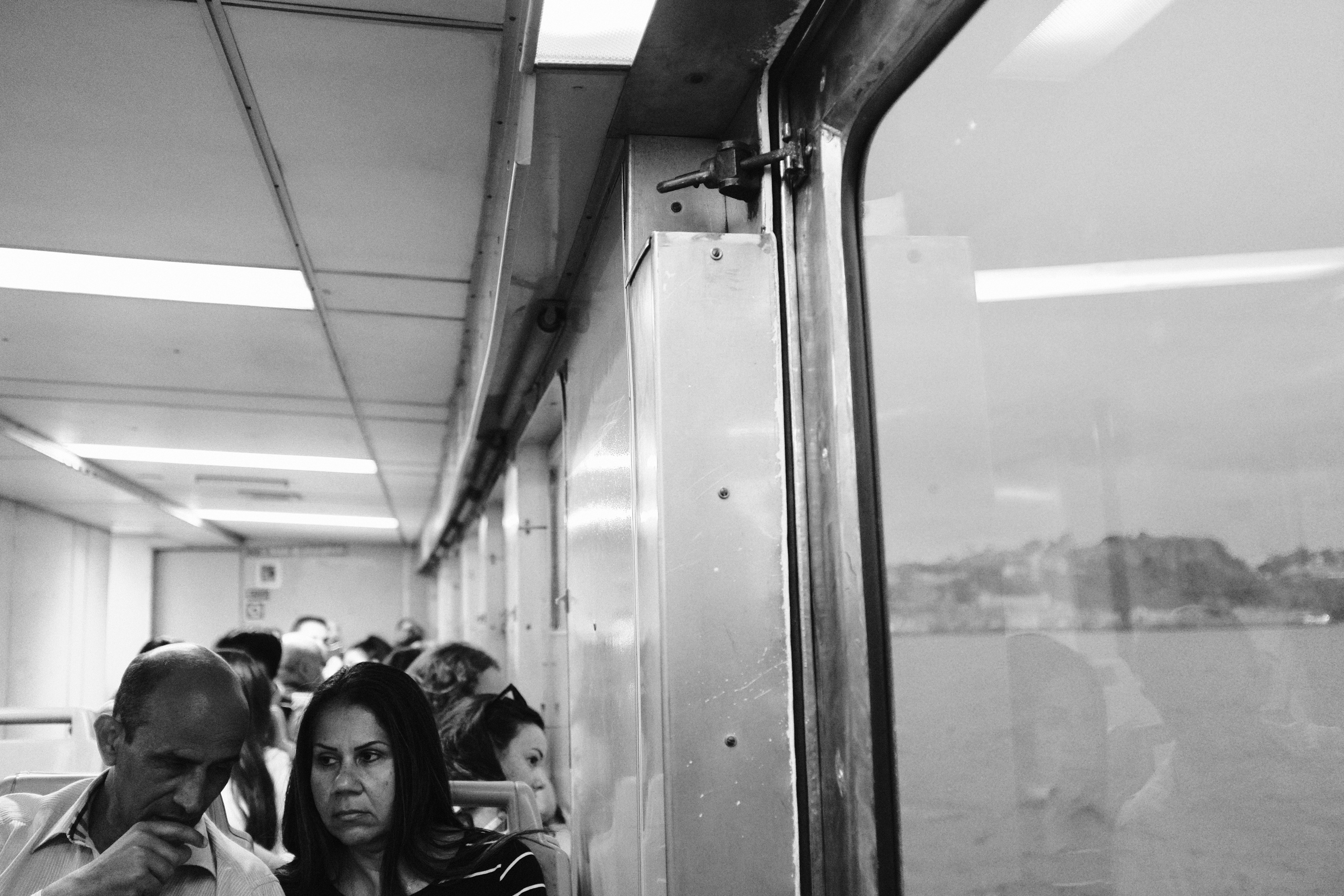
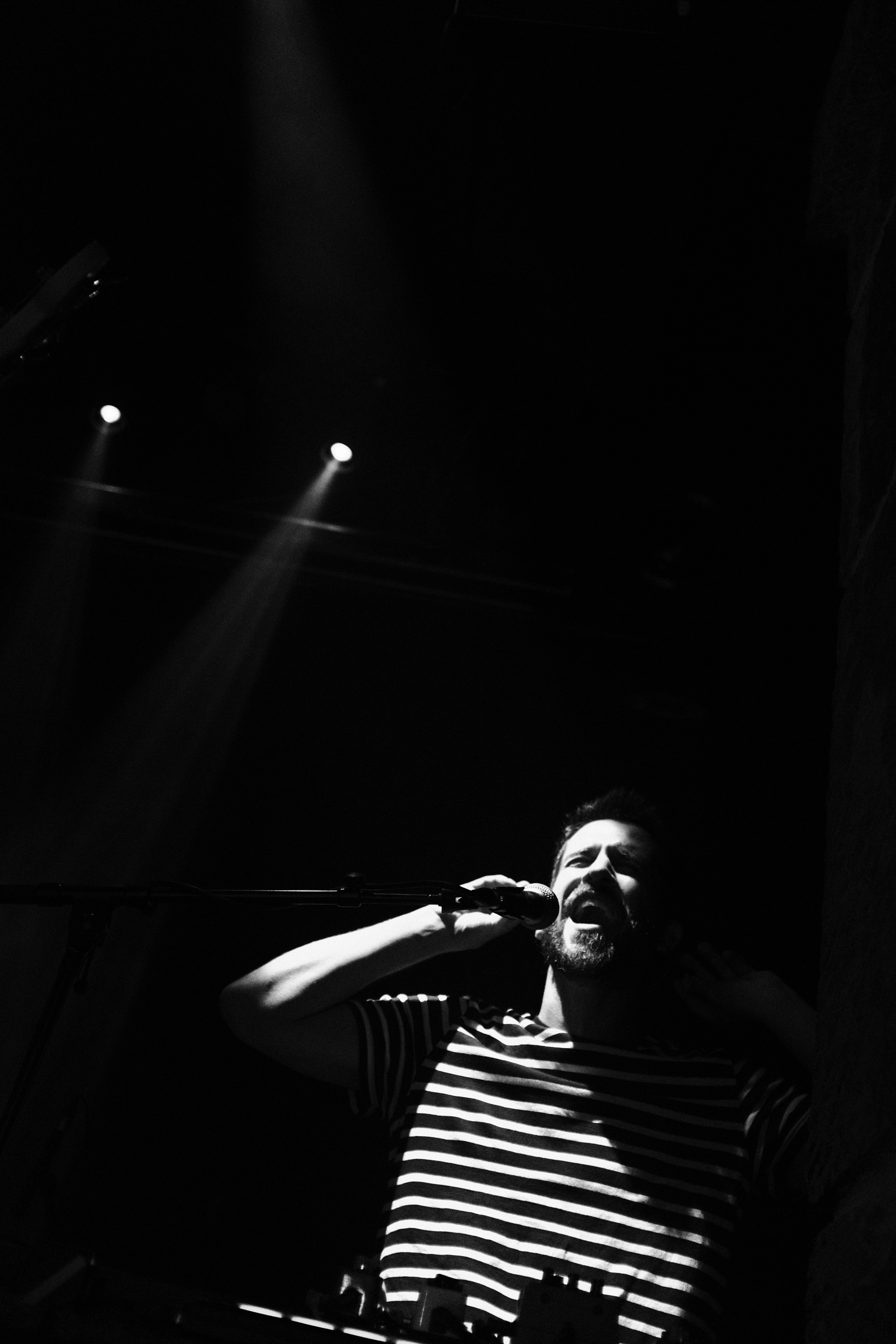
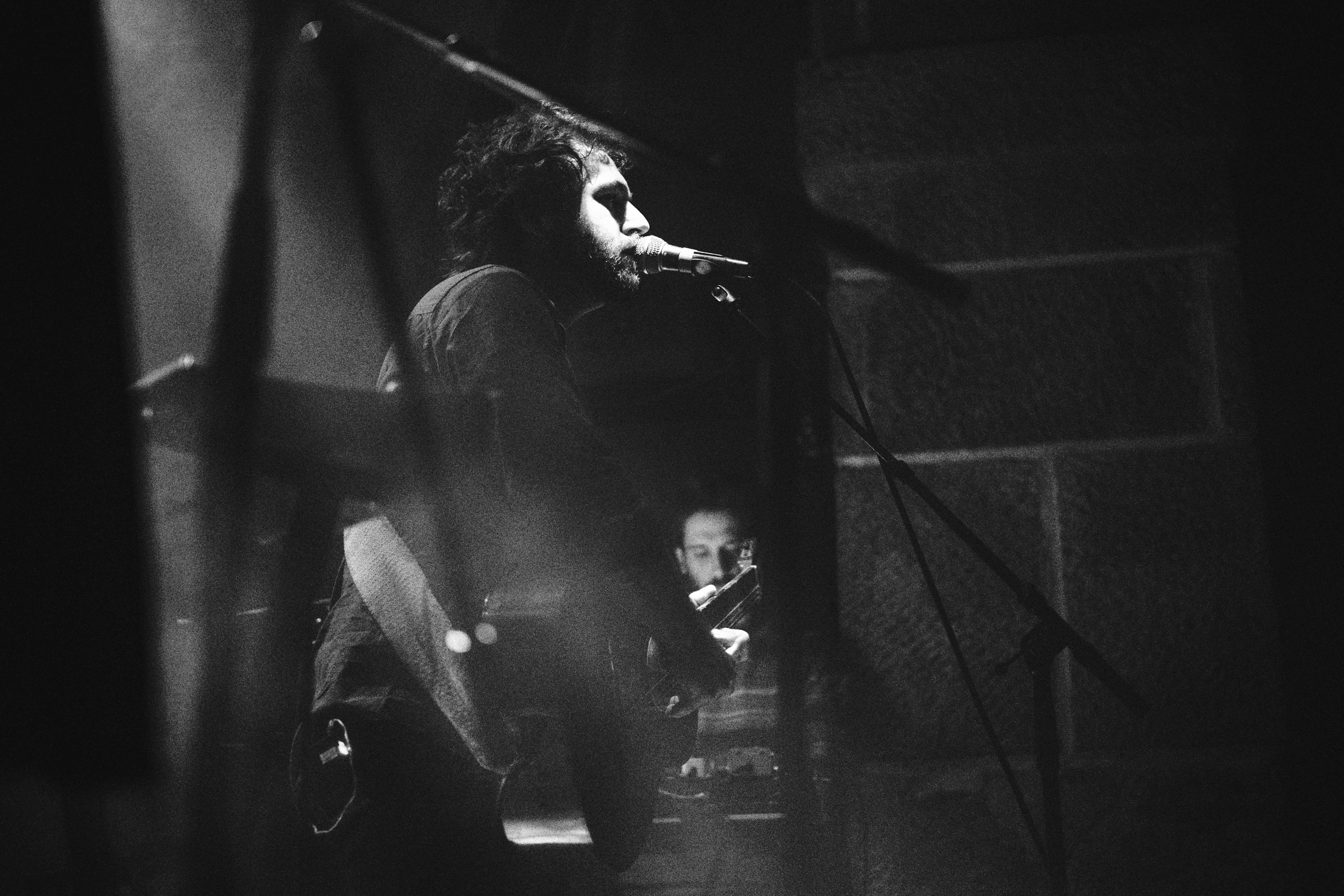
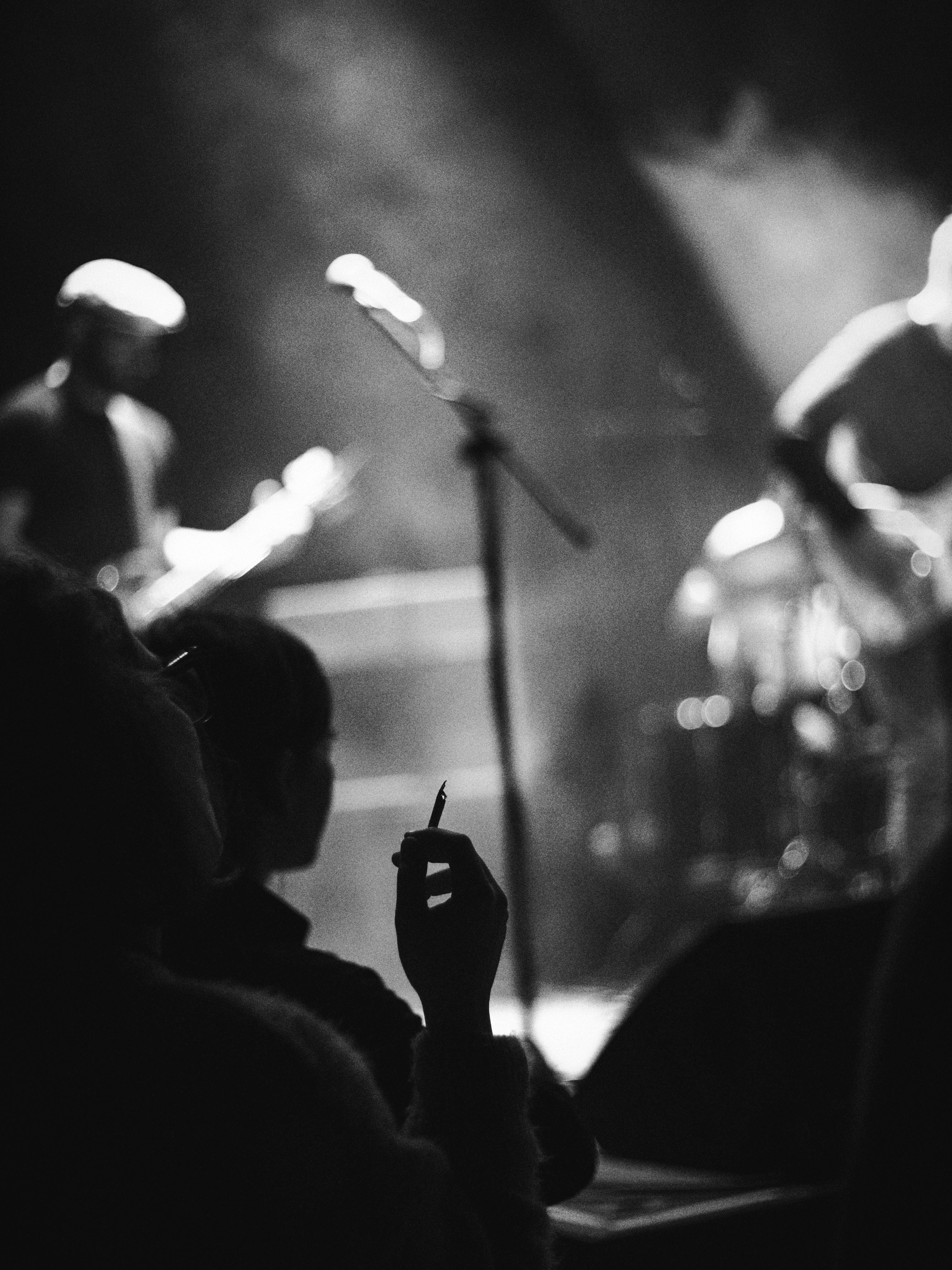
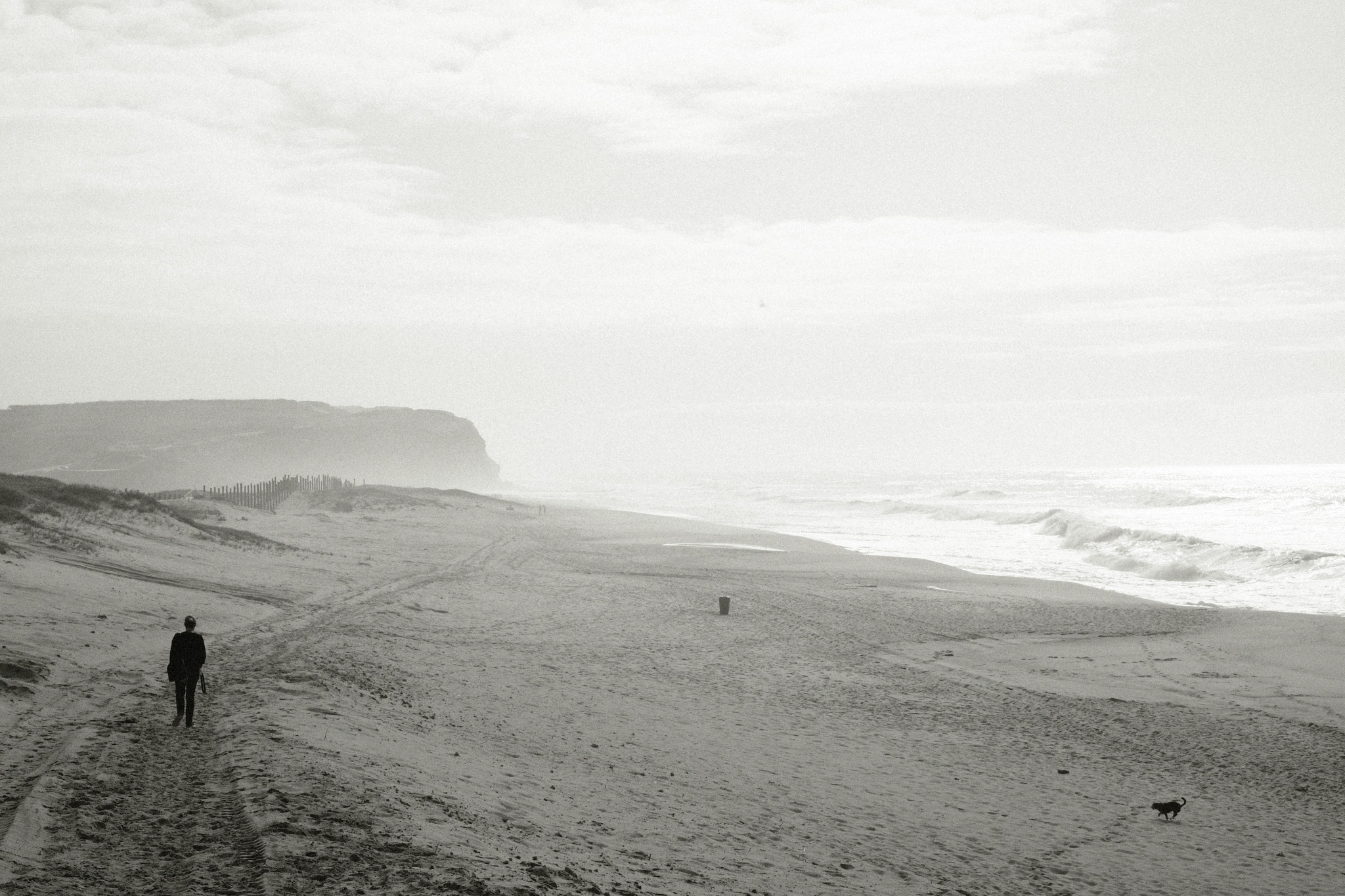
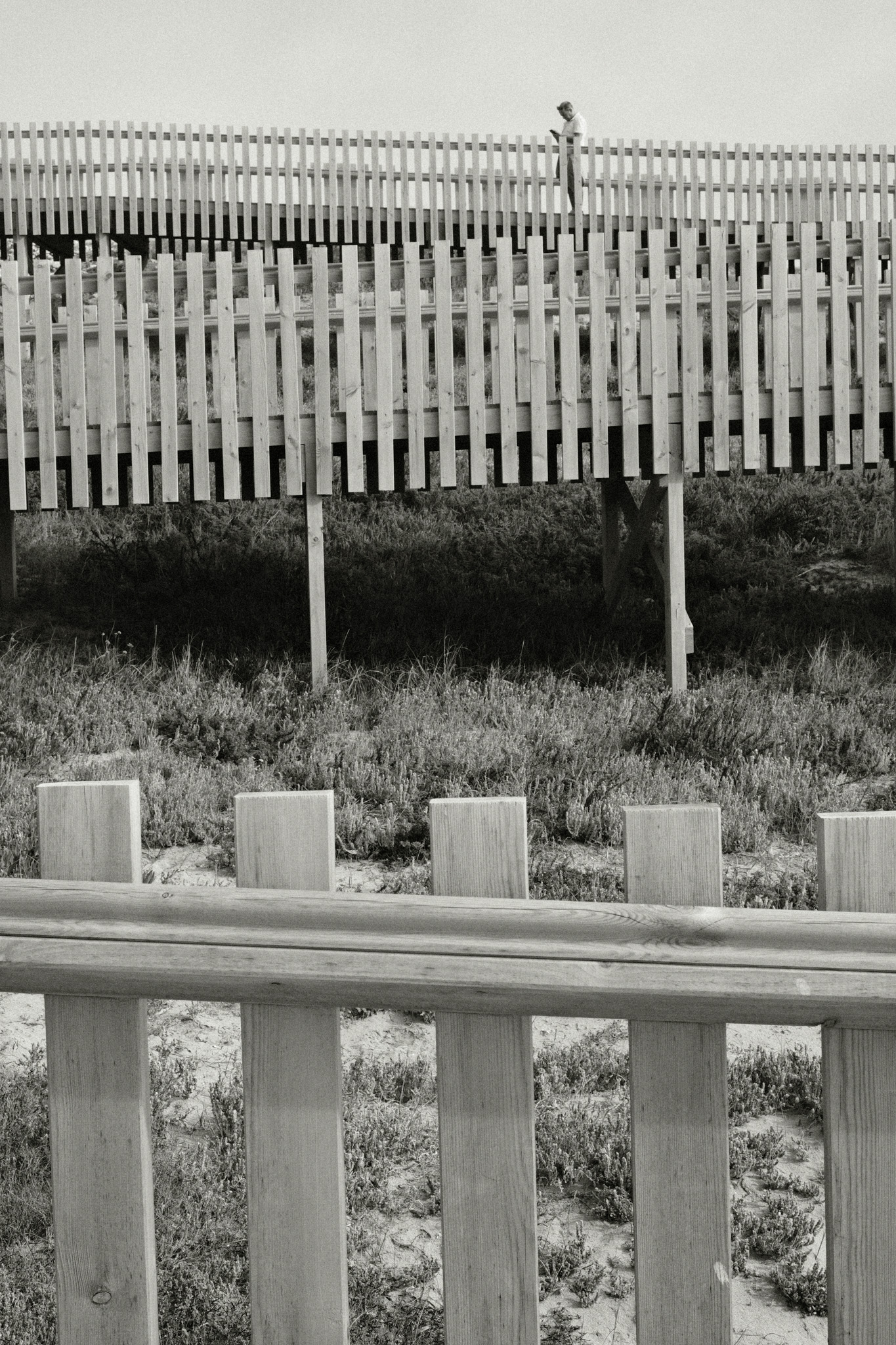
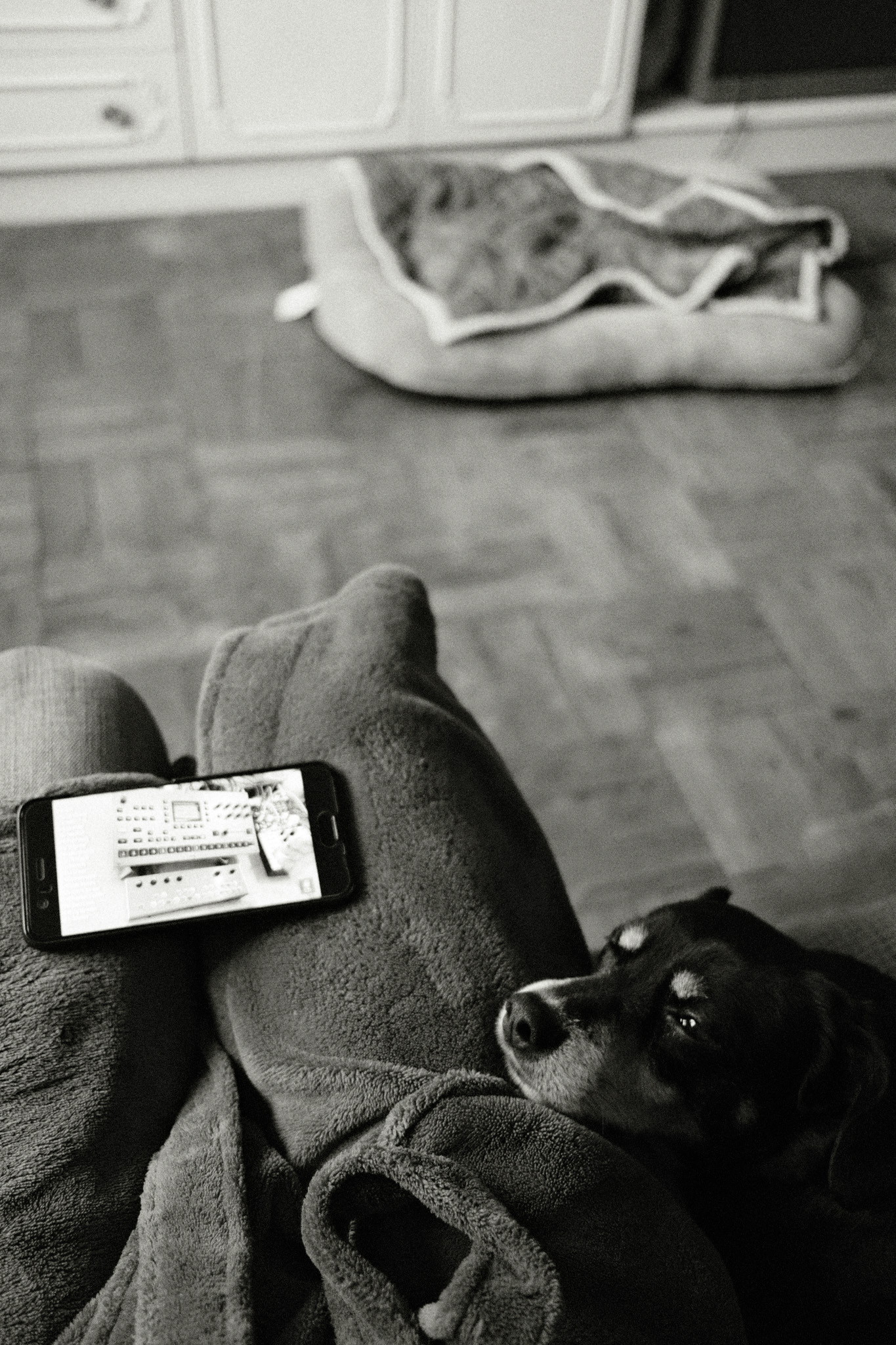
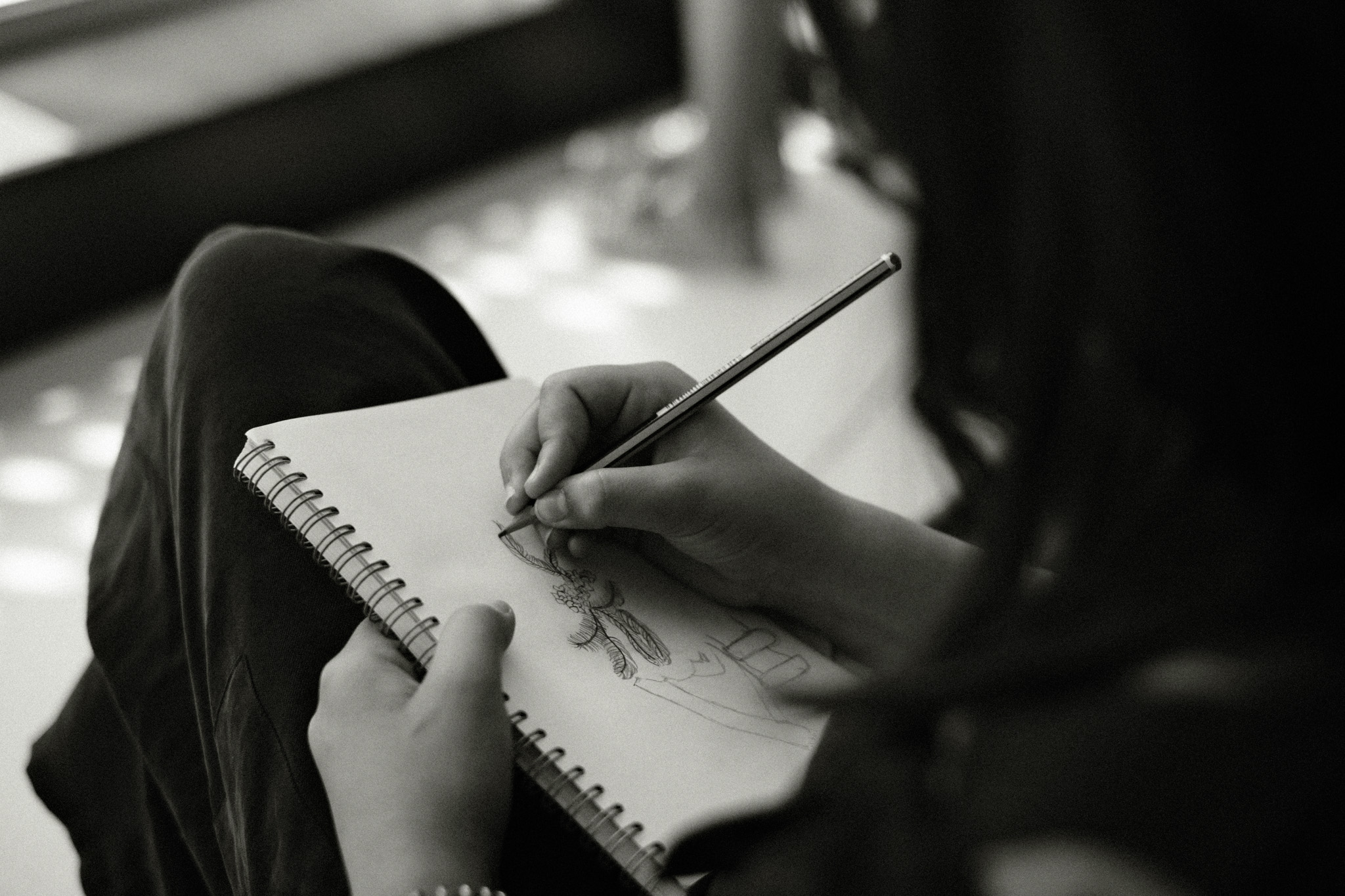
To close this off, here are a few of my favorite images taken with the ZF over the last couple of months:

Say hello to my new black beauty

This is the result of a casual conversation with my friend João Almeida: up until then I had completely ignored the Nikon retro line of cameras – mostly because they’re not Fuji! 😛 – but his admittance that he felt tempted by the Zf led me to read more about it and quickly fall into the G.A.S. rabbit hole…

In all honesty I did not need a new camera at all as I am perfectly happy with my Fuji’s and Ricoh GRIIIx, but I figured that I could try it and resell it later at a good price if I don’t like it.

I haven’t had a chance to use it outside of the house yet, but here are some very quick first impressions:

  • The build quality is amazing – I thought the X-Pro 3 was built like a tank, but this one is even sturdier! It is a quite large camera compare to all the Fuji’s I’ve owned so far, but doesn’t seem uncomfortably large, at least not from using it just around the house.
  • Although it’s not particularly relevant for me, the auto-focus system is just on a totally different league than the Fuji’s. Subject detection and tracking works flawlessly, plus in manual focus you get a green focus confirmation box and this works even with manual lenses if you use the right adapter.
  • I’m not a fan of the articulated screen and I think it might be an issue in real usage on the streets. One of my favorite features of the X-Pro3 is the flip down screen which makes it incredibly easy to use looking down. I wish Nikon would’ve chosen a similar solution for a camera that is so obviously retro-inspired, still time will tell how much of an issue it really is.
  • I’m pleasantly surprised with the camera jpgs I’ve been able to get after just a few tweaks in the camera settings. Coming from Fujifilm and Ricoh, I didn’t expect much from the Nikon jpgs but I like the more neutral tones I’m getting SOOC. It is of course miles away in terms of the image customization from what we get in the Fujis, but with some minor adjustments in post I think I will be able to use the camera jpgs more often than not.
  • I’m also positively surprised with the PASM dial which I thought I was going to hate! On my Fujis I shoot in Auto aperture and Auto shutter speed 90% of the time, I only change it when I either want to force a slow shutter speed or a shallow depth of field. For that I have to rotate either the aperture ring or the shutter speed dial all the way to the values I want, which always takes a bit of time. With the PASM dial on the Zf, I can have a slow shutter speed and a wide aperture pre-set on the dials and the camera will ignore them while I’m in P mode, but as soon as I switch to S or A mode it will use whatever values I have set.

I’ll share more of my findings in the future as I put the camera through its paces on the streets.

Yet another Black and White film simulation recipe: Nostalgic B&W

If the recent Portuguese Summer recipe has been my go-to choice for capturing the vibrant colors of summer, this new Black & White film simulation that I’m about to share has been the default for documenting life indoors. Not that it doesn’t work outdoors, far from that, but I feel it truly excels in capturing the intimacy of everyday life while adding an extra layer of nostalgia.

This new Fujifilm film simulation is softer than my original Black & White recipe and less tinted than the Colored B&W, so I think it strikes a nice balance between those two and is more versatile because of that.

It works in any Fujifilm camera with a X-trans IV sensor or superior, but even in previous generations you should still be able to get fairly close if you ignore the monochromatic color tint.

  • Film simulation: Acros
  • Dynamic Range: DR400
  • Monochromatic Color: WC 1, MG -1
  • WB Shift: 0 Red, 0 Blue
  • Highlights: +2
  • Shadows: +1
  • Color: 0
  • Noise reduction: -4
  • Clarity: 0
  • Sharpening: -2
  • Grain effect: Strong
  • Grain size: Large
  • Color chrome Effect: Off
  • Color chrome FX blue: Off
  • Exposure compensation: +1/3 as base, adjust as necessary

Here are some example photos, all straight out of camera:

Street Photography with a Zoom lens: the privilege of making the wrong choice

The art world has its fair share of dogmas and photography is no exception: if you’re into street photography at all, you probably know that no serious professional would be caught dead using a zoom lens! All the greats used prime lenses and there are plenty of good reasons for that: they’re compact, unobtrusive, and the more you get used to a specific focal length, the easier it becomes to compose a shot before even lifting the camera up to your eye. Plus, it eliminates pesky distractions like deciding which zoom range to use, increasing your chances of capturing the “decisive moment”.

All of this makes perfect sense if you think of street photography strictly as capturing people on the streets, but I would argue that nowadays this genre encompasses so much more than that! Here’s why I think it might be worth to consider a different perspective:

The Classical approach

A bit of context first: like many of you, I got my first mirrorless camera with a kit zoom lens which I used extensively in those early days. But right from the start I also had a vintage Canon FD 50mm (more on that story here) and it didn’t take long for me to realize I much preferred the results from that lens over the zoom. So down the rabbit hole I went…

About one year later I sold the kit zoom and for a long time I only bought and owned primes. Whenever I went on a photowalk I would either carry one camera and two lenses (usually a 35mm and a 50mm FF equivalent) or two camera bodies with different lenses attached. Overall this worked pretty well for me and I took some of my favorite photos of people on the streets with this combo, but as far as “user experience” goes I would often be switching lenses/cameras on the move, which could get a bit annoying and distracting.

My “classic” street photography using prime lenses

The “Eureka” moment

It wasn’t until a couple of years ago when a friend of mine borrowed me his Fujinon XF 16-80mm on a photowalk that I really started to question my previous approach. Having this kind of range available meant I could easily go from photographing details in a wall far away, to a wide architectural shot with a just a twist of the zoom ring! It felt so liberating to have this whole new world of possibilities without worrying about switching lenses that a few months later I bought my own zoom again, this time a Fujinon XF 18-135mm.

A few samples from my first experience with the Fujinon XF 16-80mm

The result

I’ve used the 18-135mm zoom in almost every photowalk since them, but what’s really fascinating to me is how profoundly it changed my style of street photography: because I can isolate details very easily, I’ve started to focus more on shapes, patterns and abstract compositions and less on people (although it can obviously do that too). Funny thing is, nowadays even when I carry just a prime lens on my camera, I still tend to look for those same details, albeit with a much more limited range.

The one downside I have to mention is that because of the large zoom range, this lens is much bulkier than Fuji’s compact primes! I definitely wouldn’t recommend it as an everyday carry, I only use it when I go out specifically to photograph or on vacations with lots of sightseeing involved, otherwise I’ll choose a smaller prime instead.

But if you’ve been using strictly prime lenses and feel like you’re stuck in a rut, I highly encourage you to try a zoom lens and explore its possibilities on both ends of the spectrum, wide-angle and telephoto.

Here are a few more examples taken recently with the 18-135mm, you can check the focal length used in each photo’s details:

The 7 custom Fujifilm recipes on my camera right now

Those of you who read my “Favorite Fujifilm film simulation recipes” article know that for quite some time I’ve stuck with one single recipe for color and another for B&W. That worked out great and looking back I really enjoy the consistency I got during that period, but eventually it got a little boring – especially in Covid times – so I started experimenting again with other Fuji recipes just to keep things interesting. I’ve posted some of those images on Social Media and got asked quite a lot which recipe it was, so I figured it’s about time I’d share with you guys what I’ve been using lately.

I tried a bunch of stuff from Fuji X Weekly and some other online resources, but ultimately the ones that found a permanent space on my X-pro3 custom settings slots were all variations of my own recipes (with the exception of one that I will talk about soon).

Disclaimer: I absolutely SUCK at coming up with cool names, so I apologize in advance for the very bland and uninspired recipe titles.

Classic Neg Fade

The first recipe on my camera right now is a toned down version of my original Classic Negative recipe and it’s the one I’ve been using more often for the past year. The original version can be too overpowering at times, so I began looking for something a bit more subtle that would mimic the look of real film more accurately.

This has become my default go-to film simulation for documenting everyday life, thanks to its warm colors and (slightly) faded look. As with most of my recipes, it works best on sunny days but also handles other lighting conditions (including night and interiors) much better than my original Classic Negative recipe.

  • Film simulation: Classic Negative
  • Dynamic Range: DR400
  • White Balance: Auto
  • WB Shift: +2 Red, -5 Blue
  • Highlights: -1
  • Shadows: -1
  • Color: -1
  • Noise reduction: -4
  • Clarity: 0
  • Sharpening: -4
  • Grain effect: Strong
  • Grain size: Small
  • Color chrome Effect: Strong
  • Color chrome FX blue: Weak
  • Exposure compensation: usually between +2/3 and +1, adjust as necessary

C1 Classic Neg

I’m a big fan of happy accidents and this was one of those cases. I imported a bunch of jpgs (taken with the Classic Neg Fade recipe above) along with the original raw files into Capture One, and the software automatically applied it’s version of Classic Negative to the raws. However, Capture One renders them quite differently compared to the camera jpgs: it doesn’t take into consideration any of the customized in-camera settings (highlights, shadows, color, etc), except for the White Balance shift which it tries to replicate by adjusting the Kelvin and Tint values.

The result is generally punchier and warmer than the camera jpgs which in some images actually works better, so I set out to replicate that look with a new recipe. To be honest I didn’t get very close, but the result was nonetheless pretty interesting so I’ve been using it since. Ironically, I think it resembles Slide film much more than Negative film!

  • Film simulation: Classic Negative
  • Dynamic Range: DR400
  • White Balance: Auto
  • WB Shift: +3 Red, -8 Blue
  • Highlights: -1
  • Shadows: -2
  • Color: -2
  • Noise reduction: -4
  • Clarity: 0
  • Sharpening: -4
  • Grain effect: Weak
  • Grain size: Small
  • Color chrome Effect: Strong
  • Color chrome FX blue: Weak
  • Exposure compensation: usually between +1/3 and +2/3, adjust as necessary

Soft Chrome

After getting the X-pro3 with Classic Negative, I was so in love with that simulation that I didn’t use anything else for at least half a year. However, one thing I realized early on was that it wasn’t as versatile as some of the other film simulations: it works beautifully with the right light, but on certain situations it can produce some weird color casts.

Eventually I went back to my old Classic Chrome recipe, but that one felt too warm and punchy for my current tastes so I tweaked it to make it more neutral and with softer contrast. I think this a great all-around recipe that seems to work well in many different scenarios and – to my eyes, at least – it looks very filmic when overexposed.

  • Film simulation: Classic Chrome
  • Dynamic Range: DR200
  • White Balance: Auto
  • WB Shift: +1 Red, -4 Blue
  • Highlights: +2
  • Shadows: 0
  • Color: 0
  • Noise reduction: -4
  • Clarity: -2
  • Sharpening: 0
  • Grain effect: Weak
  • Grain size: Small
  • Color chrome Effect: Weak
  • Color chrome FX blue: Weak
  • Exposure compensation: usually between +1/3 and +1, adjust as desired

Moody Chrome

As you might have already noticed, pretty much all of my recipes are geared towards bright sunny days. Up until recently whenever I shot in bad weather I always processed the raw files using this Lightroom preset which I love for gloomy, cinematic vibes. A few weeks ago I decided to try and replicate that look using the camera settings, so I used a bunch of photos where I applied the preset as a reference and came up with something that while it’s not an exact match, I think it’s in the ballpark. It has a strong green cast that in some scenarios reminds me a bit of Cinestill 800T.

Surprisingly, it also creates a very interesting look even on sunny days, I need to try it more often in different situations.

  • Film simulation: Classic Chrome
  • Dynamic Range: DR200
  • White Balance: Daylight
  • WB Shift: -4 Red, -5 Blue
  • Highlights: +2
  • Shadows: 0
  • Color: +4
  • Noise reduction: -4
  • Clarity: -2
  • Sharpening: -2
  • Grain effect: Strong
  • Grain size: Large
  • Color chrome Effect: Strong
  • Color chrome FX blue: Off
  • Exposure compensation: -1/3, adjust as necessary

Big Negative

This is the only recipe on the list that is not mine. I discovered it while binge-watching photography videos on Youtube and immediately loved its filmic look, you can find the original video here.

This recipe produces gorgeous pastel tones especially in soft light, with a slight shift towards the greens that’s reminiscent of some classic Fuji film stocks. I’ve tweaked it very slightly to my liking, but all the credit goes to Big Negative for coming up with this.

  • Film simulation: Classic Negative
  • Dynamic Range: DR400
  • White Balance: Auto
  • WB Shift: -2 Red, -5 Blue
  • Highlights: -2
  • Shadows: 0
  • Color: +3
  • Noise reduction: -4
  • Clarity: -3
  • Sharpening: 0
  • Grain effect: Strong
  • Grain size: Large
  • Color chrome Effect: Weak
  • Color chrome FX blue: Strong
  • Exposure compensation: between +1 and +1 2/3, adjust as needed to keep the image bright

Tri-X Pushed

This has been my go-to Black & White recipe ever since I got my first X-trans III camera many years ago. I discovered back then that the Acros simulation in conjunction with high ISOs produces some very film-like grain, so I intentionally began to set the ISO at 12.800 by default. The result looks a lot like pushed Tri-X, where you can control the amount of “push” by playing with the ISO: lower ISOs will give you cleaner images with more detail, higher ISOs will give you more grain and less definition.

  • Film simulation: Acros Red
  • Dynamic Range: DR200
  • WB Shift: 0 Red, 0 Blue
  • Highlights: +3
  • Shadows: +4
  • Color: 0
  • Noise reduction: -4
  • Clarity: 0
  • Sharpening: -1
  • Grain effect: Off
  • Grain size: Off
  • Color chrome Effect: Off
  • Color chrome FX blue: Off
  • Exposure compensation: Between +1/3 and +2/3
  • ISO: 12.800 by default, adjust as needed to get the amount of grain you want

Colored B&W

The Tri-X recipe above is great for creating high-contrast images, but occasionally I want something a bit softer that can retain more detail in the shadows. I also wanted to try out the new “Monochromatic Color” option that was introduced in recent camera models, so with those 2 things in mind I started tinkering around with the settings and came up with this recipe. It has an old B&W vibe, almost sepia-like, which I love for documenting every day scenes.

  • Film simulation: Acros Green
  • Dynamic Range: DR200
  • Monochromatic Color: WC +2, MG +2
  • WB Shift: 0 Red, 0 Blue
  • Highlights: +2
  • Shadows: +1
  • Color: 0
  • Noise reduction: -4
  • Clarity: +2
  • Sharpening: 0
  • Grain effect: Strong
  • Grain size: Large
  • Color chrome Effect: Strong
  • Color chrome FX blue: Off
  • Exposure compensation: +1/3 as base, adjust as necessary

How do they compare?

To finish this off, I’ll leave you with a direct comparison of the same image with the different recipes applied, so that you can get a better feel for how they impact the look of the final image.

Goodbye Fujifilm x100f, hello Ricoh Gr II

This will seem absolutely bonkers to those who read my “Love at first click” article, but it’s true: I sold my x100f and bought a used Ricoh Gr II. I know, I’m still a bit shocked myself! 😲

Truth is, ever since I got the X-Pro3 back in December 2019 the x100f was mostly left on the shelf as the X-Pro became my daily driver. The lack of Classic Negative and a tilt screen were the main reasons for that, but also because in the summer and without a jacket, the x100f wasn’t really small enough to fit in my shorts’ pockets.

I have this unspoken rule that if I have an expensive piece of gear that gets little to no use for a 6 month period, it’s time to let it go. But I knew I would miss having a smaller carry around camera, so after looking into the available options I decided to get a used Ricoh Gr II that costed me a little more than half of what I sold the x100f for.

I knew the camera was small, but I was still surprised when I received it – it’s actually smaller than my phone! I’m loving the fact that it fits into any pocket and I can use it with just one hand, which is also a big plus for my dog walks. The 28mm (FF equivalent) focal length will take some getting used to but that in itself is a fun challenge, I like forcing myself to see things from a different perspective every now and then.

I’ll probably share some more insights once I’ve used it for a few weeks, stay tuned.

New film simulation recipe for the X-pro3 / x100V

As most of you already know, I’ve been using the X-Pro3 for a few weeks now and since day one I set it to Classic Negative and haven’t changed it yet (though I did process some images in Black & White afterwards).

I’ve been getting some questions on Instagram regarding the settings I’ve been using, so I figured it was about time I’d update my “Favorite Fujifilm film simulation settings” article to reflect this.

I’ve left the previous versions of the recipe untouched because I know very few people have Classic Negative right now, although I have a feeling it should be coming soon to other X-Trans IV models like the X-T3 and X-T30.

Let me know what you think and feel free to ask any questions you may have!

So, this happened…

…I am now the proud owner of a X-pro3, the camera that nearly broke the Internet! 😁

Those who follow me on social media may recall that I was fairly critical of some of the design choices made (though nowhere near the level of insanity that rocked the once peaceful Fuji community). I couldn’t wrap my head around that flip screen, and the removal of the D-pad also seemed like a step backwards in terms of customization. So what gives? Why did I end up selling my x-pro1, x-t20 and a guitar to buy this (very) expensive quirky camera just a couple of months later?

Well, the fact is the more I read about it and analyzed my own way of shooting, the more I felt it could be a great match for my needs. If you read my x100f tribute, you know that on that camera I prefer to keep the back screen off most of the times; when I do use it, I’ve always wished it would tilt so I could shoot from the hip in a more controlled manner (instead of hoping for the best). At the same time, for the past year or so I’ve been using mostly one single color recipe and one black white recipe in order to gain some consistency in my images, but also to spend less time messing with camera settings and focus more on what’s actually happening around me.

So, once the dust settled and the initial shock wore off, I realized the x-pro3’s more controversial design changes – hidden screen and no d-pad – were actually what I’ve been asking all along for the x100f! I’ve only been using it for a couple of days but I can already tell the ergonomics are brilliant, once you’ve customized the buttons to your needs. There’s also a ton of new software features that are godsent to jpg shooters like me – for example, you can now save a white balance shift on each custom setting! This is a total game changer for fans of in-camera film simulation settings.

That being said, one thing the x-pro3 is not is an “all-purpose” camera. The x-pro line has always been target at a very specific audience, if anything the new hardware changes only made that audience narrower. There are much better options in Fuji’s lineup for people looking for an all-around camera, or for those who prefer to shoot with the lcd screen and change settings often. But if you’re into street or documentary photography and have that “set it and forget it” mentality, I’d argue this is the best camera out there right now (at least without going into Leica territory).

Below are some of the first snaps I took with the x-pro3, all straight out of camera jpgs with the new Classic Negative film simulation. I’m still messing around with this new simulation but I’ll probably have to update my favorite film simulation settings soon! 😉

Updated my favorite Fujifilm film simulation settings (again)

It’s that time of year again! It’s been almost 10 months since I’ve updated my favorite film simulation settings page, but in the last few months I’ve been using slightly different settings so I figured a new update is in order. I did some very minor tweaks to my color settings, but also added a specific recipe for X-trans I sensors and some comments on my post-processing workflow (yes, I still do P.P. even though I shoot mostly in jpg)! You can read all about it here.